
Clyde and Nelly against a dark, blurred background. Icons of crowns, trophies, stars, and other gaming-related objects float in the distance.
Product & Features

Discord Patch Notes: March 6, 2026

Welcome to Patch Notes! In this series, we comb through the newest changes in performance, reliability, responsiveness, usability, and general bug-squishing we’ve done to make Discord better. 

If you discover a bug of your own, check out our Bimonthly Bug Megathread on the community-run r/DiscordApp subreddit. Tell us what’s been bothering you, and our Engineering team will be more than happy to check it out. 

Those who love living on the edge can opt into the TestFlight version of Discord and try out the latest features before they release on iOS. Help us squish some pesky bugs! It’s like your uncle works at Discord. Find it at dis.gd/testflight

All fixes listed below have been committed and merged, but may still be rolling out to individual platforms at the time of this post.

Highlights

  • Ok, pull up a chair: we got a big’n to talk about. Until recently, using escaped mentions (like ”\@everyone”) wouldn’t get detected as a true mention on the client, but would absolutely mention a Role when sent. This was especially fun on large servers, where you wouldn’t get a warning that you were about to mention a lot of users. Messages like these would just… let themselves be sent and notify everyone with zero indication that it was going to happen. We discovered this first-hand when one of our engineers tried to make a joke in a meeting and inadvertently @’d a decent portion of the company. So now, we properly respect escape characters on the backend, so “\@everyone” (or any other role) won’t actually trigger a mention. For real this time. 
  • We changed the ordering of payloads from our API to Desktop clients, which reduced p50 TTI (aka: the median time it takes the app to launch) by 11.8%. Along with the navigation performance improvements from last week, we’re sorta developing a theme of Desktop performance wins to start this year! 
  • We’re in the midst of a thorough pass on Accessibility and have addressed many issues affecting the Quest, Events, Profiles, Activities, and Nitro surfaces. There were frankly too many changes to list each one for these particular surfaces in the Accessibility section. These changes should help users dependent on screen readers navigate these portions of Discord more effectively. (And of course, this is alongside everything else we fix up in the Accessibility section of Patch Notes.) 
  • We’ve rolled out the final pieces of that large-scale User Settings redesign on Desktop we’ve mentioned in past Changelogs to the stable client. Highlights include more consistent visual layouts across settings pages, additional organizational tools such as nested pages and collapsible sections, and a more robust search function in Settings. 
    • These were only UX and navigation changes; we didn’t change any of the actual settings or their functionality.

General

  • Resolved an issue where non-Nitro users could be blocked from forwarding messages with large attachments from Nitro users. This wasn’t an intentional limitation, just an oversight. Apologies if you were affected by this one.
  • Fixed an iOS bug that caused the app to take upwards of t w o  m i n u t e s to launch following a full device restart. We accidentally had an asset request on the background queue, which gets quite flooded while phones are booting up. Whooooooops.
  • Fixed an issue on Mobile that could cause element animations (like transitioning in and out of chat) to get stuck mid-animation. DOOR STUCK!!! 
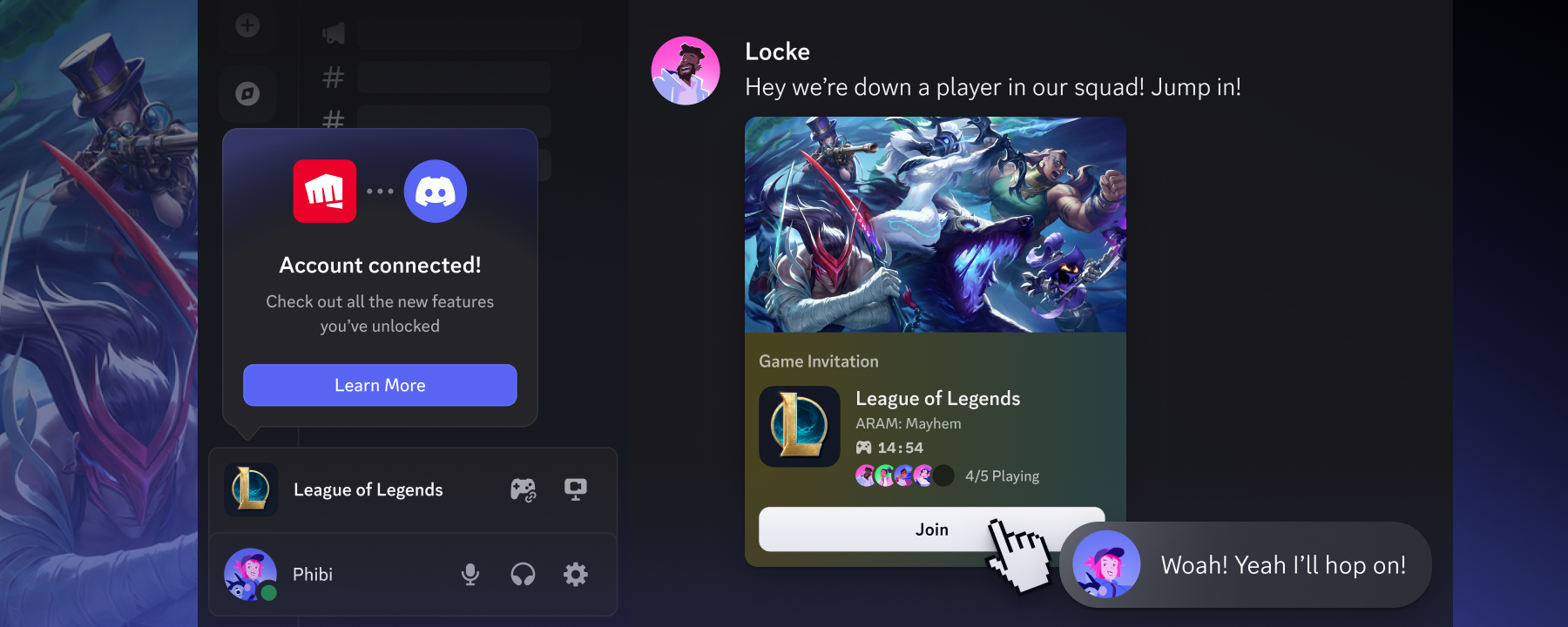
  • Fixed an issue causing Game Invites for League of Legends to sometimes not function properly.
  • Resolved an issue on Android with the Forest theme missing a gradient.
  • Fixed a bug that caused the item selection in search results to get stuck to the first item offered, as long as it remained in the list, creating unintuitive navigation when pressing Enter/Return.
  • Fixed an Android issue that displayed duplicate information on the server invite screen. Fixed an issue on Android that displayed repetitive infor-
  • Fixed a bug that caused an old popover promoting Media channels to server admins to render. The web link it went to also 404’d 😬. From 404 to now… no more.
  • Fixed a bug on Desktop that prevented selecting the “Skip” option for adding Roles when creating a private channel.
  • Fixed an alignment issue in hang status between the icons and the text.
  • Fixed a bug on Android with modal z-ordering when deleting permission settings.
  • Fixed a bug that made hyperlinks too large in a channel’s description on Desktop.
  • Fixed a Mobile Shop issue that caused collectibles with variants (like multiple color styles of one Avatar Decorations) to sometimes not show those other variants.
  • Fixed padding issues in the Hardware Acceleration tooltip in settings.
  • Fixed a bug that caused certain games to not generate functioning “Join” invites in Overlay.
  • Fixed a bug that prevented CMD/CTRL+T from closing Quick Switcher properly.
  • Fixed an issue where copying a webhook URL from the Integrations screen in Server Settings didn’t provide any sort of visual confirmation.
  • Fixed an issue that would cut off links in tooltips when hovering over certain elements in a Game Profile.
  • Fixed a bug that caused message limit elements when composing a message to overlap, preventing people from using the expression picker button.
  • Fixed a bug that caused the Onboarding channel and Role Select dropdowns to render off-screen in Server Onboarding. 
  • Resolved image alignment issues on the Nitro Home tab on Desktop.
  • Fixed an issue with embeds rendering in the Delete Message modal on Desktop.
  • Sorting Roles in Role Settings on Mobile should now work properly again. 
  • Using “Back” navigation via mouse should now properly navigate you out of a game widget in the user profile.
  • Audit Logs now properly render reasons for channel deletion.
  • Resolved alignment issues on the Desktop app with the Member List in Channel Permissions.
  • Resolved alignment issues with the Role deletion icon in Channel Permissions.
  • Fixed an alignment issue with the avatar and status button in user profiles on Mobile.
  • Fixed an issue with sensitive content notifications being right-aligned instead of left-aligned under the message.
  • Fixed a bug that prevented using the CTRL/CMD+F from pre-filling your search query with the text channel you’re currently looking at.
  • Resolved an issue that caused the “Boost Server” button in server settings to not render properly in servers that are at the emoji limit. 
  • Fixed a bug that caused copying links via the right-click menu to temporarily break keyboard shortcuts.
  • Fixed an issue that caused the full-screen back-swipe gesture on iOS to stop working for users on iOS 26.
  • Fixed an issue with inconsistent styling for switches in the “Off” position on iOS.
  • ​​Fixed an issue that caused the Settings page to scroll too aggressively on iOS.
  • The Role selector for admins can now be scrolled again. This mainly affected servers with a very large number of roles.
  • Fixed an issue on Android that caused the Role Color picker to not work properly.
  • Fixed an alignment issue affecting elements within the Server Onboarding modal. 
  • Fixed a bug in certain browsers that caused the server list to render incorrectly, with server icons being misaligned and too large.
  • Fixed an issue that caused Boost buttons to not render properly when focusing on boost levels in the Server Boost flows using a keyboard.
  • Fixed an issue that caused non-removable Roles to render the Remove Role element.
  • Fixed a couple of issues on iOS that could cause Discord to prevent your device from going to sleep when set down.
  • Fixed an issue where the error message for too many username changes informed the user of a 3-day waiting period instead of the actual 7-day waiting period.
  • Fixed an issue with Channel Status text where hovering over the element while using certain zoom levels would cause the text to unintentionally scoot around.

Chat

  • We shipped some improvements to our embeds for Reddit links, showing details like the subreddit and treating comment links differently from post links. 
  • Message React notifications should now properly render the user’s avatar and not the generic Clyde avatar.
  • Fixed a bug that caused significant empty space in the GIF picker on Desktop.
  • Fixed a UX regression on Mobile that prevented letting go of the Voice Message button from stopping your recording. It should work how it used to again.
  • Fixed a bug on Android that caused reactions on Light theme to have no background color.
  • Fixed a bug on Android that prevented tapping on timestamps within embeds from displaying the exact time.
  • Fixed a bug on iOS that caused the Chat Input bar to be slightly off-center from the other buttons around it.
  • Fixed a bug on Desktop that caused linking to very large messages to not direct users to the start of the message.
  • Fixed a bug on iOS that would render dark squares before emojis within Markdown. 
  • Fixed a crash that could occur on very old Android versions (Android 7/8) when opening the expression picker.
  • Fixed a bug that caused code blocks in chat to render with blank space around them on iOS.
  • Fixed a bug on Desktop that caused the element that contains stickers in chat to incorrectly fill the entire width of the message view.
  • Fixed an issue on Desktop where the “Download” button for plain text file previews wasn’t working.
  • Fixed an issue on Android that caused Emojis in forwarded messages to not render properly.
  • Fixed an iOS issue that caused message requests marked as spam to not render individual items properly; it would instead duplicate the first one for the entire list.
  • Fixed an accidental removal of the Forward Message button in DMs. 
  • Fixed a bug on Android that caused scrolling the emoji list without lifting your finger to be treated as a long press.
  • Fixed a bug with repeatedly tapping on a long, spoilered message that would cause slowly-drifting formatting. 
  • Fixed an issue where server join messages could have incorrect grammar when viewed as search results.
  • Resolved a bug causing the “Wave to say hi!” prompt following a system server join message to have a dark background on Light theme.

Activities and Apps

  • Fixed an alignment bug with icons for Apps with very long display names.
  • Fixed a consistency bug in the Spotify embed card that would swap between using elapsed time vs time remaining depending on the view.
  • Changed how we render transparent portions of app icons in App Directory to better illustrate the transparency. 
  • Fixed an alignment issue with App avatars in the active server invites list.
  • Fixed an error affecting iOS 26 users when using the Watch Together Activity.

Audio/Video

  • We recently shipped background replacement for video calls on Linux! You can now set your background to that sweet green binary stream from… uh… that one movie.
  • Fixed an alignment issue with the RTC panel and the profile popout when launched from the RTC panel.
  • Fixed a Desktop issue that could cause the Mute icon to disappear on user tiles when viewing an active voice call.
  • Fixed an issue that caused embedded invites to watch a stream to not include a Join button.
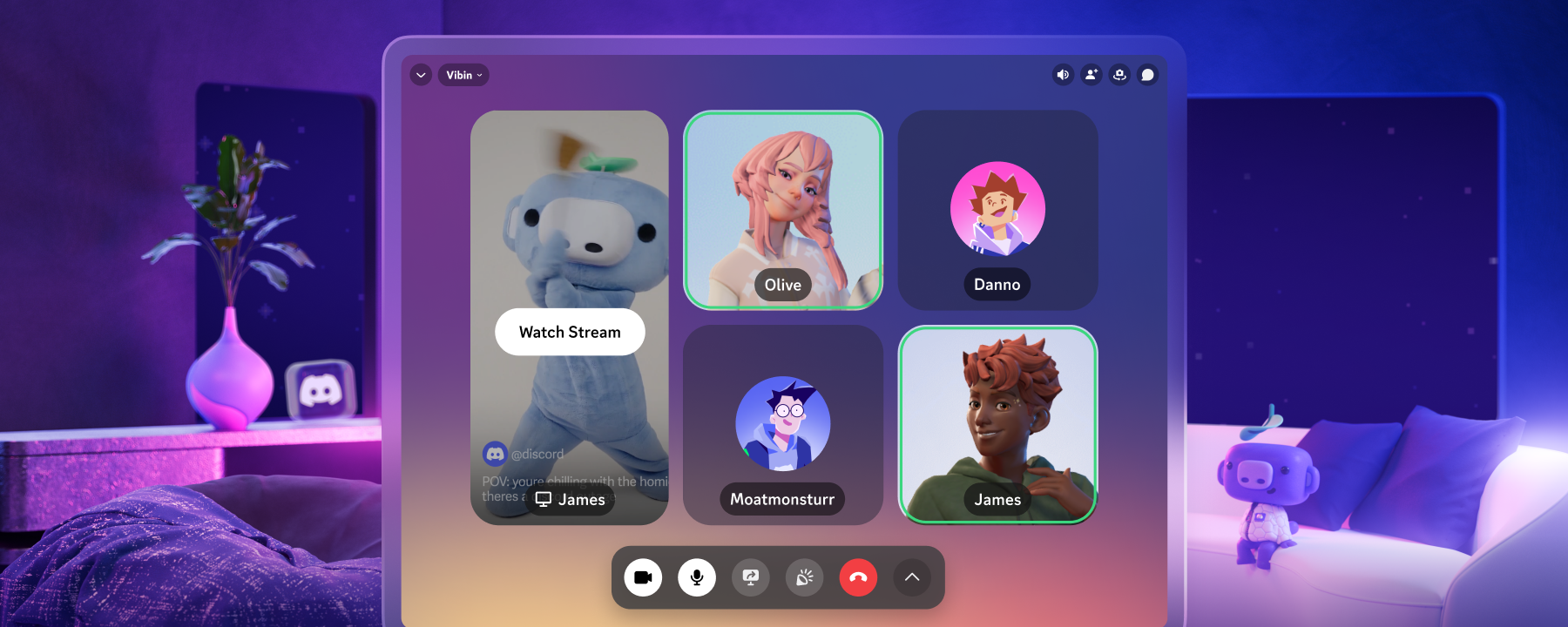
  • Made a slight UX change so tiles for non-video participants in calls render a phone icon instead of a camera icon.
  • Fixed a bug that caused user status to change to “Online” when they’re moved to an AFK channel automatically.
  • Fixed a short-lived bug on Desktop that caused voice indicators (that green highlight around your avatar when you talk) to get stuck on in calls.
  • Resolved an issue with incoming calls in a DM not rendering properly in Dark theme on iOS.
  • Fixed a tricky-to-reproduce issue where actions on the device outside of Discord could cause iOS to unmute incorrectly while in a call. Specifically, if you switched audio outputs between a pair of AirPods and a certain modern electric vehicle's speaker system multiple times… don’t ask.
  • Fixed an issue with the Soundboard menu popover rendering improperly when it was accessed via keyboard navigation.
  • Fixed an issue with the “Audio device change” pop-up overlapping other elements improperly.

Media

  • Fixed an iOS bug that caused button scaling issues when removing reactions in the media viewer.
  • Fixed a bug that caused iOS screenshots taken on certain iOS versions to not attach properly as an image.
  • Fixed a visual regression that caused a black screen to flash when navigating between images in the media viewer. 
  • Resolved a bug that could cause massive performance problems when uploading many sufficiently large photos from an Android device. Framerates were brought to near-nothing until the Mobile app was force-closed and restarted.
  • Fixed a bug that caused trying to use OS-level share on Android while Discord’s own attachment UI was open, causing the navigation bar to render overtop of the chat entry field.
  • Resolved a bug on Desktop causing attachments in Forum Channels to block text.
  • Fixed an issue that could cause the incorrect image preview to render for sent iOS messages.
  • Updated the play button for video embeds in chat to use the more recent play icon.
  • Fixed a bug that caused an incorrect outline for the close button in the media gallery when highlighted via keyboard navigation.
  • Fixed an issue causing video embeds from certain other websites to render an image instead of video incorrectly.
  • Fixed an issue causing certain video embeds to incorrectly scale the video and container based on the length of the video.

Accessibility

  • Spoiler tags should now function properly on iOS with VoiceOver. We apologize for any spoilers spoiled by spoiler tags spoiling things.
  • Screen readers should no longer always announce “Streamer Mode Enabled” with every username. Although funny, this was mostly just confusing.
  • Screen readers will now announce file names as part of the “Remove Attachment” button when modifying attachments in a message.
  • Screen readers can now access and properly announce the “Close” button in the “Choose your channels” flow. 
  • Screen readers will now start their focus on headers in new server creation flows.
  • Fixed several issues with Voice Messages affecting screen readers. These should be far more accessible following the changes.
  • The username in the Profile view now has a heading markup for screen readers.
  • Screen readers should now announce the server name in Server Settings.
  • Screen reader focus should no longer shift when collapsing the bottom sheet.
  • Screen readers can now focus on the “Discard unsaved changes?” modal in the “Edit Note” flows.
  • Screen readers now properly treat the “Link your Account” elements in Quests flows as a heading.
  • Fixed a bug that caused screen reader focus to shift when the “Toggle media keyboard” button is used to initiate a collapse.
  • Screen readers can no longer focus on background elements in the Activities list in DM calls.
  • VoiceOver should now properly announce dates and hours for sent messages.
  • Screen readers should now be able to access the Settings and Shop elements at the top of someone’s profile when they have a Profile Effect enabled.
  • Resolved contrast issues in the “Set your Status” modal.
  • Screen readers are now informed of the lock icon near a channel name, indicating that the channel in question is private.
  • Resolved issue with low contrast with the ongoing call indicator in a DM.

All relative measurements cited were performed internally with our own instrumentation and tooling.

… oh hey, you read everything! If you’re itching for the latest updates to Discord, you can find our previous Patch Notes articles here, or check out our archive of past Changelogs if you’re more into the fun stuff.

related articles