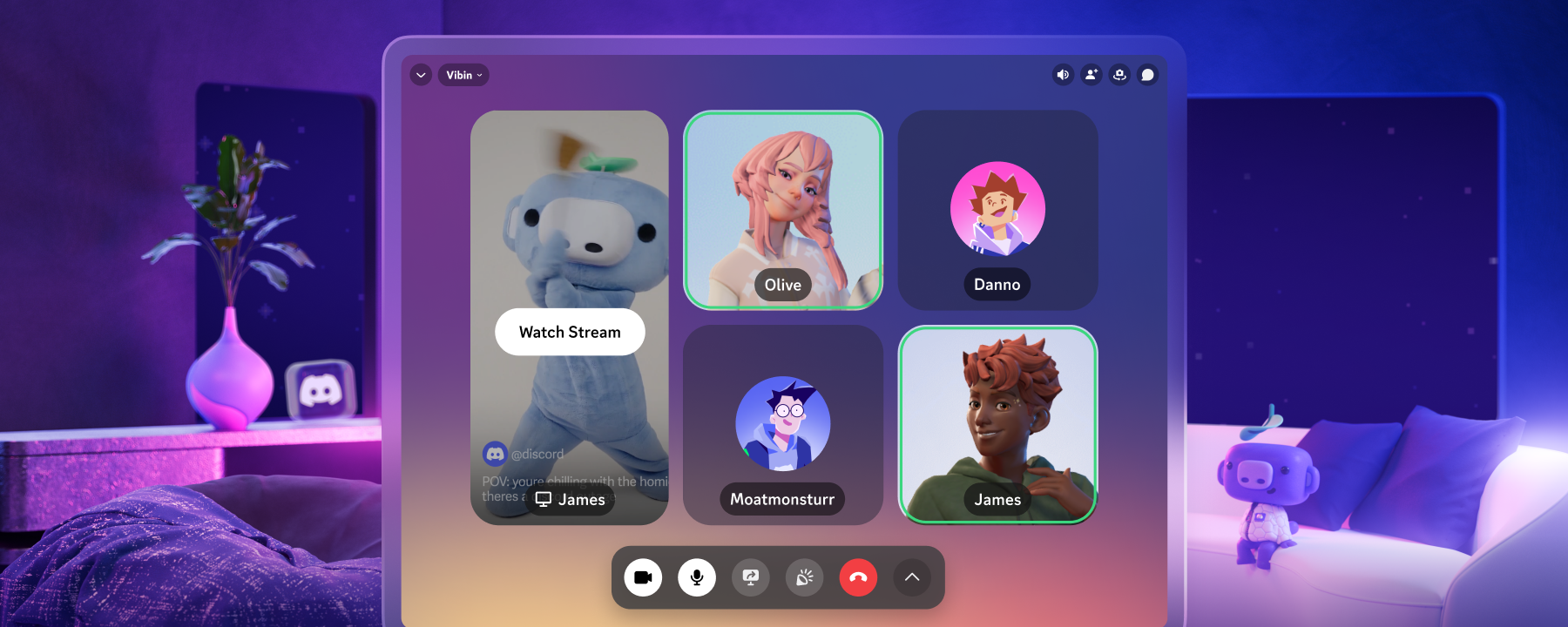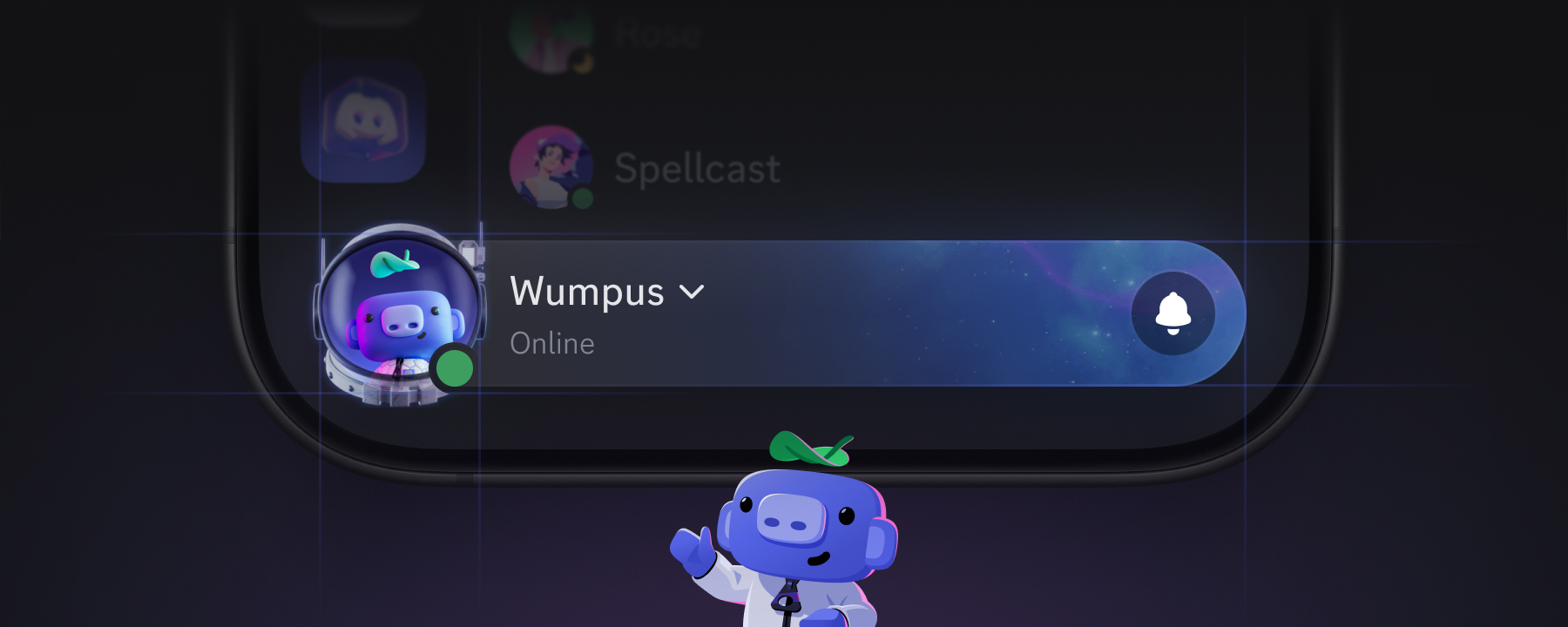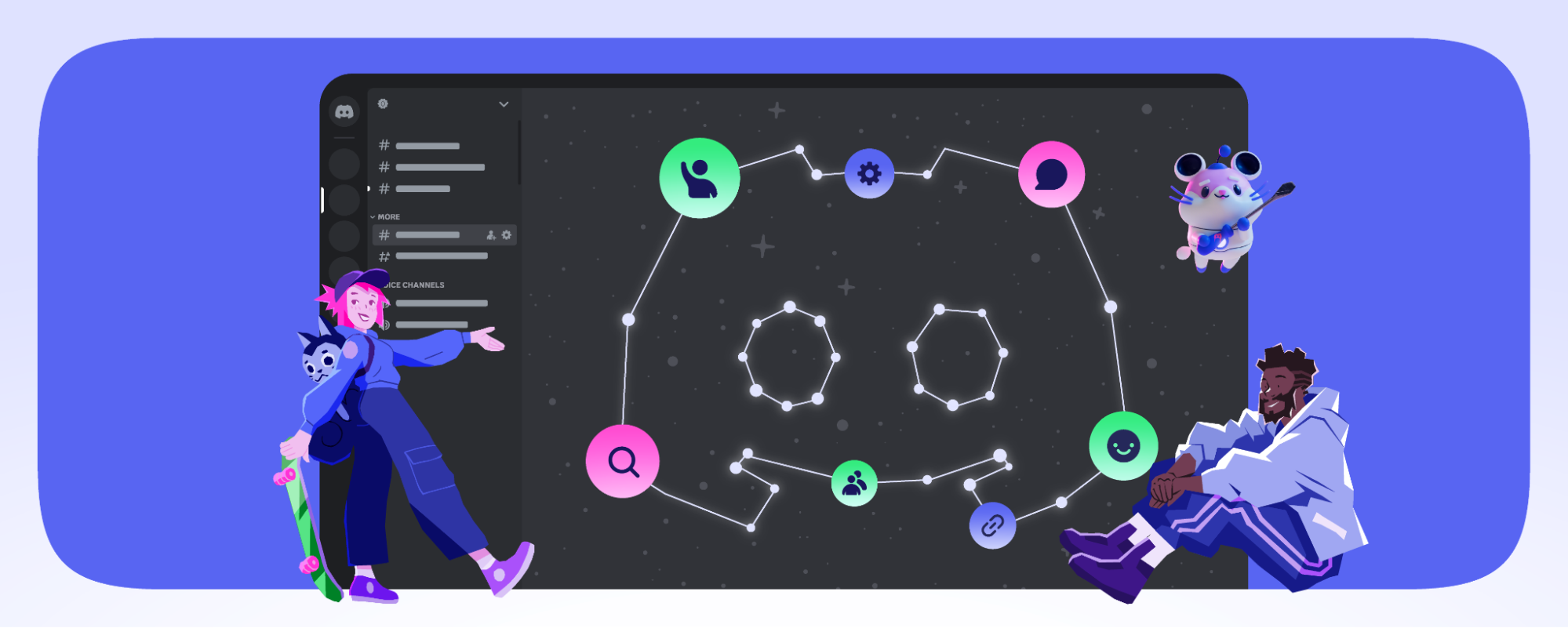

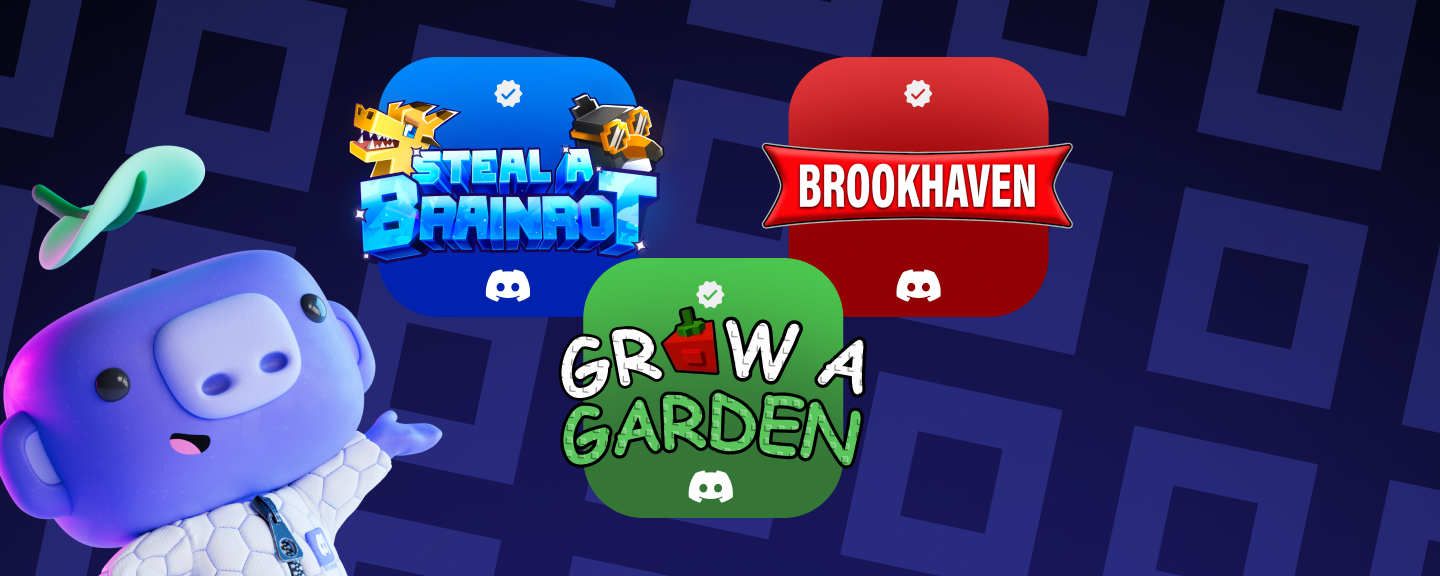
Wumpus gesturing towards three icons showing Steal a Brainrot, Brookhaven, and Grow a Garden.
Product & Features

Official Discord Integrations for Steal a Brainrot, Grow a Garden, Brookhaven RP, and more

Today, Steal a Brainrot, Brookhaven RP, Grow a Garden, and more are launching their Discord Social SDK integration, which provides them with additional server safety and engagement benefits for their player communities on Discord. This follows the latest developer-focused advances to our platform, working with some of the largest developers like Riot Games and EA to provide powerful community management solutions, social integrations, and easy invite flows. Now, it’s possible for developers of some of the most popular games built on Roblox to access these same tools and functionality, along with an additional layer of safety capabilities for their community.

Developers can also choose to unlock deeper social experiences for players in official game servers, including Rich Presence, which allows players to share their game status with their Discord friends, and easy Game Invites so players can find their team, share an invite, and launch their session, all with Discord account linking.

What’s new

Integrated Community Safety Functionality: Developers can gate participation in their official game server, so when players visit (or join for the first time), they are prompted to link their Roblox account using our standard connections flow, as well as authorize the server's specific Roblox game. This establishes they are Roblox players before they can participate in the game’s Discord server. This official pathway for players to link their accounts ensures a more consistent account linking experience, with native support. 

For games like Grow a Garden, where community-driven competition is the core gameplay loop, the developers at The Garden Game can gate entry to their official Discord community server for verified Roblox players only. This helps to keep server conversations amongst fellow Roblox players, and also means that DM communication stays limited to players who share a connection to the game and have linked their accounts, improving user privacy and safety. The integration also enables developers to ban players from their Discord server based on their in-game moderation decisions that can lead to a healthier Grow a Garden community, with less manual moderation.

Connected Accounts, Player Control: Because Discord social features such as Rich Presence and Game Invites only activate for players who have both connected their account and authorized the specific game, this means players decide whether to share their data with Discord and the game’s developer. Players can still control where Rich Presence is displayed in their User Settings as well.

For years, Discord users who play Roblox games could connect their Discord and Roblox accounts through third party apps. Now Roblox game developers implementing the SDK can provide users a native account linking solution.

An example of Activity Privacy settings on the Discord desktop app.
Players can manage their game presence visibility anytime in Settings → Activity Privacy→ Activity Sharing

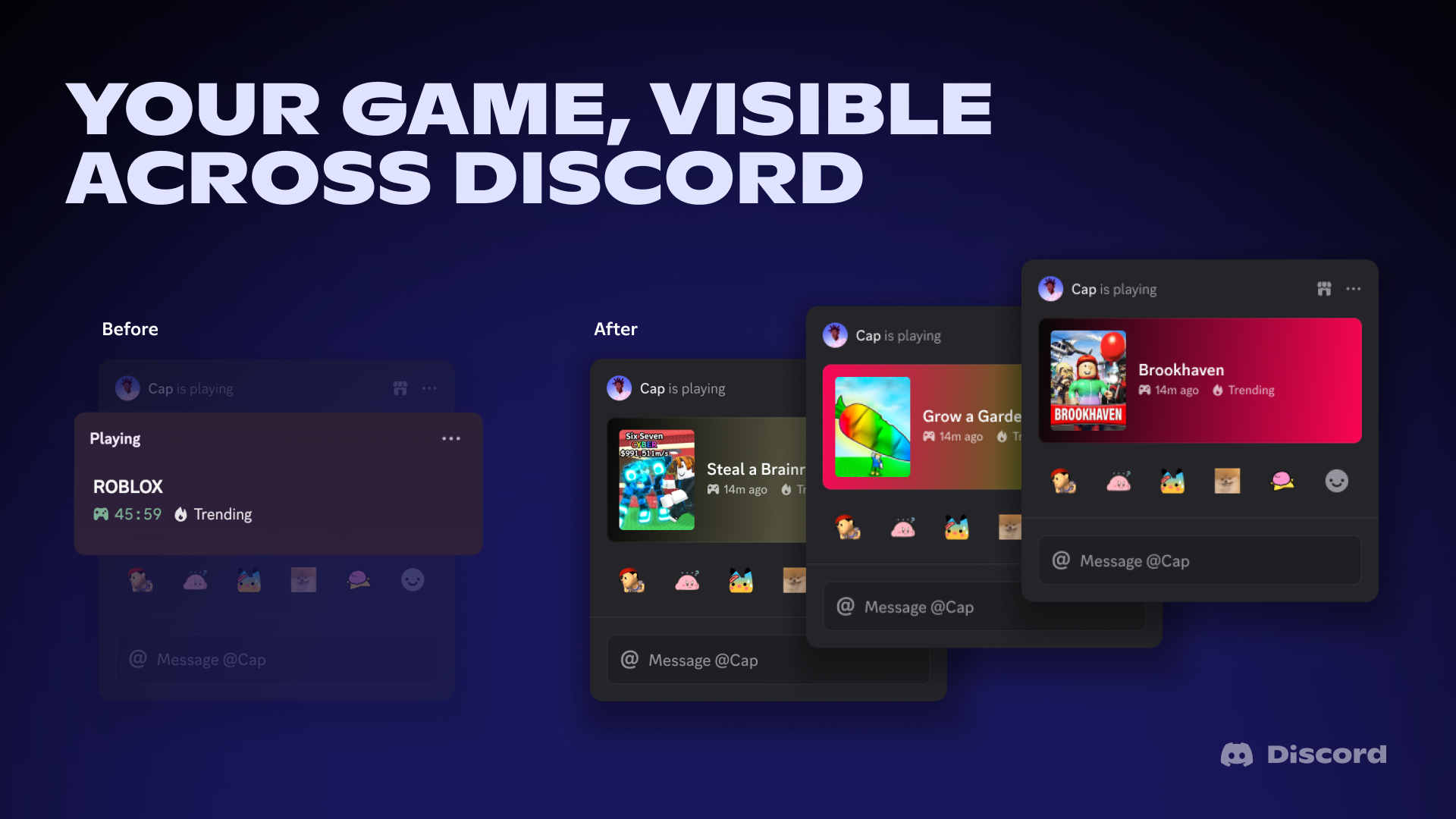
Your Game, Visible Across Discord: Until now, Discord activity status for Roblox players just read "Playing Roblox." For developers whose Discord events routinely pull millions of concurrent players, that's a missed discovery opportunity. With this integration, Voldex can now set Rich Presence for Brookhaven RP, enabling game details (such as the game’s name, player's in-game location, activity, and other details they define) to display on Discord automatically for their linked players with sharing settings enabled.

A before and after comparison for Rich Presence integrations for Roblox on Discord.
From invisible to visible in Discord player activity

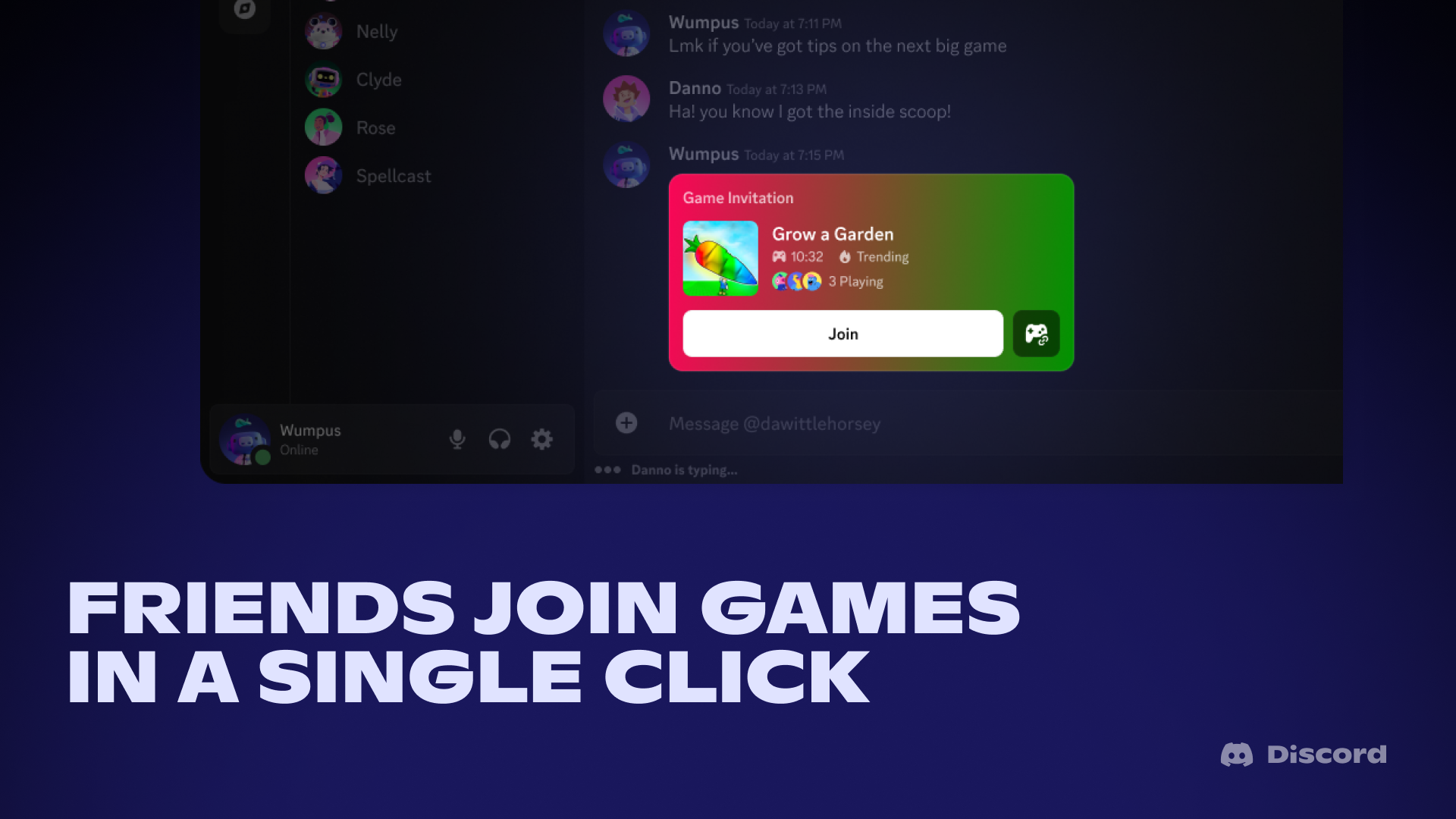
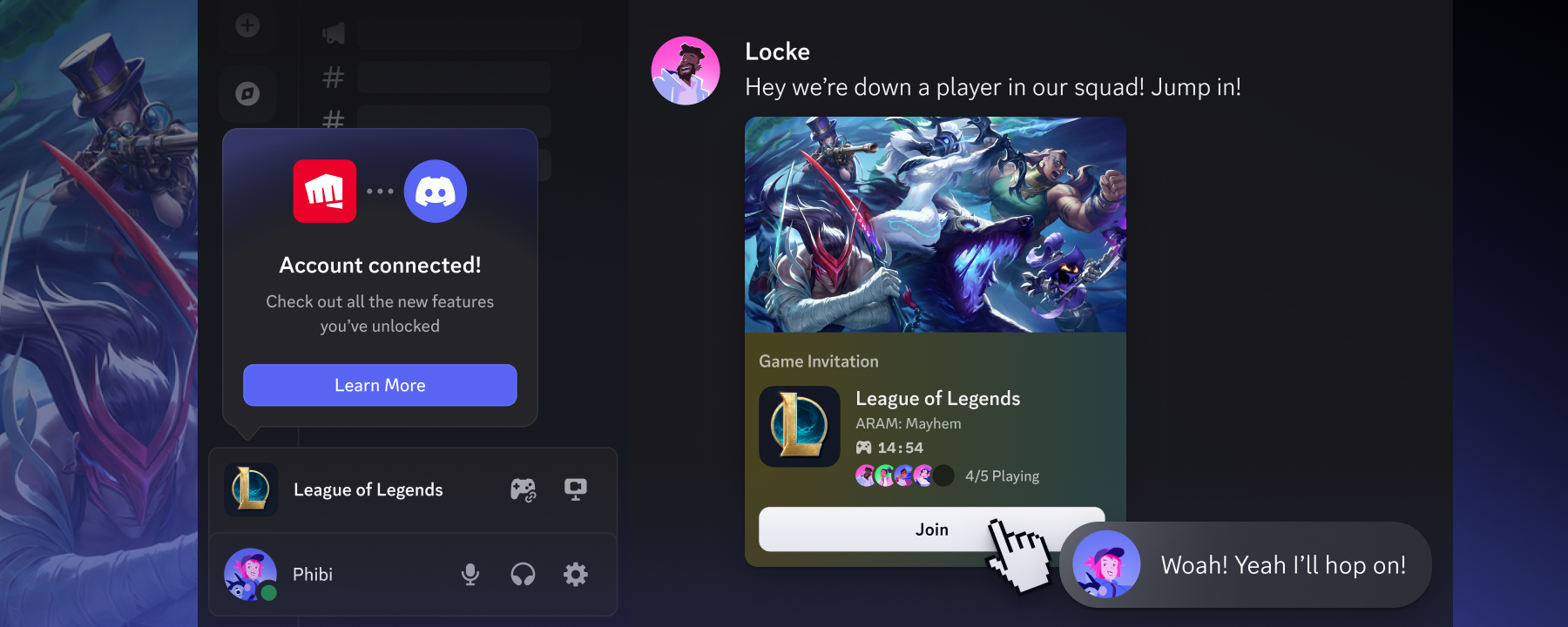
Friends Join Games in a Single Click: This native integration unlocks something players and game developers have wanted for a long time: easy invites. Players on Discord can see what their friends are playing and join their game directly. For Grow a Garden, where inviting others to share in the bounty of one’s carrot patch is a core part of the cozy experience, players can grab their friends to share, trade, and admire each other's harvest all while hanging out together in Discord. 

An example of Roblox invites directly in Discord.
Players can invite friends into Grow a Garden directly from the Grow a Garden server, making it easier than ever to jump into a session together.

What's Next

One of the things I love most about working on Discord is seeing how communities form around games in ways that can surprise us, and the Roblox ecosystem is a good example. Thousands of independently built games, each with its own players, its own culture, and its own, dedicated community thriving on Discord. Think of “admin abuse” events in Grow a Garden, where the game’s creators jump into shower players with rare items, or “raid-and-defend” loops in Steal a Brainrot, that turn their server into a social battleground. These developers run Discord servers to coordinate drops, host events, collect feedback, and @mention their players back when something new goes live.

For years, we have worked on giving developers across PC, XBOX, and PlayStation the tools to manage and grow their communities on Discord. I am thrilled we now extend these to developers who build on Roblox. 

Check out the integration yourself by joining the communities with Discord integrations today:

👉 Grow a Garden by The Garden Game

👉 Steal a Brainrot by DoBig

👉 Brookhaven RP by Voldex

👉 Driving Empire by Voldex

👉 NFL Universe Football by Voldex

👉 Car Dealership Tycoon by Gamefam

👉 FIFA Super Soccer by Gamefam

👉 How to Train Your Dragon by Sawhorse

👉 Dragon Soul by Dragon Soul Team

👉 Untitled Boxing Game by UBG Team

Got a Roblox game and interested in a Discord integration? Let us know here.

Tags
No items found.

related articles