




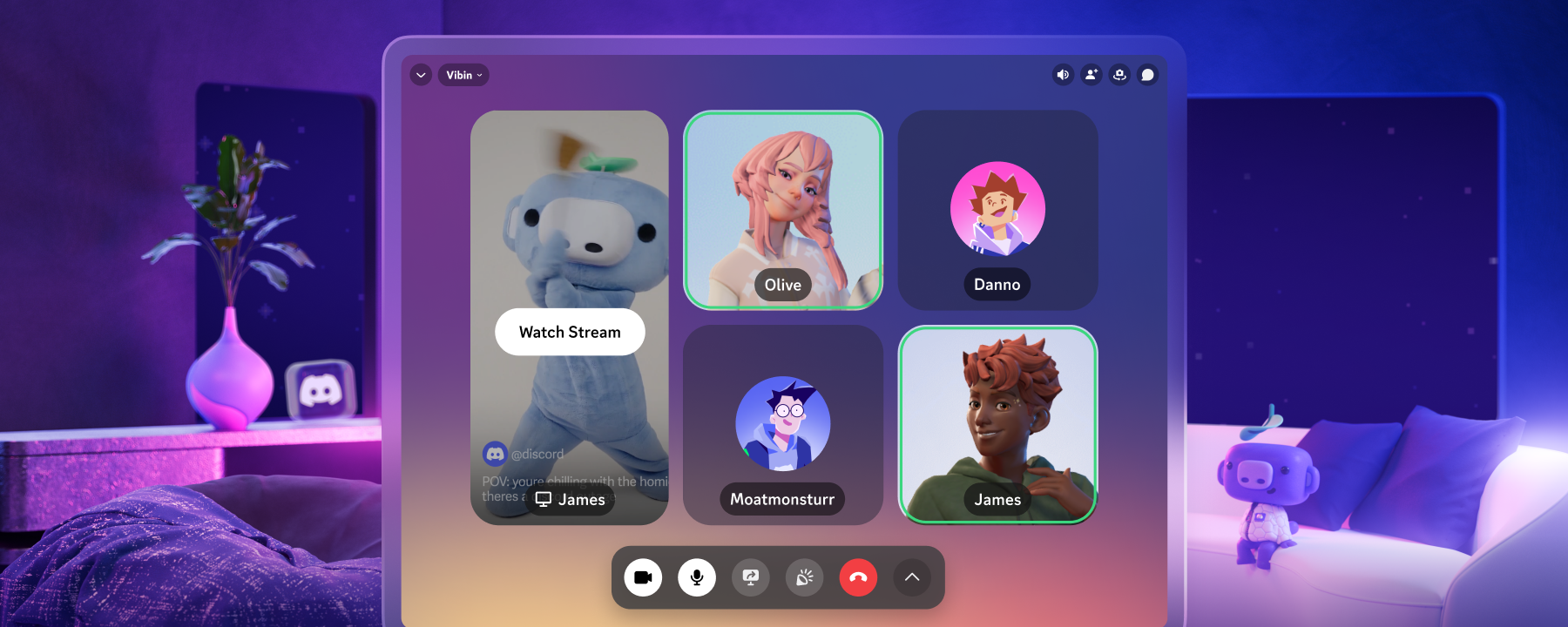

Starting today, Discord is now available to download directly from Meta’s Horizon App Store. No more sideloading the app. No more keeping your Discord friends confined to your headset’s web browser, or using another device to hold your call while in VR.
And all the familiar features from the app are here, including all your servers, DM, and Group DM conversations. It’s the full, proper Discord experience. And since your Meta Quest headset already has a mic built-in, you can hop in and out of Discord calls any time without fiddling with an external device beforehand.
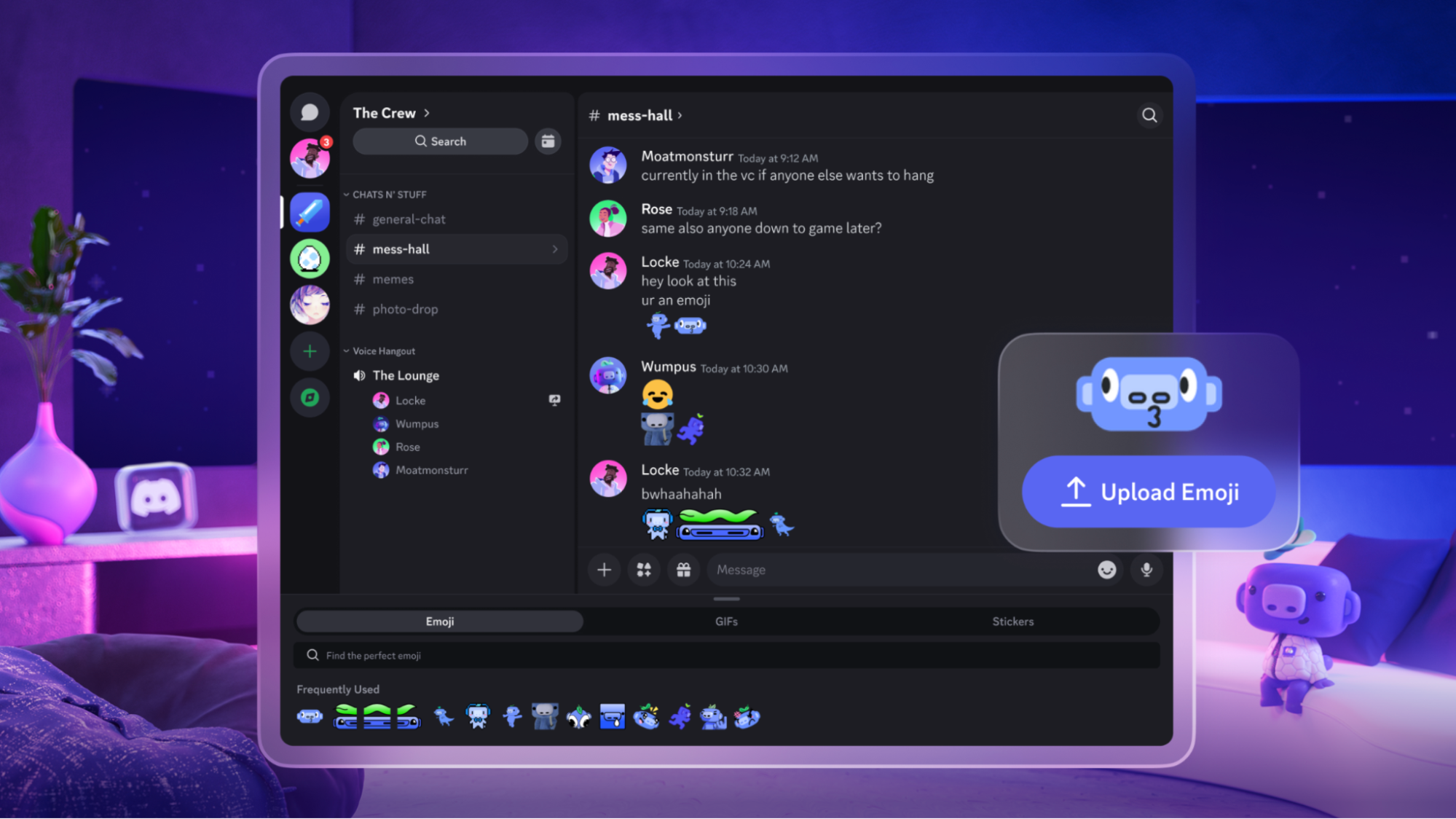
Keep the app pinned in your playspace while trying to aim for a higher score in Beat Saber, or send someone a quick DM on the side while you’re hanging out VR Chat.
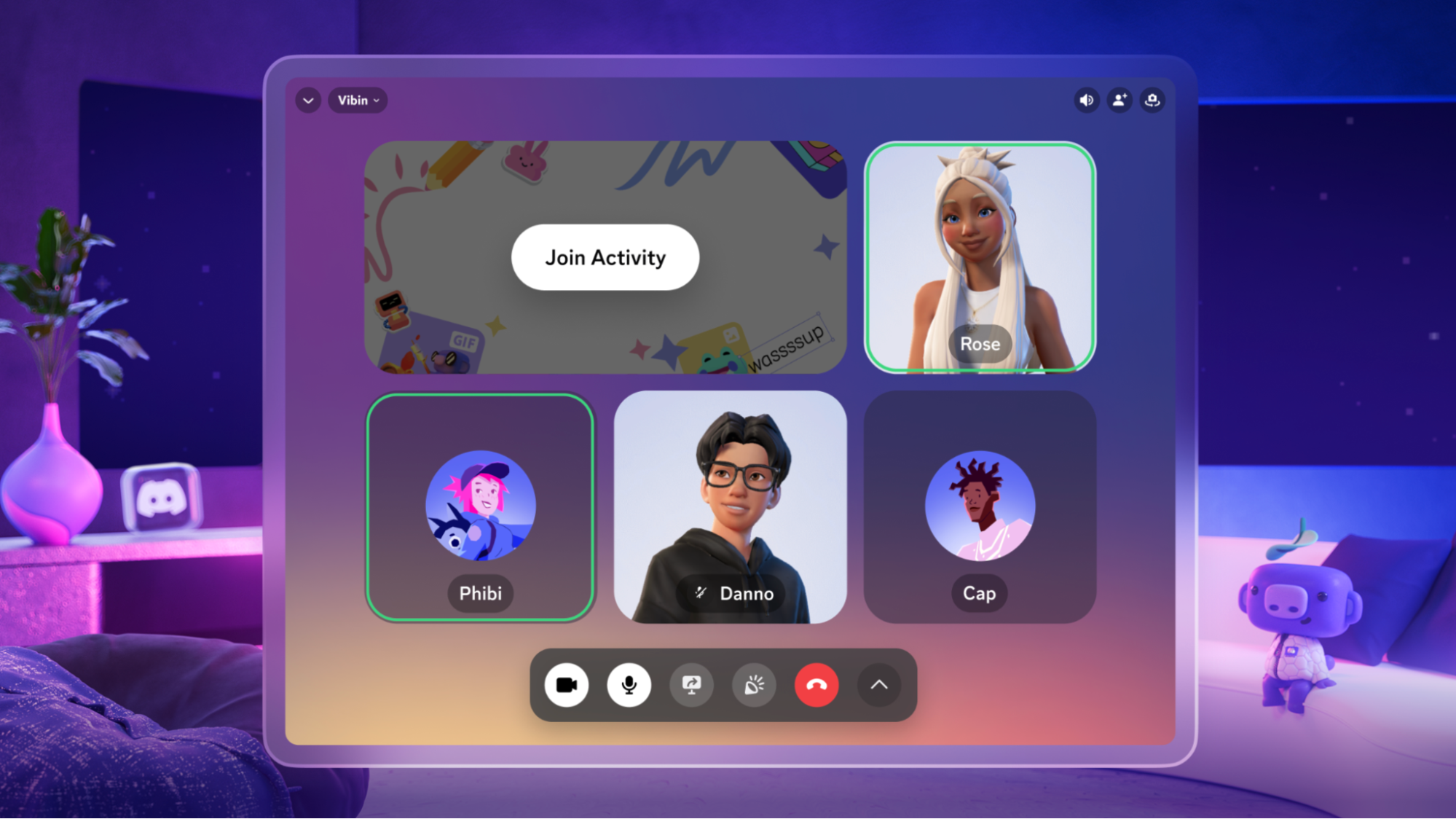
If you’ve set up one of those Meta Avatars that sports an uncannily-close-to-you look, you can even join Discord video chats as your Meta Avatar, and stream your Quest gameplay directly to Discord while you’re wearing your headset. No more wonky workaround of streaming your gameplay to a browser, then streaming that browser tab to your friends.
Got any more questions? Open our Help Center article while in your VR headset and let the support article float around in space while getting Discord set up.







.png)
.png)




Nameplates_BlogBanner_AB_FINAL_V1.png)

_Blog_Banner_Static_Final_1800x720.png)


_MKT_01_Blog%20Banner_Full.jpg)


.png)


