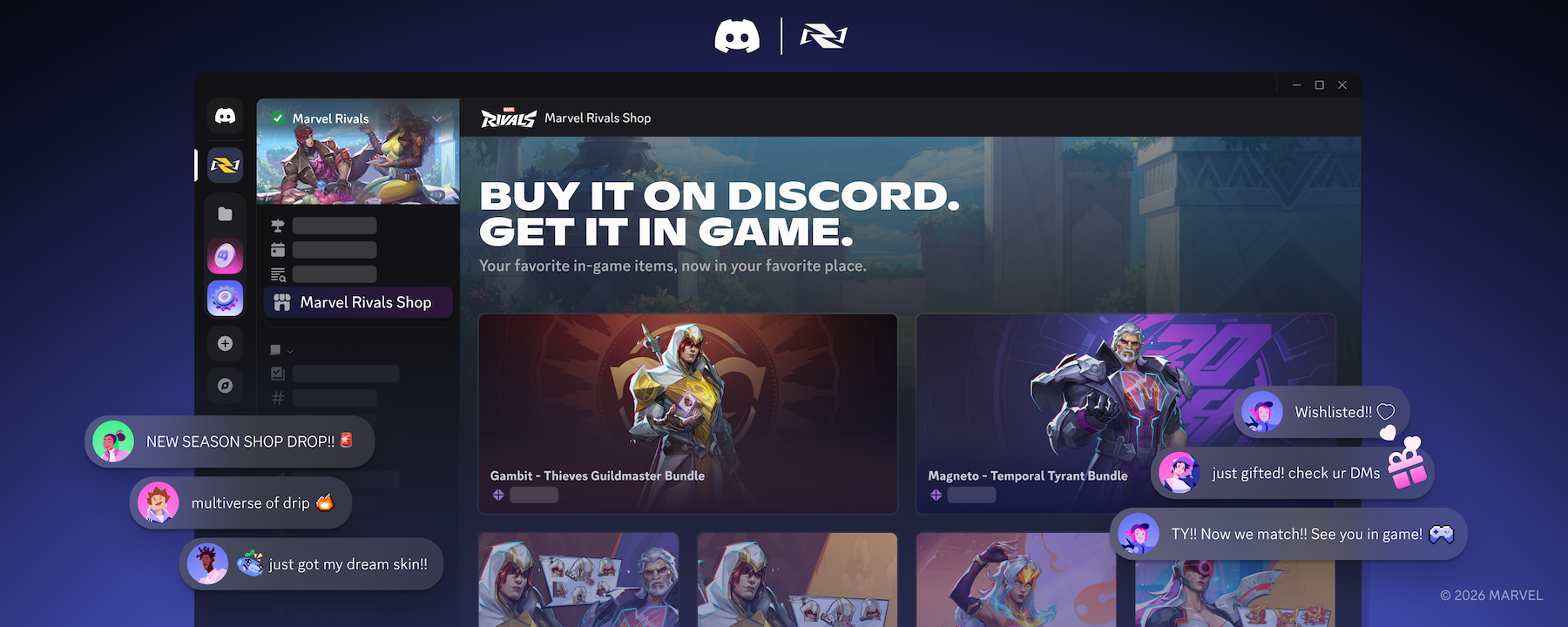

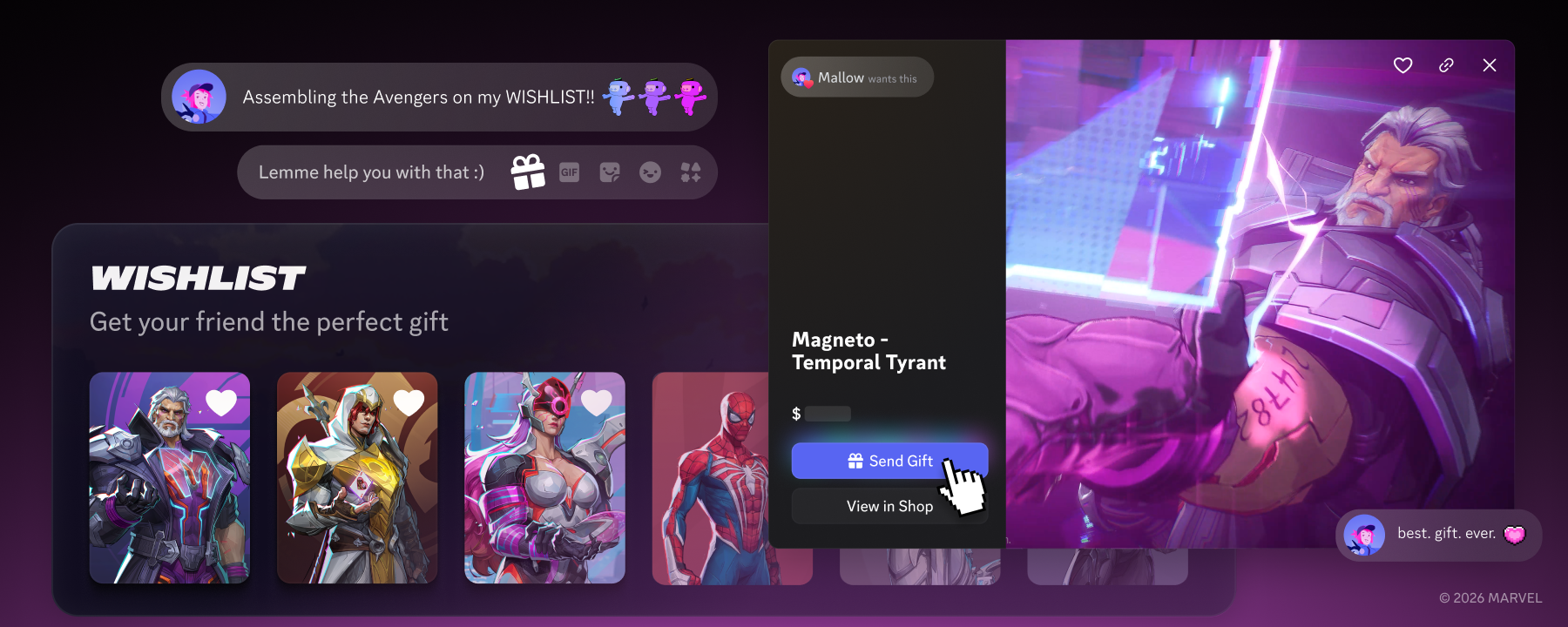
Marvel Rival items in the Shop being shown for Wishlist and gifting.
Product & Features

Save and Display Your Faves: Add Discord Shop & Marvel Rivals Items to Your Profile’s Wishlist

“Where’d you get that Avatar Deco??” you ask your friend with the completely decked out profile. You’ve been peeking around the Shop for something that would fit your own profile perfectly, and the decoration they’re wearing right now might just be calling your name… 

Your friend sends you a link to their Avatar Decoration in the Shop, but while you’re there, you take a peek around and… ohh, look at that Profile Effect! And that Nameplate! This other Profile Deco would work really well in your smaller friend serv— aaaaand you already forgot the first Shop item you looked at. 

But forget no longer! Now, you can keep track of all the stuff from the Shop you’ve been wanting to purchase with the new Wishlist feature. Wishlisted items are displayed directly on your profile, and if you’re lucky enough, maybe one of your friends will see it on your profile and gift it to you… 
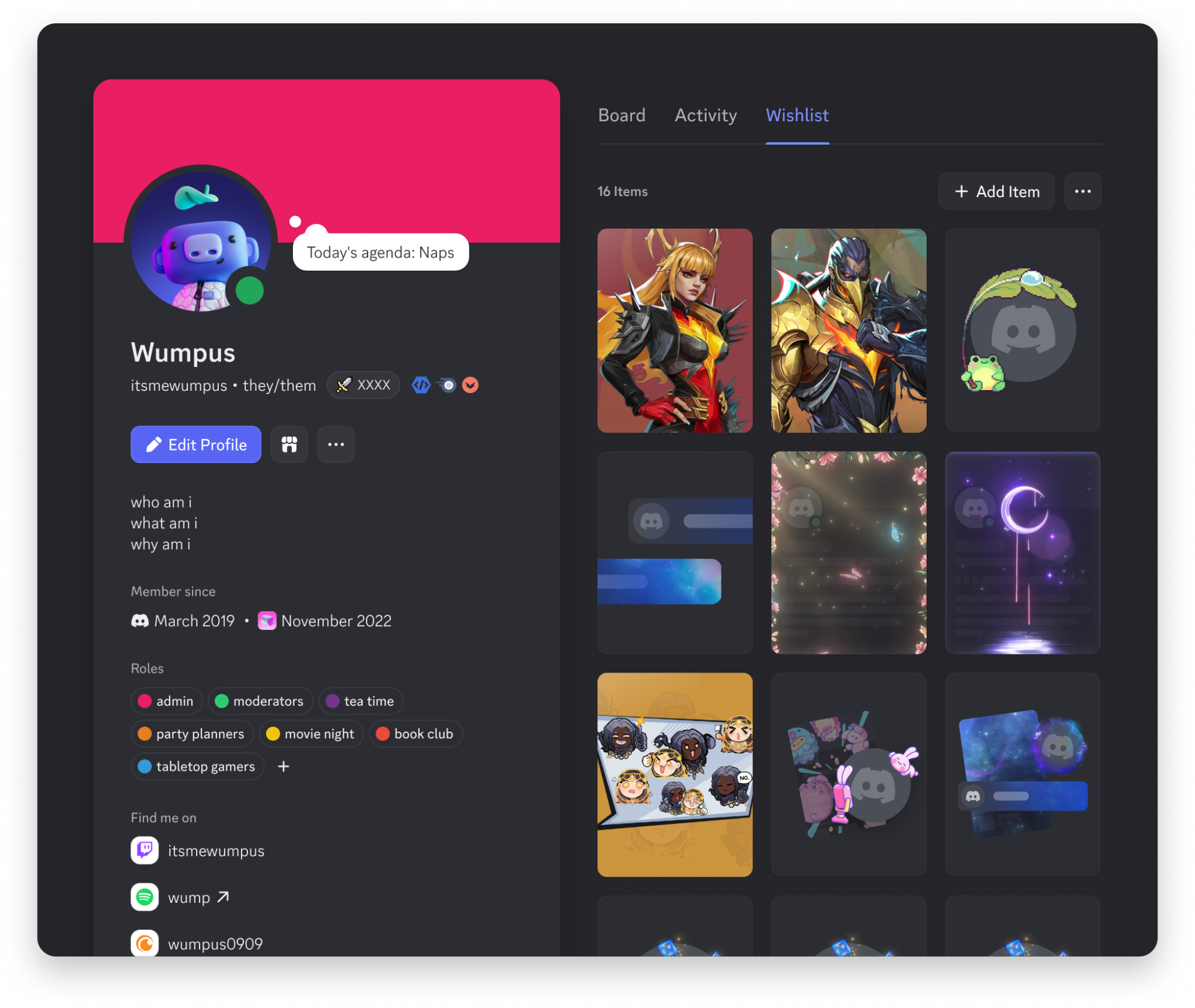
A preview of the Wishlist on a user profile.

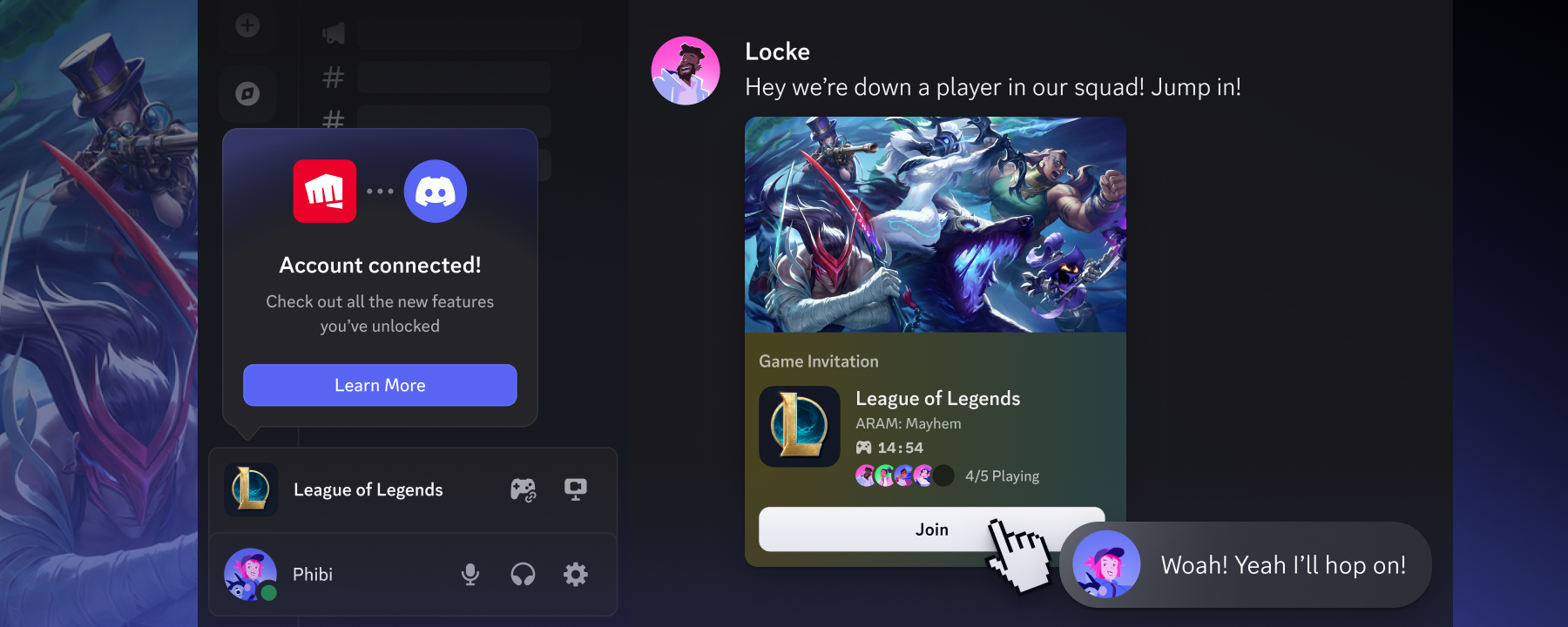
It’s not just Discord Shop items that can be added… starting with Marvel Rivals, you’ll soon be able to add items and cosmetics from select games to your Wishlist on Discord! If someone gifts you an in-game item through Discord and you accept it, it’ll be added to your in-game inventory after linking your Marvel Rivals account to your Discord account. 

Wishlisting something is easy; if you're able to click on this blog, you can add something to your Wishlist! To find out WHERE to click to add stuff to your Wishlist, keep reading on…
How to Add Shop Items to Your Discord Wishlist

You’re browsing the Shop, see a new “Stinkums Reborn” Avatar Decoration, and think: “Wow. This is extremely me-core. I should save this for later.” 

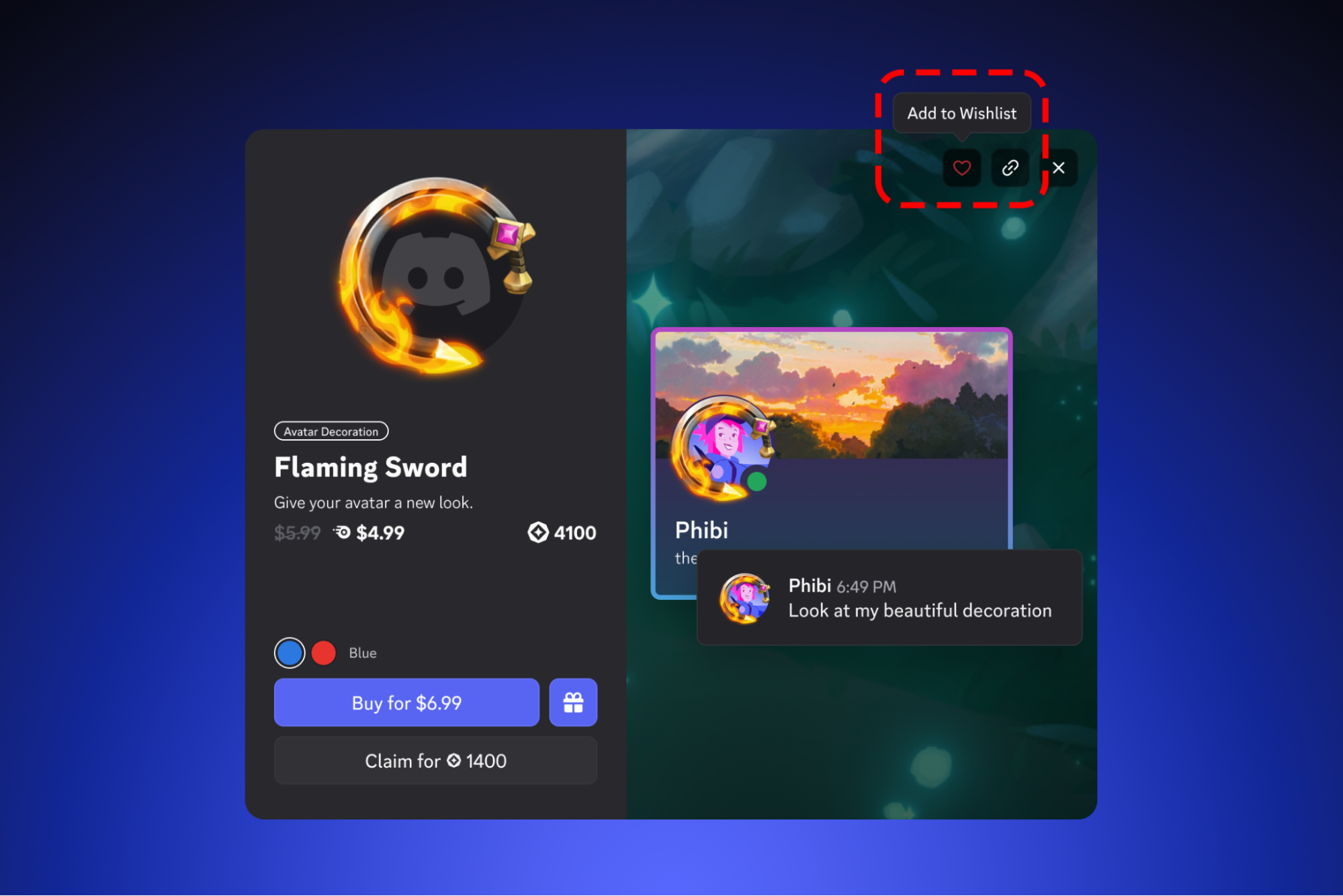
Excellent news: now you CAN save it for later! The next time you’re exploring the Shop, you’ll see a new ❤️ icon on something that you don’t currently own. Just tap the heart and it’ll be added to your Wishlist!

A preview of the Add to Wishlist option in Discord.

Your Wishlist is public and lives on your profile, so your friends can see all the cool stuff from the Shop you’ve been eyeing lately. If someone is kind enough to gift you that Avatar Decoration, Profile Effect, or Nameplate from the Shop, you'll be notified on Discord, and the item will be removed from your Wishlist so you’re not bombarded with five different “Cat Beans” decoration gifts. 

How to Add Marvel Rivals Items to your Discord Wishlist

Nelly recently discovered how to harness the power of CROSS-MULTIVERSE WISHLIST TECHNOLOGY, allowing you to also add Marvel Rivals in-game items to your Discord Wishlist. It took a bit of convincing for The Living Tribunal to agree to this, but we managed to balance things out. 

To add Marvel Rivals items to your Wishlist, you’ll first need to join the official Marvel Rivals server:

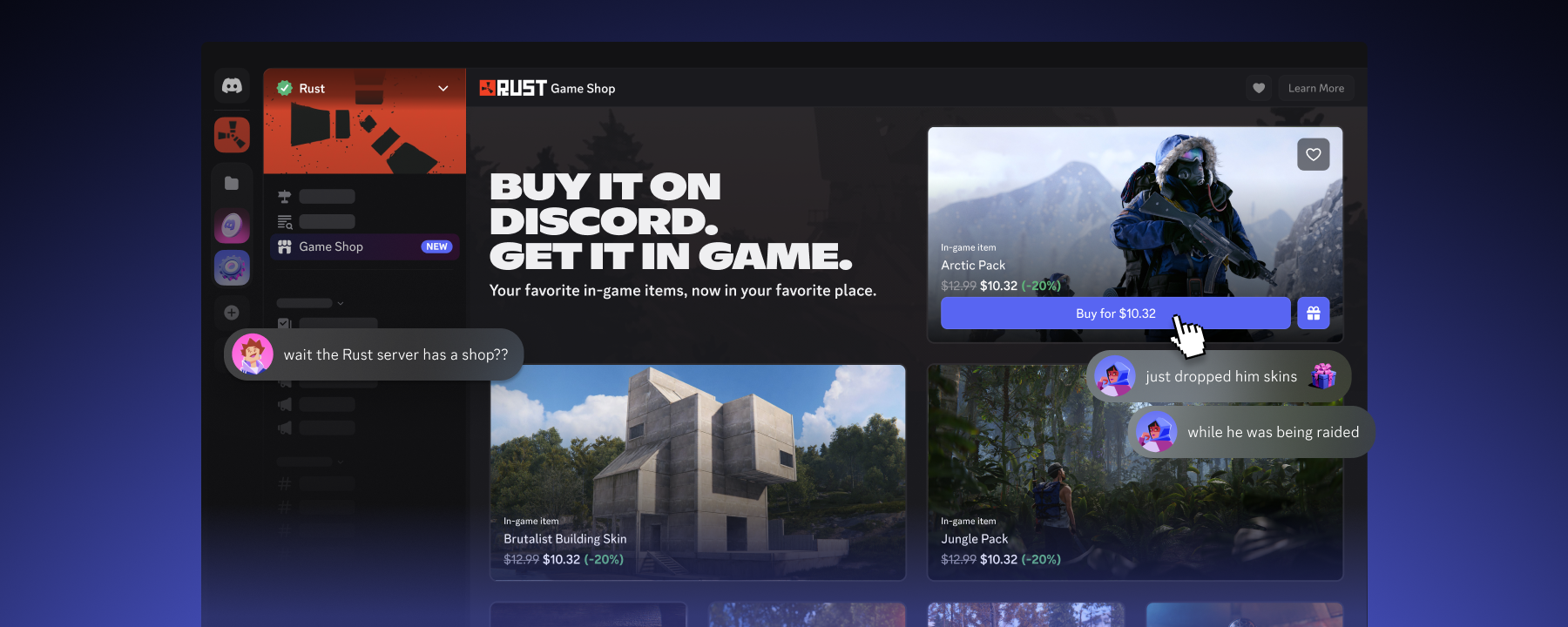
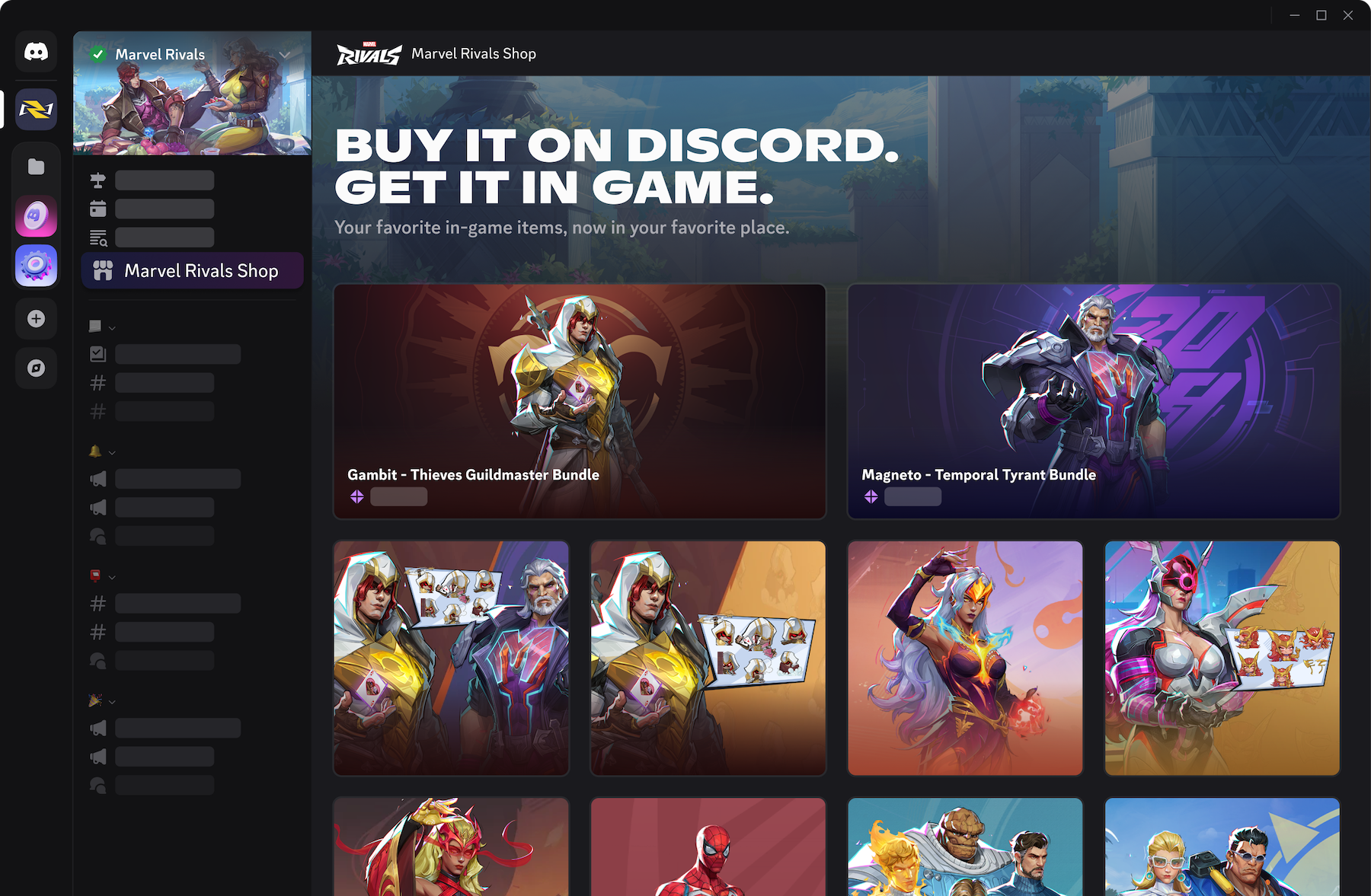
When viewing the server on desktop, you’ll see a channel called “Marvel Rivals Shop,” a brand new type of channel that lets you explore a curated selection of items from the Marvel Rivals store! The Marvel Rivals Shop channel includes the same skins, emotes, and cosmetics you’d see in the in-game cosmetic store — you’ll even see an in-game preview of the cosmetic when you click its listing! 

After you pick one you like (just LOOK at that Jeff skin), you can either purchase it directly from within the Marvel Rivals Discord server or add it to your Wishlist the same way you would an Avatar Decoration or Profile Effect. 

A preview of the Marvel Rivals Shop.

If you’re gifted an in-game item (or you buy it as a treat for yourself), you’ll need to link your Marvel Rivals account to Discord before you can claim it. In addition to being able to accept your shiny new gift, linking your Marvel Rivals account to Discord will give you even MORE gaming superpowers! 

And once you accept it, it’ll be added to your in-game inventory. Wishing for some extra details? Blog & Support have worked together like they always do to pull off their powerful Team-Up move: Help center article. It’s a bit OP.

Do you wish, you wish, there was a list? Of all your desires, for friends to admire? 

Set a suggestion and give it a share, and maybe you’ll get gifted a deco to wear! 

Wishlists are out NOW! The next time you take a peek at the Shop and see something you like but don’t wanna purchase quite yet, add it to your Wishlist. You never know if someone viewing your profile happens to be in a gifting mood today. 

If you’re looking for a gift for a friend this holiday season, and one of your friends isn’t using the Discord Wishlist (yet), take a peek at our Discord Gift Guide! There’s no possible way you’ll be gifted socks now. R-right?.. 

Tags
No items found.

related articles