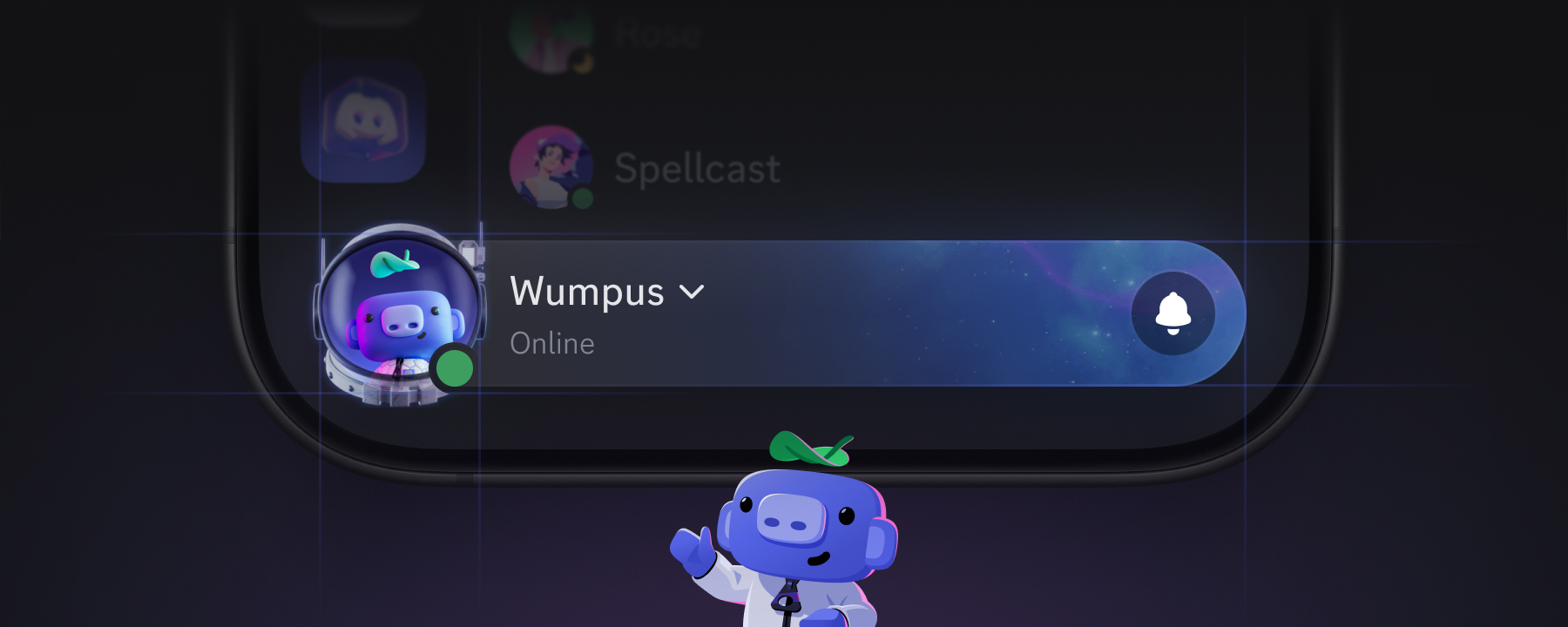
I'm Perry, one of the product designers here at Discord, and we've spent the last little while working on something we're calling the You Bar, which set out to do three big things:
Simplify how you navigate the mobile app
Celebrate your identity
Start to unify our desktop and mobile apps
Now that it's starting to roll out to everyone on mobile, I wanted to share a bit about how we landed on its final design and a glimpse into what's next.
Using Games to Simplify Navigation
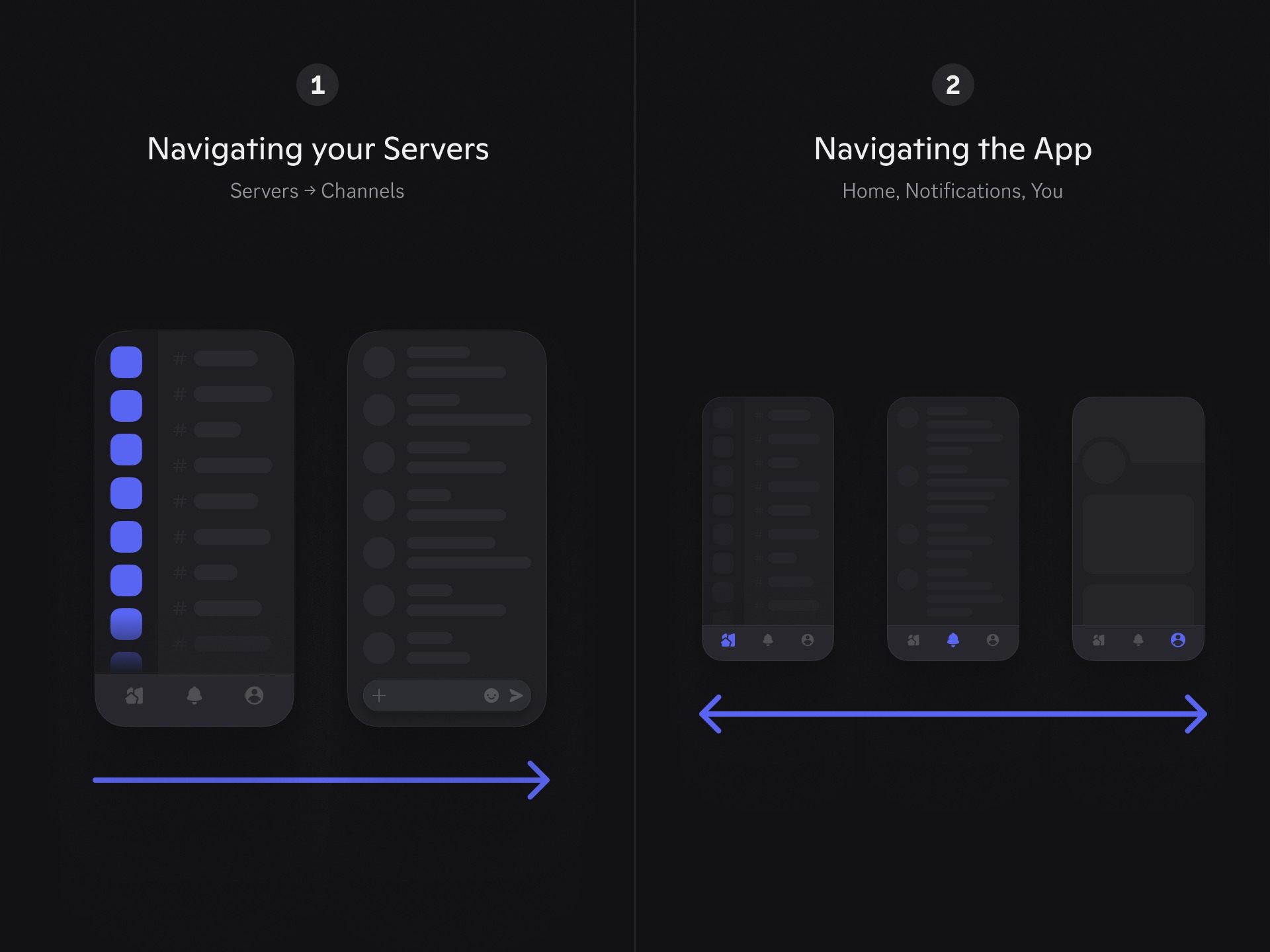
One of the biggest focus areas for us when designing the You Bar was simplifying how you navigate the mobile app itself. If you've used our mobile app for a while, you may have noticed that we have two systems of navigation happening at once: one system for navigating between your servers, and another for navigating to places that weren't servers. We've heard from a lot of you (especially those newer to Discord) that things were getting really complicated as new features were being added.
So we took a deeper look at how the app was actually being used, and noticed that the vast majority of that time was spent navigating servers and channels. You know, chatting, hanging out with friends in voice, catching up on the latest announcements, and all that good stuff. It's what makes Discord, Discord, so it was a no-brainer to lean into designing more of your experience around it.
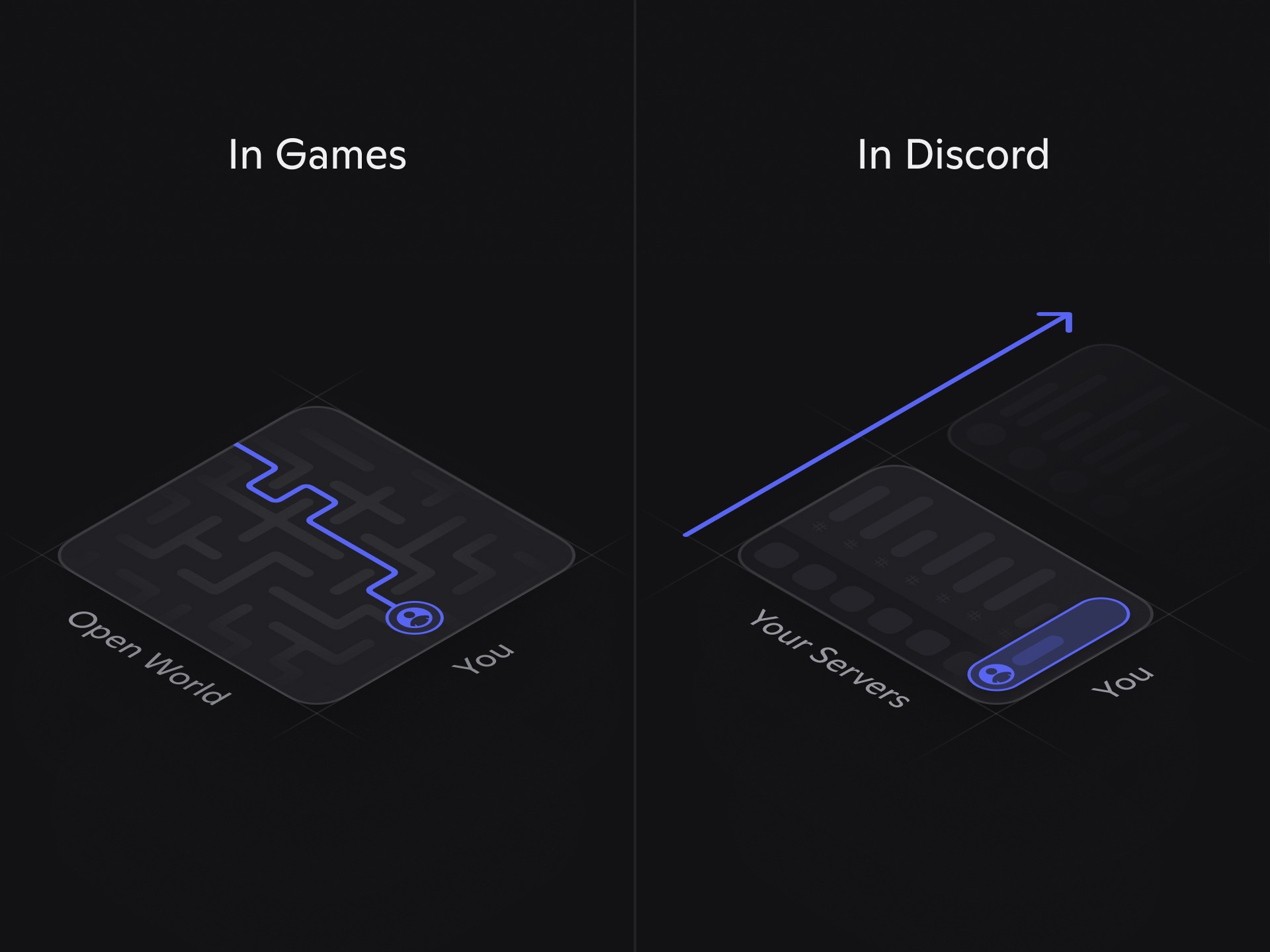
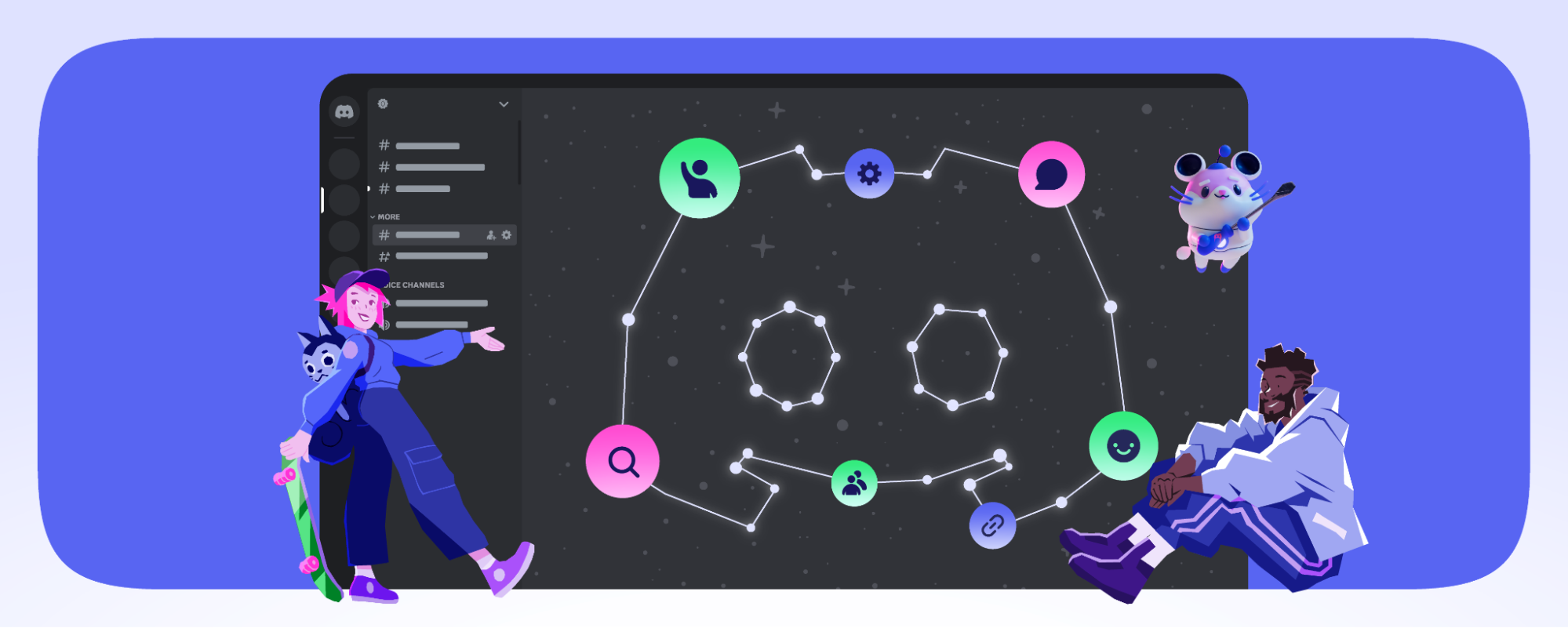
I, like many of you, love playing open-world games, and they were a huge piece of inspiration behind the design of the You Bar. In these games, you're playing a character (or multiple characters), collecting unique gear, swapping outfits, all while traversing a large expansive world.
That's the connection we wanted to establish between you and Discord: where your servers are the open-world, and the You Bar represents you traversing through them.
This framing helped us to simplify towards a single navigation system, one that's shaped around how most of you are already using Discord.
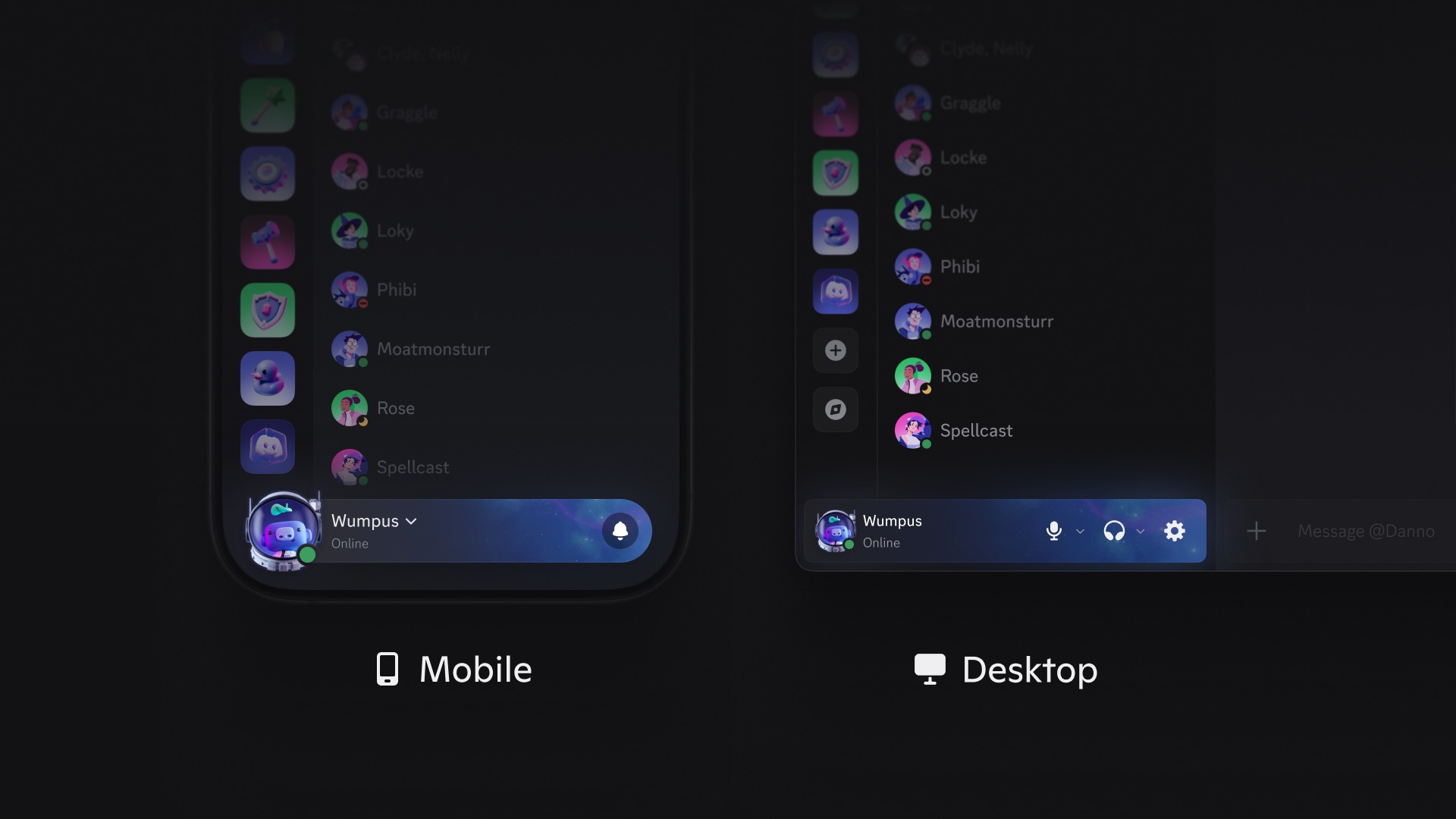
Now, when we make UI changes like this, we know it can feel like it's harder to find where things used to be. Like what are these Discord devs doing? So as we simplified things down, we worked hard to make sure everything you rely on is still right where you'd reach for it:
Tapping the You Bar opens up your profile. Everything on the profile page was kept in place: profile editing, Settings, Quests, Shop, all of it.
Notifications has a dedicated spot on the You Bar. Simply tap on the 🔔 Bell icon to open your Notifications.
A few new Shortcuts on the You Bar to help you get around faster:
Long-press your You Bar to open your Account menu (change online status)
Long-press your Avatar to jump straight into Settings
Swipe from left to right across the You Bar to flip between your DMs and your current server.
The You Bar helps the app run a bit more efficiently with small memory and CPU savings.
Celebrating Identity
Now that the You Bar is a metaphor for you moving through Discord, we wanted to make sure it captured that visually, too. Nestled cozily at the bottom of your mobile app, the You Bar opens up a lot more room for your visual identity:
A brand new part of the app that's all yours, mirroring how you represent yourself across Discord.
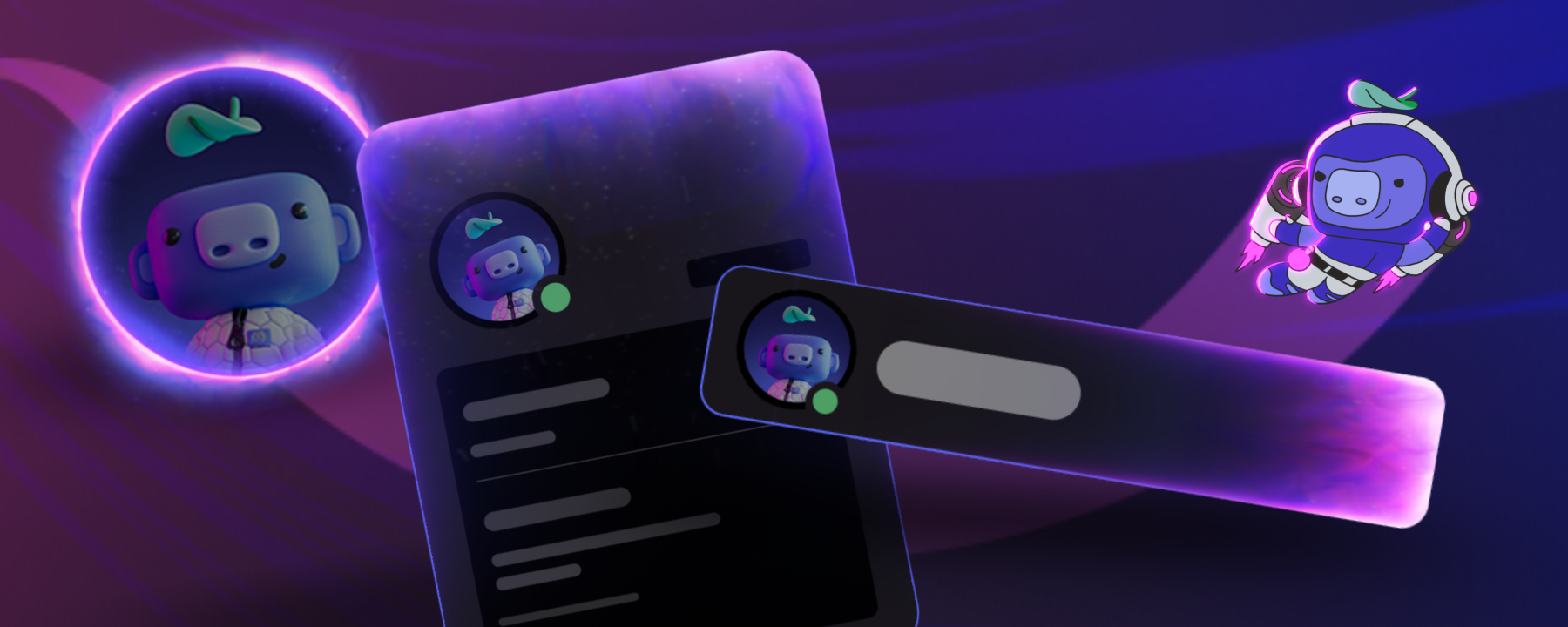
A larger more expressive avatar placement. This is the one time I’ll say yes to “can you make it bigger?” (my fellow designers will understand).
A more polished look for your display name and status.
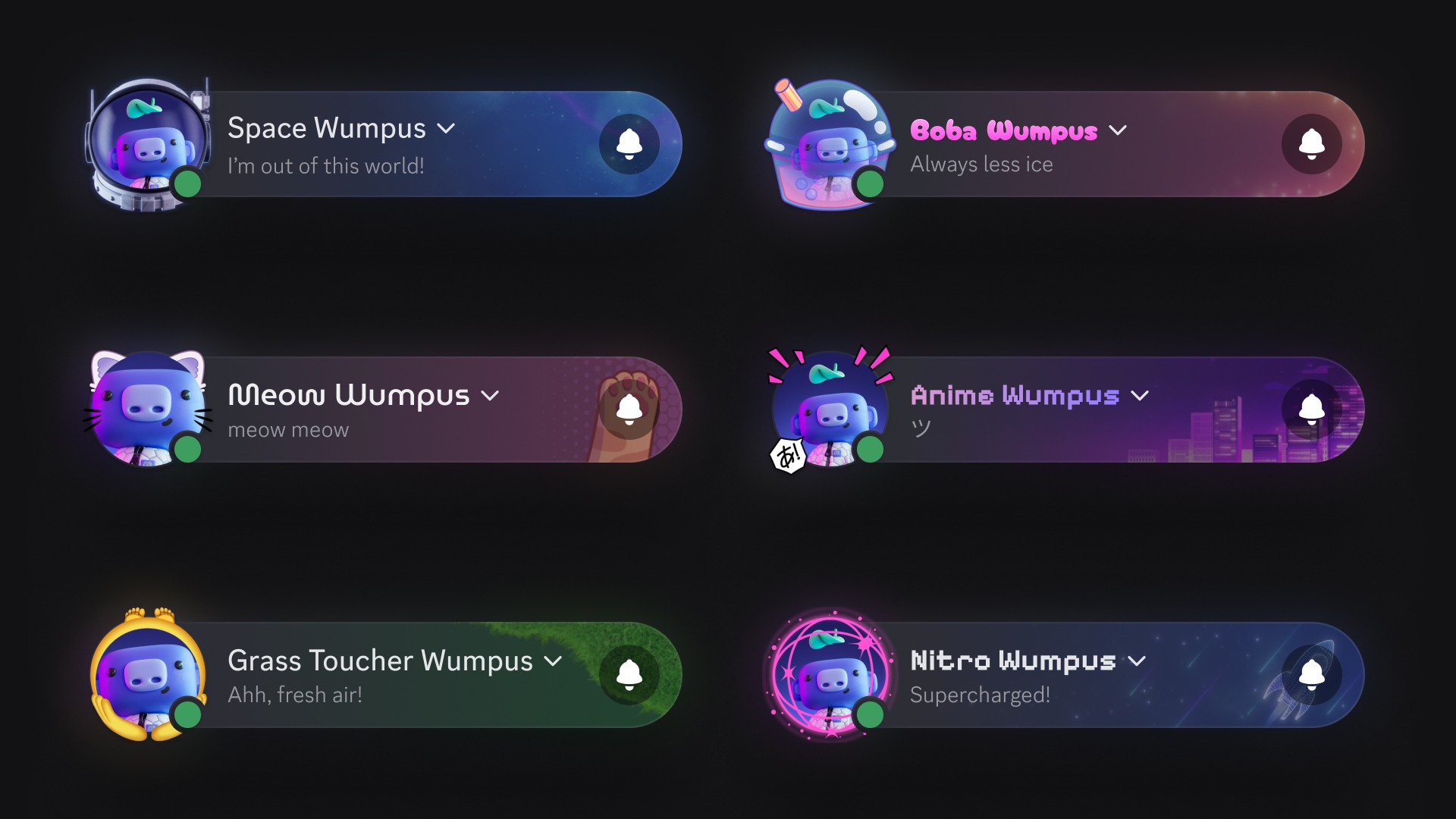
Your Avatar Decorations and Nameplates truly shine in this new layout.
We’re super stoked to see all the different combinations you’ll come up with for your You Bar, and in case you wanted some inspiration, here are a few samples we think are pretty neat:
Bringing Mobile and Desktop Closer Together
Over time, as our desktop and mobile apps have evolved at different speeds, we've noticed they've started to diverge in terms of look and feel.
The You Bar is one of many upcoming steps we're taking towards making Discord feel unified no matter the platform or device you're using. It’s not about cramming the desktop app into your phone, it's about making Discord feel familiar while respecting what makes each platform great to use.
We're putting in a ton of work based on your feedback towards improving the mobile experience, and we can't wait to tell you more about all of it soon.
What’s Next?
You’ll start seeing the You Bar appear on the mobile app over the coming days. But we’re not quite done yet. We’ve got even more improvements to the You Bar that the team is actively cooking on:
Per-Server You Bar. If you’ve set up a unique profile on the server you currently have open, your You Bar will change accordingly.
Server Tags. Repping your favorite server? It’ll soon appear on the You Bar.
See your activity. Just like how it appears in the Members List today, your You Bar will show whether you’re playing a game, listening to music, and more.
Customizable animations. Animated Avatar Decorations and Nameplates look pretty darn cool, so we’re adding the ability for you to decide when they animate on the You Bar.
There's more we're not quite ready to share, but I’d like to leave you with a couple of bigger hints about where we're headed:
We think your profile page can be so much more than what it is today. Tapping the You Bar shouldn't just open a static page. It should open up a whole space that distinctly belongs to you and is easy to navigate. We're rethinking that whole surface from the ground up.
The You Bar opens the door to some exciting work on the mobile voice experience. We're looking to bring more of the familiarity and magic of dropping in and out of VCs from desktop over to mobile, so stay tuned!
Appreciate you taking the time to read all about the You Bar and what’s in store, and thanks for making Discord the kind of place that’s super fun to design for.
See you around!
Tags
No items found.
Perry Wang
Product Designer at Discord. I'm really good at counting by multiples of 8.














.png)
.png)



Nameplates_BlogBanner_AB_FINAL_V1.png)

_Blog_Banner_Static_Final_1800x720.png)


_MKT_01_Blog%20Banner_Full.jpg)


.png)


