
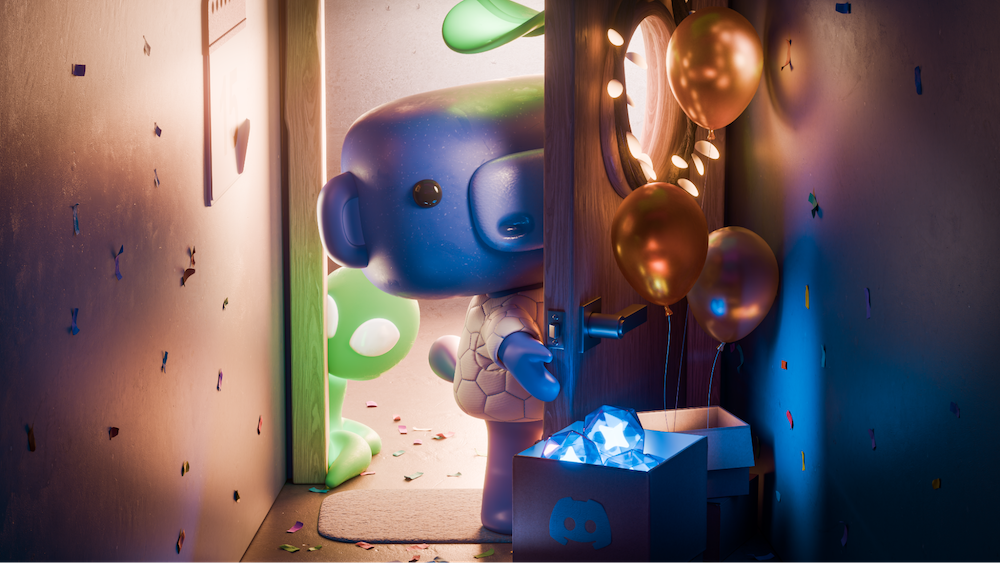

3D Wumpus opening a door to a hallway with a box of balloons and a box of Discord orbs.
Product & Features

Adding the Discord Updates YOU Want to See

Birthdays. They only come around once a year, y’know? That’s why they’re so celebrated! This year, though, for our birthday, we want to celebrate YOU and get you stuff YOU asked for!

So we posted about it. The posts we shared ended up receiving millions of views, over 3000 responses, and even some of you bookmarked it to check back in later! Judging by those replies, some of you have been waiting for this moment and had a big list of things ready to go. 

Naturally, there were a lot of really good suggestions, so we gathered up a dedicated group of engineers specifically to tackle these requests. Let’s jump right into it and see what they cooked up!

Pinned DMs on Desktop! Pinned Channels in All Servers!

If you took the time to reply to our post, you probably care a lot about Discord and just want it to improve! The suggestions we received reflected that enthusiasm, with “conversation organization” popping up pretty frequently as a shared topic. 

Two features in particular that helped with said organization were only available on certain platforms or restricted by server type. Now, we've brought them to everyone! 

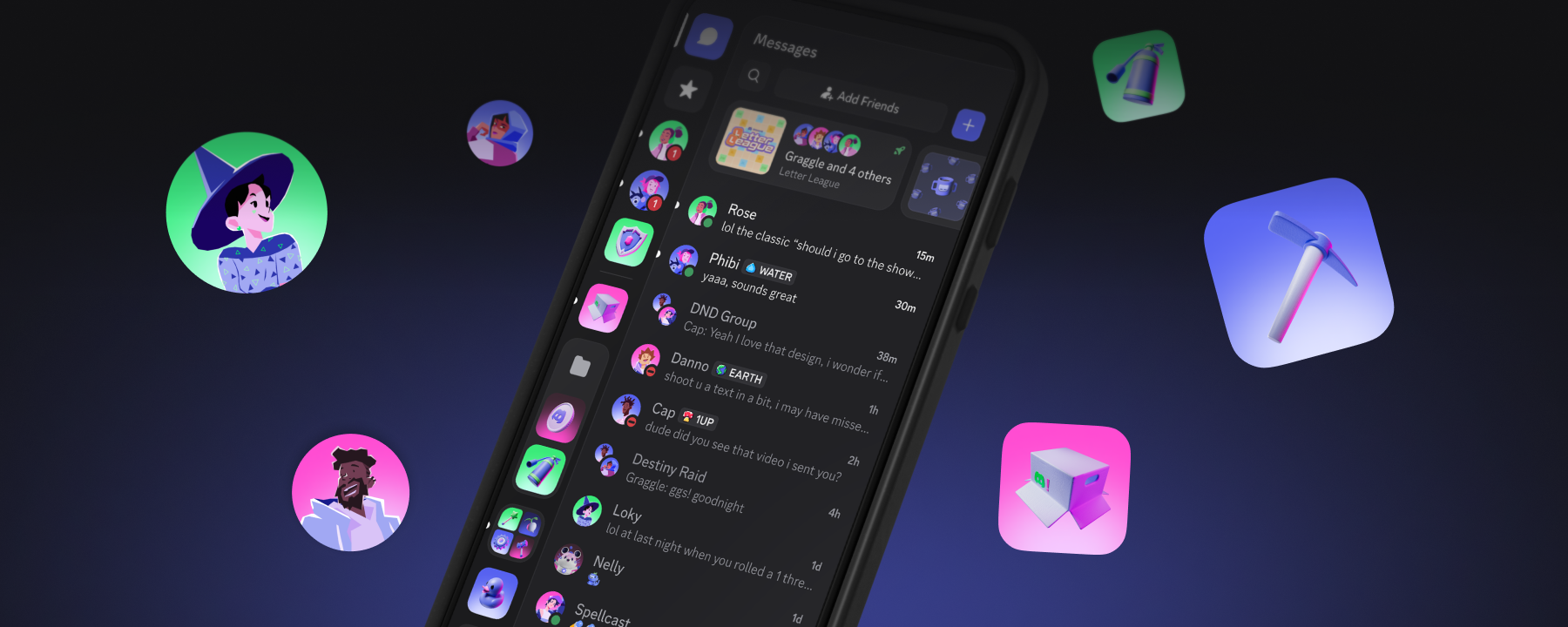
The first: Pinning DMs is now available on desktop. If you previously pinned any DMs on your phone, those carried over to the desktop app on their own, just like magic.  

The second feature was a bit more hidden: in Community Servers, there’s a feature that lets you pin your favorite channels to the top of a server’s list. Only you get to see what you pinned, so you can keep tabs on the channels you care about most.

Before, this feature could only be used in Community Servers. Wanted to pin a channel in a personal Friend Server? Perhaps in a large server that didn't have Community Server enabled? Well, you simply couldn't...until now! 

This has been fixed, meaning you can now pin channels in any server, not just Community servers. Pin your favorite channel. Pin half the server. Pin just the #.

@Mods: We’ve Got Audit Log Improvements, A New Prune Permission, and Easy Role Duplication 

We didn’t forget about you, mods. We hit you with some much needed quality of life improvements.  They’re all kinda behind-the-scenes changes, focused on helping mod teams run things smoothly so they can enjoy the server just as much as its members! 

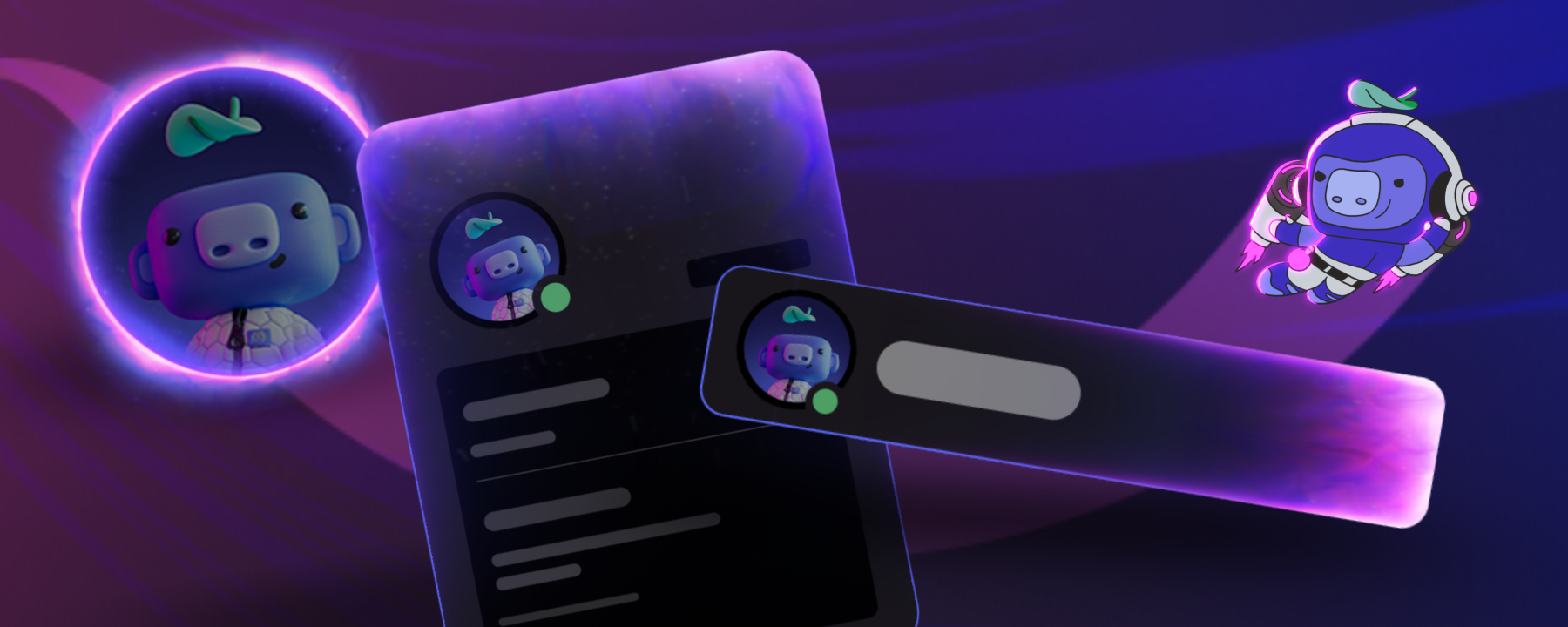
BIG PROFILE PICTURES

You can now just click on any profile picture to see it in FULL view! The whole thing!
This is actually one of our favorites for a few reasons:

  1. You can more easily figure out what obscure anime your friend’s pfp is from.
  2. Your artist buddy spent a lot of time making your cool pic and more of your friends should see it in all its glory!!!
  3. You can hide a little joke in there somewhere that your friends will only see if it’s zoomed in!

And a Whole Bunch More

Within the thousands of suggestions you sent us, there were a lot of one-off suggestions. We were able to turn our attention to some of these as well!

  • When using Search on desktop, the “Next Page” button is always visible, so you no longer have to scroll down to the bottom each and every time to see it.
  • There’s now a “Friends Since:” field on profiles to show you how long someone’s been your verified chum. 
  • You can now add alt-text to images and hide them behind spoiler-tags after you’ve sent them, in case you were in a rush to post something and almost forgot that half the chat hasn’t seen the season finale yet. 
  • If you’ve joined a bunch of Group DMs in the past and they’re no longer active, you can bulk-leave them en-masse. 
  • You’ve got a lot to say about yourself, and we don’t blame you, you’re interesting! We gave you more space to show off in the bio now. 300 characters, to be exact. 
  • You can now copy GIF links directly from the GIF picker. Also it’s pronounced GIF, not GIF.
  • Gone are the days of pinning the forum message as the only way to scroll back to the top on mobile. We added a “Jump to Top” arrow, just like on PC.

Top Requests We Haven’t Gotten To (Yet)

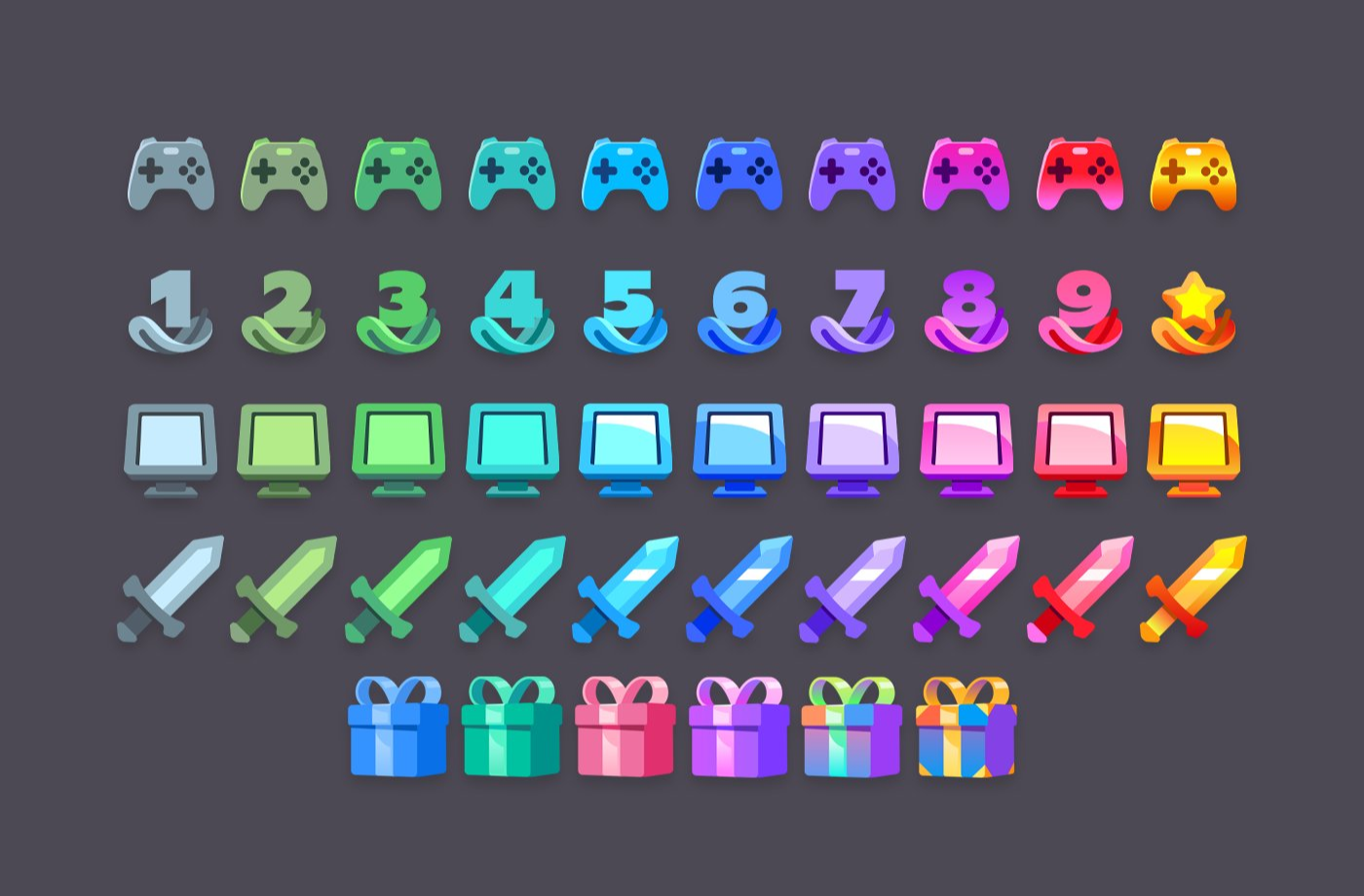
Profile Badges

New badges in various colors from gray to gold.

Some users are a little more bashful about their badges, so we are also working on an experiment to allow badge hiding as well.

Increasing Group DM Member Cap 

10 seats in a group chat is quite a lot, but what if you have… 11 friends?! We’re working on expanding the group DM member cap so you’ll never have to triage your friends again. Hopefully.

This is still being developed, so you may see an experiment for this rolling out your way soon.

What’s Next on the Upgrade Schedule 

What you’ve seen so far are just the highlights of what we’ve added. Plenty more upgrades and suggestions, both big and small, are in the works. You’ll likely see the smaller stuff over in our regular Patch Notes series, while your bigger ideas will be used to inform our future roadmap of product features. 

We’re always down to hear your ideas and would love to chat about ‘em! Hit us up in the official Discord Town Hall server (the Discord Discord), or pop on over to our X(Twitter), TikTok, or Instagram to see what else we’re up to and leave feedback on that too!

Tags
No items found.

related articles