





Here's the Discord Changelog from June 25, 2026. You can also find the most recent Changelog in the Discord app under Settings > What's New.

Looking for something perfect to play or stream for your upcoming game night? Our new Trending Games page is updated every Thursday with what’s been popular across all of Discord, including both single-player and multiplayer games.
Check out what's popular on Discord this week and get some new game ideas to play with your friends during your next game night.
📱 Mighty Mobile Updates
- Tappitytap-Tap to React lets you double-tap to quickly react to any message with a preset emoji. You can assign a particular emoji as your Tap to React shortcut in User Settings > Chat.
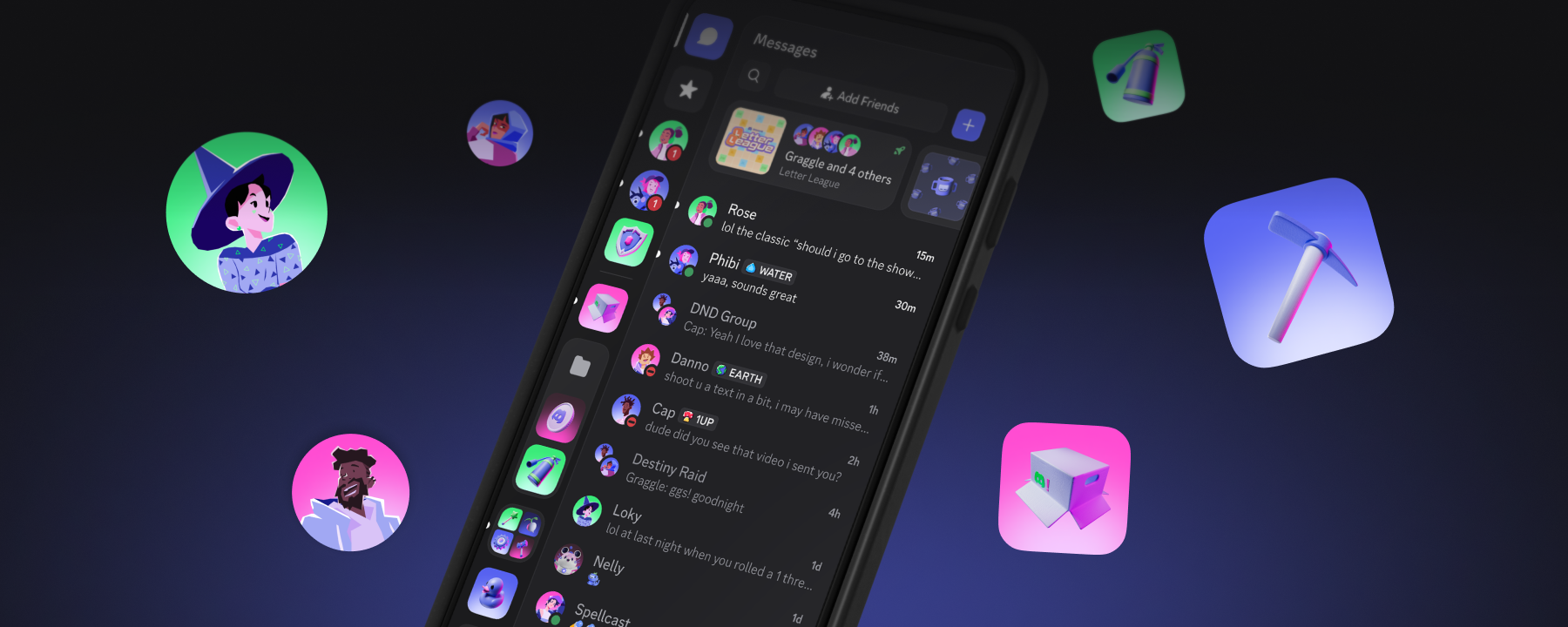
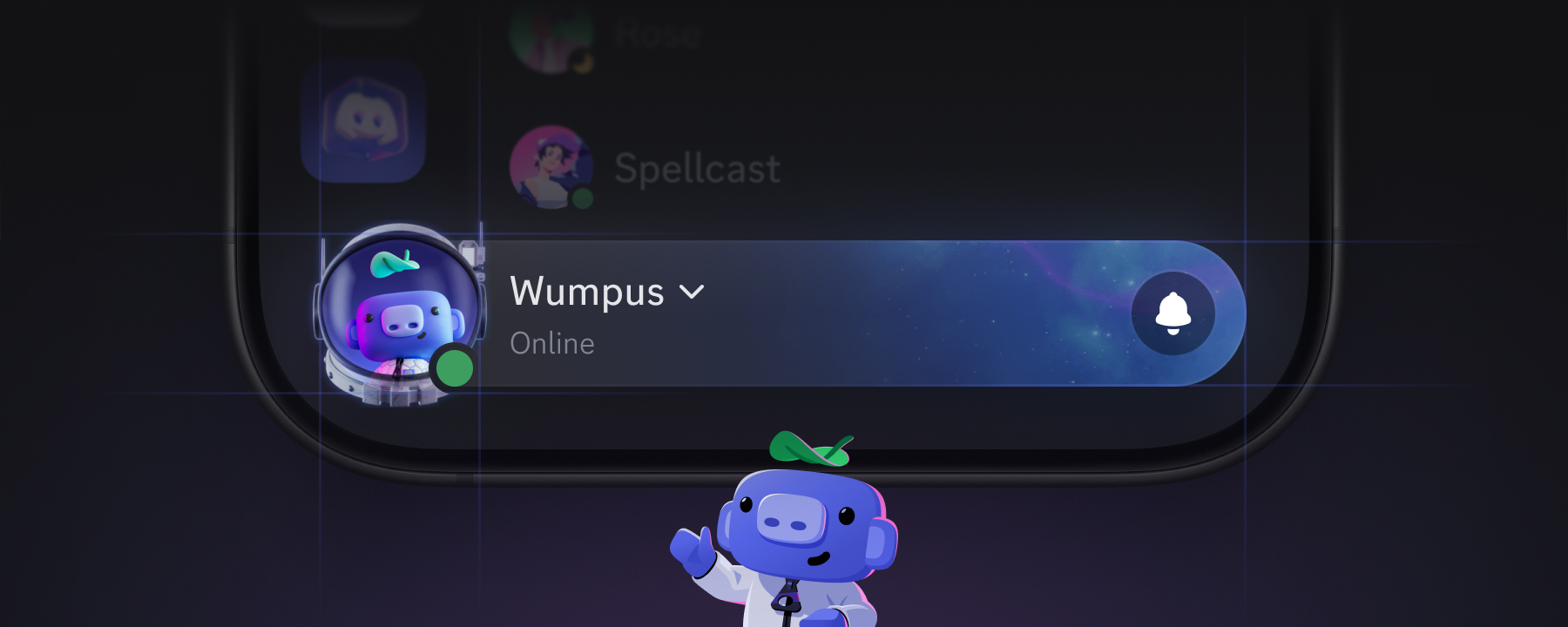
- You 🫵 raise the Bar. A new “You Bar” on mobile gives more prominence to your identity and helps simplify navigation. Tap it to view your profile, or peek at our blog post about it.
- Mobile users will now be asked if they reeaally wanted to call that DM or Group DM before ringing the entire chat at once. No more accidentally scaring the group at 3am.
- On iOS, photos upload a bit quicker thanks to some compression and latency optimizations. We’re talkin’ 17% smaller files, and around 12% lower latency.
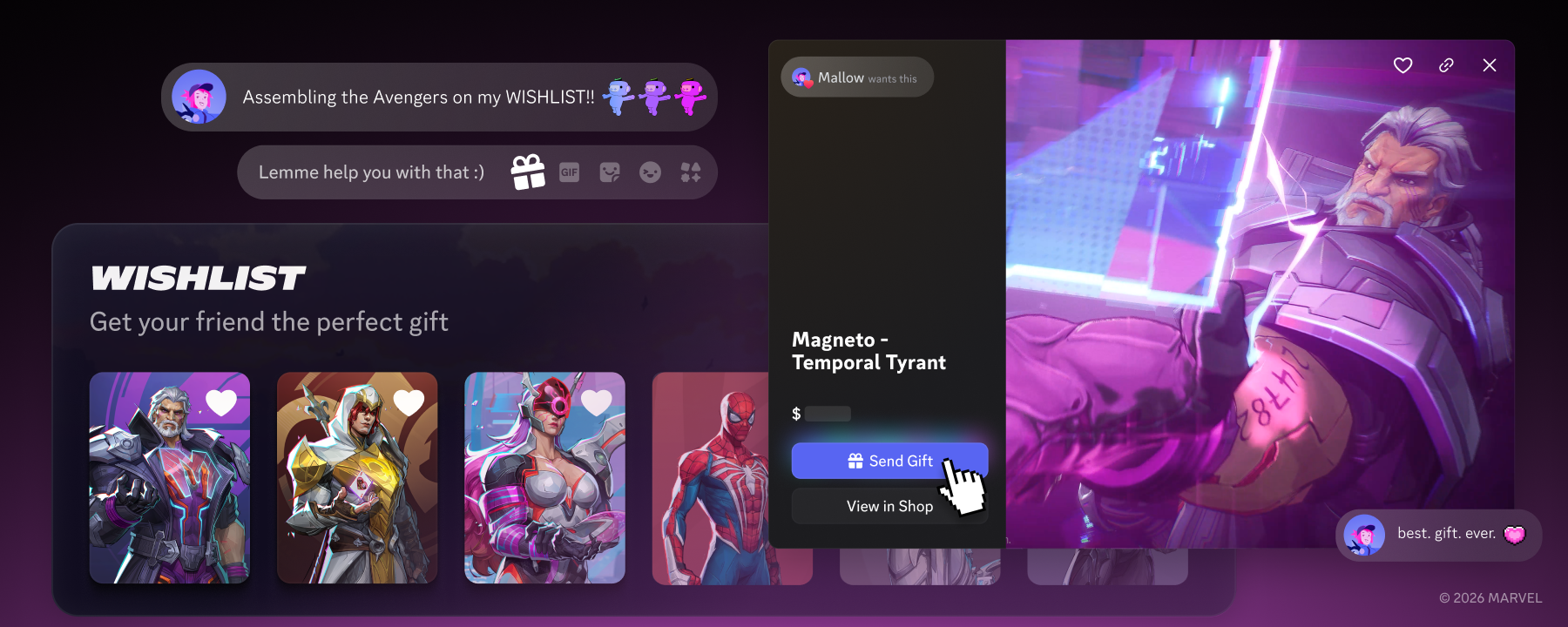
- Wishlists are now on mobile, letting you add Shop items to your profile’s Wishlist wherever you find yourself. You can even peek at other people’s wishlists on their profiles while going… outside.
💬 Chats, Channels, and In-Game Comms
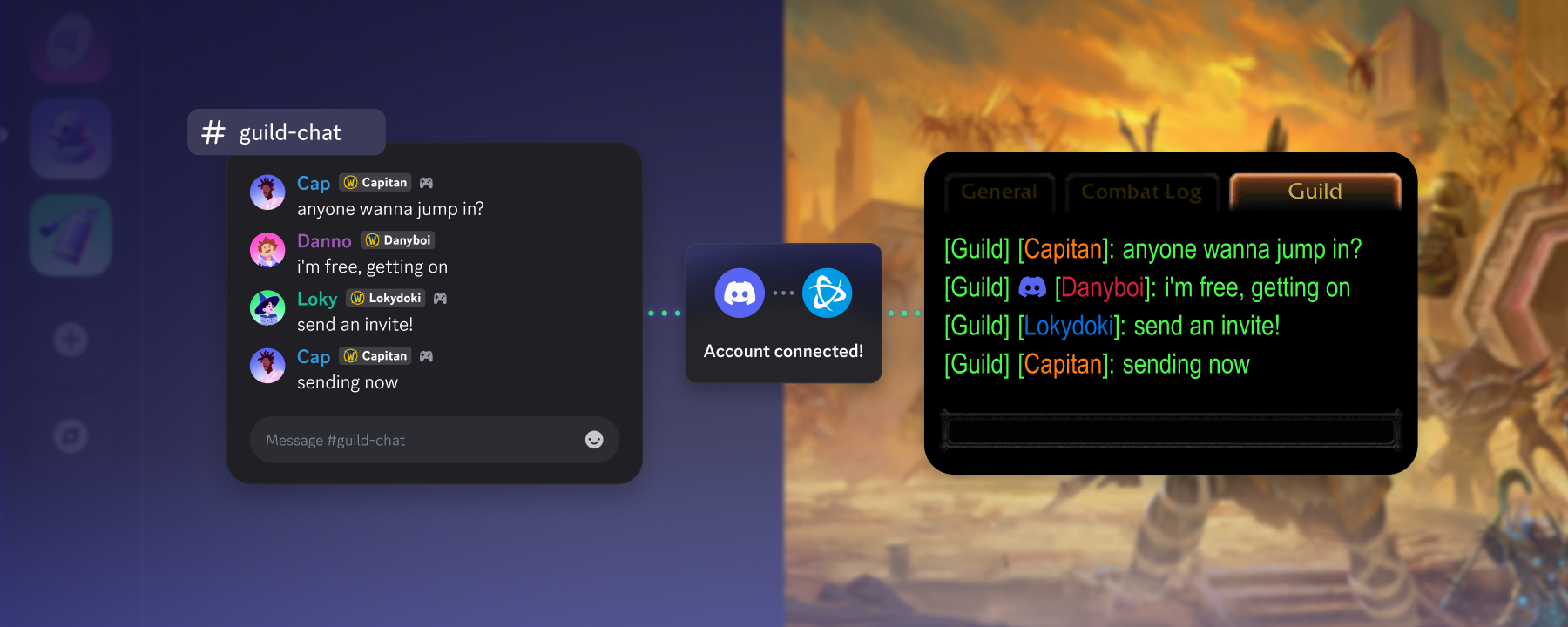
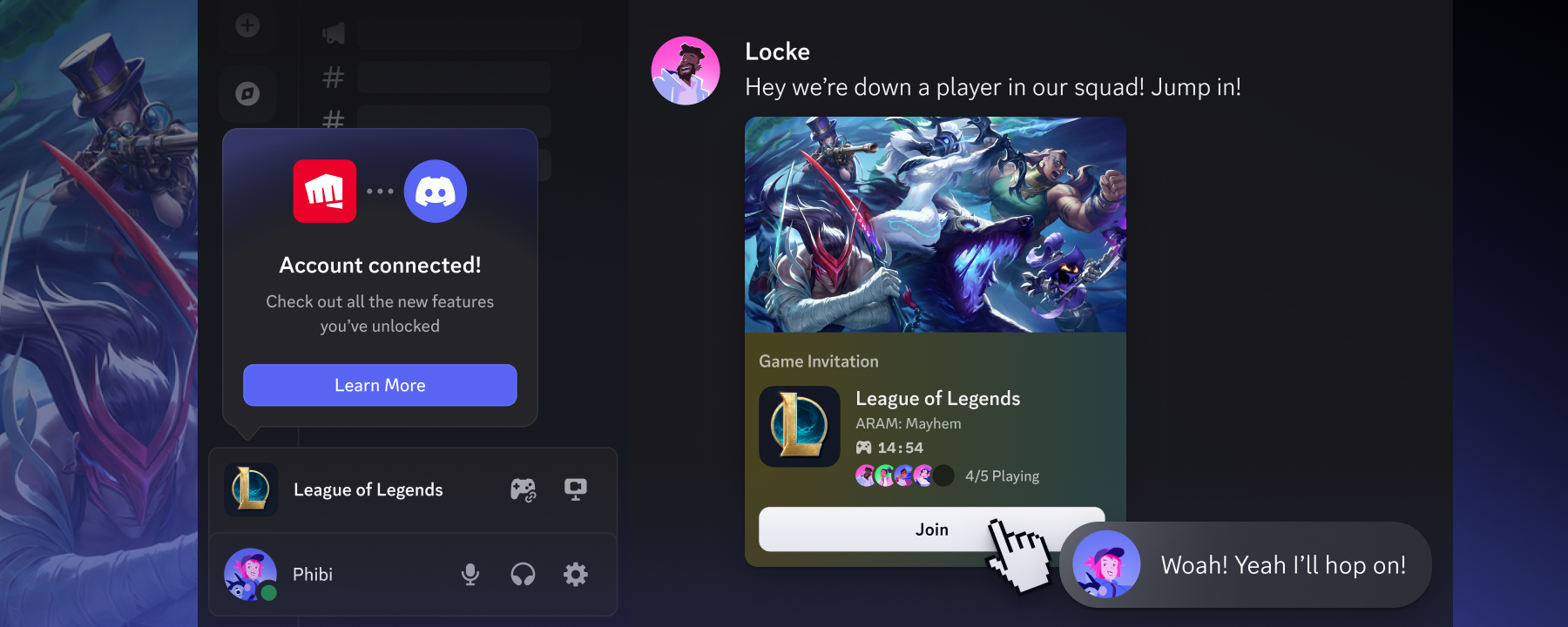
- Queue up with friends easier through Discord & Riot account linking! Rolling out to League of Legends and VALORANT, you’ll be able to see your Discord friends list in-game and invite a Discord friend directly from the game client.
- Pin DMs and Group DMs to keep them at the top of your DM list. You can also pin channels to the top of a server’s channel list to avoid trudging through hundreds of similarly-named channels.
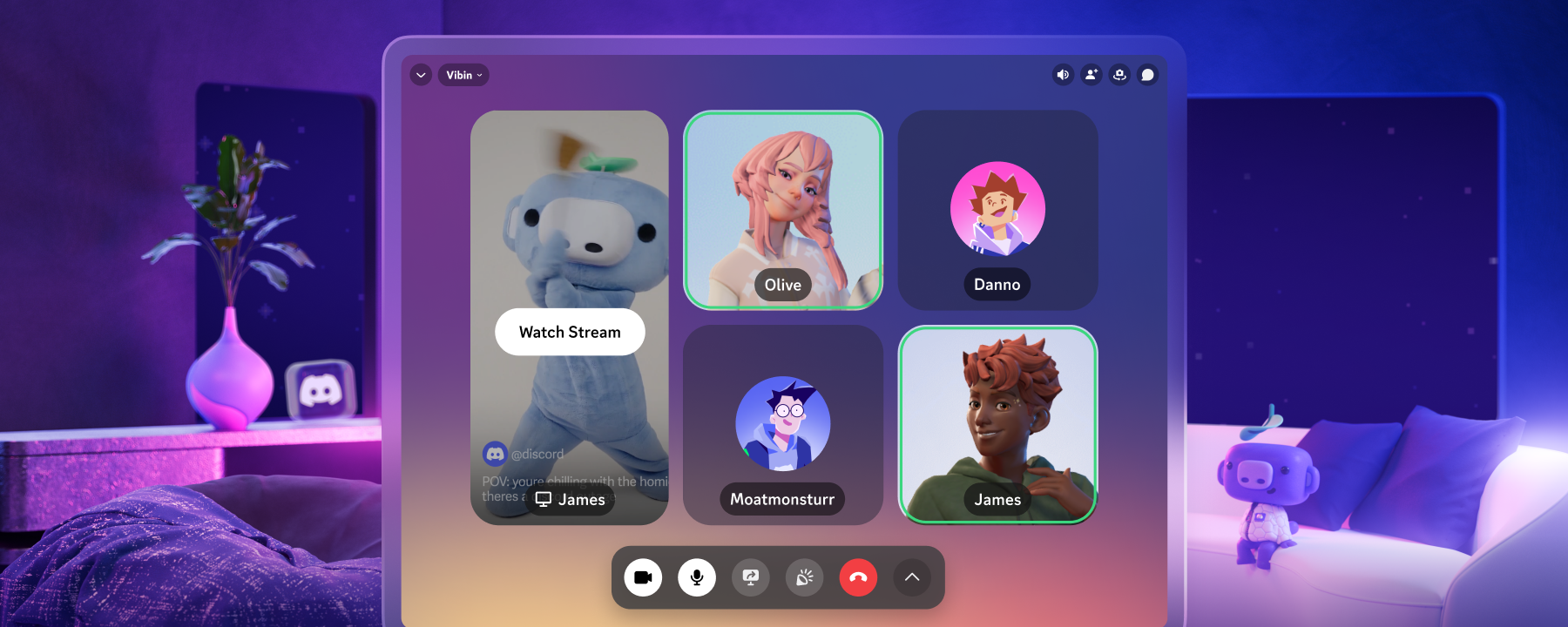
- Invites to join voice now show who's hanging out, that way you’re not accidentally jump-scaring someone streaming Resident Evil Requiem upon joining.
- Say “👋hi uwu” to your new best friend! On desktop, after you add someone new, you’ll be encouraged to send them a friendly wave within your DM list. You can still send whatever you’d like, though.
- Game Profile pages got an upgrade. Click a game’s name while someone’s playing to see screenshots, what platforms it’s on, Steam/OpenCritic reviews, how popular it is on Discord, a link to the game’s official server, and more.
If you’re down for some more new feature spoilers, take a peek at our monthly Patch Notes! There’s a LOT of fixes listed in the latest entry, so go grab, like, a sandwich or something. A peanut butter, banana, and corn chip sandwich. (hey, don’t knock it ‘til you try it.)








.png)
.png)




Nameplates_BlogBanner_AB_FINAL_V1.png)

_Blog_Banner_Static_Final_1800x720.png)


_MKT_01_Blog%20Banner_Full.jpg)


.png)


