
Clyde and Nelly against a dark, blurred background. Icons of crowns, trophies, stars, and other gaming-related objects float in the distance.
Product & Features

Discord Patch Notes: February 4, 2026

Welcome to Patch Notes! In this series, we comb through the newest changes in performance, reliability, responsiveness, usability, and general bug-squishing we’ve done to make Discord better. 

If you discover a bug of your own, check out our Bimonthly Bug Megathread on the community-run r/DiscordApp subreddit. Tell us what’s been bothering you, and our Engineering team will be more than happy to check it out. 

Those who love living on the edge can opt into the TestFlight version of Discord and try out the latest features before they release on iOS. Help us squish some pesky bugs! It’s like your uncle works at Discord. Find it at dis.gd/testflight

All fixes listed below have been committed and merged, but may still be rolling out to individual platforms at the time of this post.

Highlights

  • We recently shipped a dramatic improvement to render performance on desktop, significantly reducing delay when navigating around or interacting with the app. This should be especially noticeable for users with less available processing throughput, either due to system load or slower processor speeds. Surprisingly enough, this was almost entirely due to slow CSS selectors and not a slow endpoint or unoptimized components.
  • You can now zoom and pan on screenshares and game streams by using your mouse’s scroll wheel or laptop’s trackpad. This has been a highly requested feature, and we’re stoked to get it out to everyone.
  • On Android, we’ve changed Group DM message notifications to display the group’s name, not the sender’s name. This now matches the behavior on iOS.
  • Playing videos on Android with multiple audio tracks, like your sick 30-Elim streak from last match with both microphone and in-game audio, should now work properly. 
  • We’ve added a “Bypass Slowmode” permission that can be given to individual users. This permission is meant for trusted community members to bypass slowmode limitations. Server admins should see a way to integrate this permission with existing roles in your Role Settings until February 23rd.
  • Over the last year, we’ve been working on migrating our Audio/Video backend to Rust. At this point, over 80% of our traffic is served by our new Rust-based backend. 
  • We’ve optimized stream preview times when going through the start stream flow, significantly decreasing preview load times.
  • You may not know this, but Discord has long supported Linux timestamps to convey a specific point in time and automatically adapt it to the timezone of whoever’s viewing. However, you generally had to use external tools to create the timestamp. Not anymore! On Desktop, we now support a new “@time” command, which will help you generate one of these and make sure it’s crystal clear to others what time you’re referencing. The Year of the Linux Desktop is finally upon us! 

General

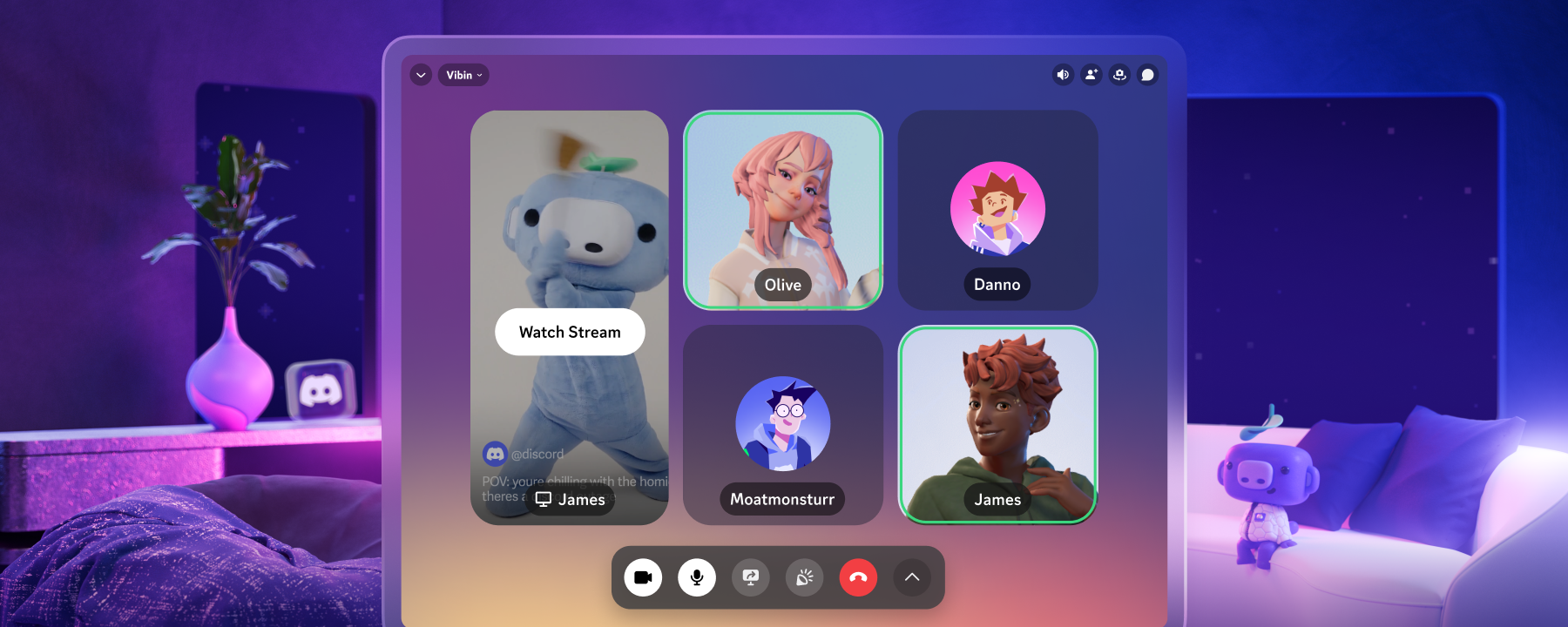
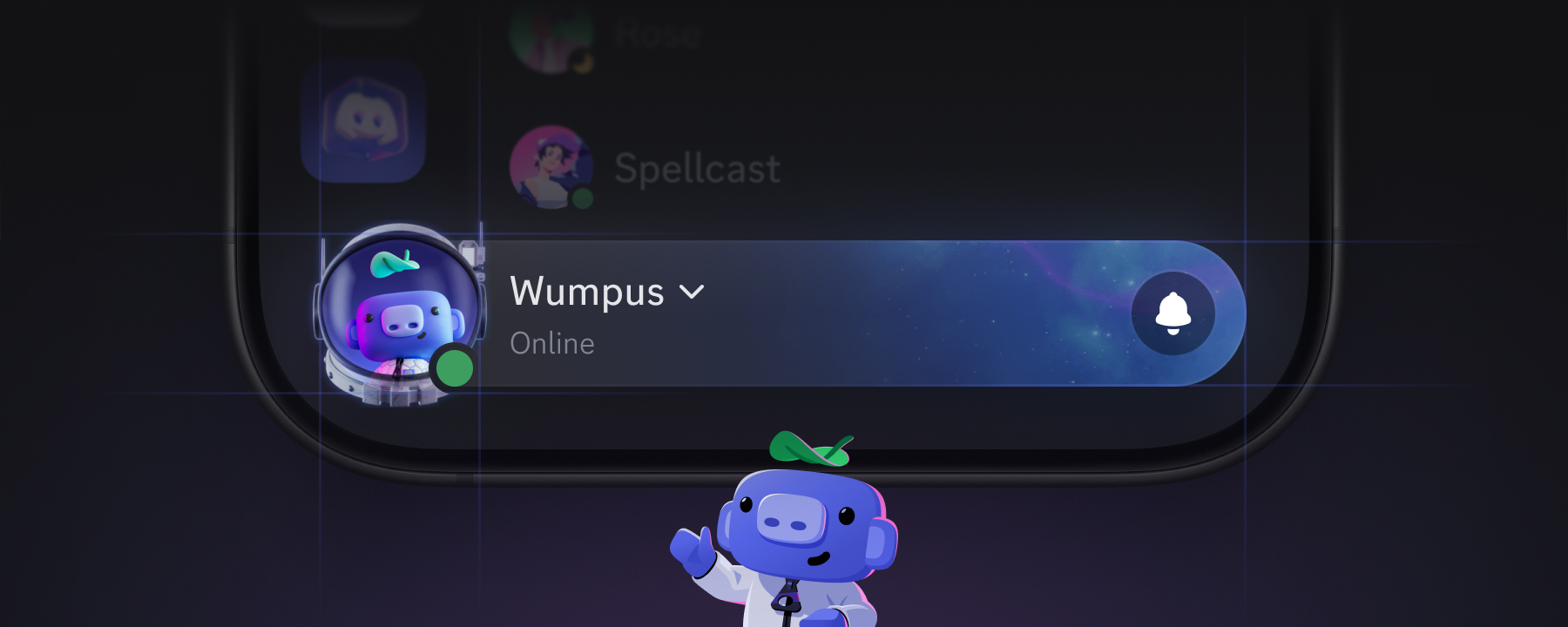
  • We’ve updated Vibing Wumpus to 2.0. Summon Wumpus using Ctrl+Alt+Shift+W or Cmd+Option+Shift+W if you ever wanna just chill for a minute.
  • Pressing ESC while editing your profile on the desktop app no longer closes the entire profile editing modal.
  • Fixed a bug that caused using the Copy hotkey with nothing selected in Discord to instead empty your clipboard’s contents.
  • We’ve officially moved the Browse Channels mobile experience out of beta! And by “officially moved out of beta,” we mean uhhhhhh we forgot it still had a beta tag on it. 😅
  • Fixed issues with column alignment in the Members menu of a server.
  • Currently-playing voice messages are now properly stopped when logging out of an account. 
  • Resolved a bug on the desktop app while editing your profile that caused your cursor to jump to the end of the “About Me” section when editing if the text ever matched the unedited copy.
  • Updated the Invite Friends to Server modal to work with both usernames and display names.
  • Resolved a bug that prevented Avatar Decorations from rendering properly while editing a per-server profile.
  • Resolved a bug on iOS that caused swiping on the Client Themes list to scroll comically fast. Like, warp speed fast. Whoops.
  • Fixed a bug with the Display Name Styles modal that caused Profile Theme gradients to not fill the entire modal properly.
  • We’ve had a quality-of-life update in experimentation for a while that lets you click on role @mentions and see a list of users with that role. As of January, 100% of stable users can now use this nice little shortcut!
  • Fixed an issue in the Browse Channels view that caused the view to jump around if Forum channels with very long descriptions existed on the server.
  • Ignoring a friend request should now cause the “Accept Friend Request” button in the DM view to properly change to “Add Friend”. 
  • Fixed a bug that prevented the “Enable Community” flow on mobile from rendering properly.
  • Fixed an issue that caused channel categories on iOS to style similarly to an unread channel, creating confusion.
  • Fixed a bug that caused an additional bottom bar to render on Android, preventing interactions.
  • Fixed an issue in keybinds that prevented F10+ keys from persisting properly in the UI, rendering 0 instead. This bug was written specifically referencing a keyboard’s F23 and F24 keys. What a nerd, having 24 function keys… amirite?
  • While Checkpoint was available, we fixed an issue that caused the Checkpoint modal to appear twice, potentially leading to your Checkpoint loading twice at once.
  • Fixed a bug that caused emojis to duplicate if the “Finish” button was pressed twice quickly while editing an emoji.
  • Clicking “Related Emoji” when editing a sticker in a server without text channels no longer causes a client crash. Where were you even gonna post those stickers in the first place, huh? 
  • Fixed a bug on the desktop client that prevented the filter in the Inbox from functioning.
  • Fixed a bug that caused the “Select a Role” field in the members list to be transparent.
  • Fixed a padding issue between buttons on the “Potentially Dangerous Download” modal.
  • Resolved alignment issues with buttons in the Connections settings on iOS and Android.
  • Fixed an issue that caused the “Mark interested” button to render for in-progress events, yielding errors if pressed.
  • Fixed a bug that caused the Shop to render only one column on certain Android devices.
  • Profile previews should now properly reflect selected server tags on the desktop app.
  • Fixed an issue that could lock the desktop client when navigating through specific menus after adding a game to your profile, but not saving the changes. 
  • Fixed an issue on iOS that caused setting a new avatar using the GIF picker to instead set a static version of said GIF. Maybe it did animate if you waited like 10 hours? No one wanted to wait that long, though…
  • Resolved alignment issues in the Emoji section of Server Settings on Desktop.
  • Resolved a bug that could cause gift reception modals to appear twice.
  • Fixed a bug that caused Onboarding tasks that included Forum channels to render onboarding UX elements on top of other elements.
  • We now properly render Markdown in event previews displayed in a server’s channel list.
  • Resolved styling issues with the Upload to Server dropdown menu in the Add Emoji flow on Desktop.
  • Resolved a bug that caused unlocalized text in online status across all languages.
  • Resolved an issue with the LaunchPad feature on mobile that could cause the pull-tab to not render when the app swapped to landscape view.
  • Fixed a bug that caused a black bar to render at the top of the Suggested Friends screen on iOS.
  • Resolved an issue on iOS that could cause app data to be cleared incorrectly, forcing things to slowly load in as we rebuilt the cache.
  • Fixed a bug that allowed users to interact with settings that generated errors when previewing a server.
  • Language & Time settings are now accessible from the Quick Switcher.
  • Removed a completely unnecessary scrollbar in the “Upload a Sound” UI on Windows. It tried its best, though! 
  • Fixed a bug that caused rendering issues when Soundboard sounds are locked due to server boost expiration.
  • Resolved a bug that caused the OS bar on Android to render with too much padding and an incorrect color.
  • Fixed issues handling long server and  (Group) DM names in the Inbox tab buttons.
  • Resolved alignment issues with the Server Booster and Apps icons in the member list.
  • The tooltips for the emoji button in the status modal, reaction selection, and reply spot no longer contain incorrect references to stickers and GIFs.
  • Referencing a deleted emoji from a server template no longer generates an “Ultra Rare Error” and gracefully handles this case. it was kinda overselling how rare that was but idk.
  • Fixed a bug that prevented removing a Soundboard sound from the picker that was both favorited and expired.
  • Removed an unnecessary background for server icons when reorganizing your server list.
  • Resolved issues with elements rendering properly on non-EN languages when editing your profile.
  • Fixed a bug that caused the “Refreshing messages” sub-text in forum channels to render unnecessarily.
  • The “Set a channel status” option in the right-click menu should now be in “Title Case” to match every other option.
  • Fixed a bug that caused toggling Friend Request settings to scroll the page incorrectly.
  • Resolved an issue that caused checkboxes to be too small in the member list on Desktop.
  • The nameplate preview shown when editing your profile in Settings should now properly reflect your pending avatar changes.
  • Fixed a bug that caused excessive right padding on the Server Invite button.
  • Resolved an issue on mobile that caused role icons to cut off on mobile.
  • Resolved some element sizing issues on a user’s status text in the DM list.
  • Fixed a bug that caused renaming a role that’s currently visible in the Members list to not update the member list with the role’s new name.
  • Fixed an issue on iOS where we weren’t rendering Shop items in bundle previews properly.

Chat

  • Spoilered emojis between two other spoilered emojis can now properly be un-spoilered. Yo dawg…
  • Links within the smaller subtext header formatting (-#) now render properly as hyperlinks.
  • Pressing the Home key while editing a message should no longer scroll chat.
  • Fixed an issue that caused Polls to stop working within Threads on iOS.
  • Fixed a bug that caused expanding the roles on a Forum channel post author’s profile, from the Forum Post Preview, to also open the Forum thread the OP had authored… for some reason. We’re like five layers deep here. 
  • Fixed an issue that could cause Announcement channels on mobile to not render full messages. Today, we’re announcing the location of Wumpus 2, they’re over a-
  • Fixed a bug that caused errors that occur when pinning messages to be both specific and incorrect, which is the worst combination and is basically built-in gaslighting. Mmm… maybe pickles and ice cream are a worse combination, but you get what I’m saying.
  • Resolved a padding issue on the desktop client that caused typing indicators in Text in Voice channels to reach the edge of the window.
  • Fixed a bug where, in poor network conditions, custom emojis in messages could render as blank on iOS. We now use a pre-existing placeholder asset for this case.
  • Fixed a short-lived Android issue where Text was aligned to the bottom of chat input instead of the center.
  • Fixed a bug that could cause the chat guard (aka, the pop-up explaining that you can’t send a message in Thread-only channels and so on) to not render the correct background color based on the user’s theme.
  • Fixed a separate issue with the chat guard rendering in the wrong spot.
  • Resolved a bug that would reveal spoilers in Forum channel thread previews.
  • Fixed an issue that caused the read-only channel redirect element to not render in the correct location.
  • Fixed a bug on mobile that kept emoji suggestions after the user completed the emoji and continued typing.
  • Fixed a mobile bug that prevented a message author’s name from updating properly when their display name changed.
  • We fixed a race condition that caused spoilered content to display pre-revealed. While rare, it tended to occur when loading channels with lots of spoilered messages. This fix’ll be useful when Severance Season 3 eventually drops.
  • Resolved a bug that caused message drafts to sometimes not save when the app was force-closed. 
  • Resolved styling issues with the Jump and X buttons on Pinned Messages.
  • Resolved width issues with the “Reply in one click” element on Desktop. 
  • Fixed a bug that prevented the Enter key from confirming the deletion of a message.
  • Fixed a bug on iOS that caused custom emoji to get cut off in message previews.
  • Resolved an issue on Android that prevented the Voice Messages rendering when the keyboard was open.
  • Adding a Super Reaction on iOS should now properly update the reaction count.
  • Resolved a bug that could cause messages to double-send from the profile message input.
  • Resolved an issue on iOS that caused buttons that were around chat input to no longer render their icons properly.
  • Fixed a bug that caused tapping the URL in the title of webhook embeds to sometimes not forward to the correct URL. I think it went here instead. 
  • Resolved a bug where replying to a message while previewing a Stage channel’s chat would result in opening a new channel view, creating some visual issues as a result.
  • Resolved a difficult-to-reproduce issue that could cause channels to not automatically ack(nowledge) messages, showing unread after they were viewed on Android and iOS. Ack! 
  • Fixed a bug that could cause the built-in Welcome Messages from Server Onboarding to sometimes post twice.
  • Resolved a bug on Android that could cause the OS keyboard to cover chat messages.
  • Resolved styling issues with the “There’s no one in this post” thread modal. If there are styling issues and no one is there to see them, were there even styling issues in the first place? Ask the tree. 
  • Fixed an issue that caused the “there are no recent messages in this thread” message to incorrectly render for all threads following cold starts on Android.
  • Fixed a limitation that prevented users from jumping to messages currently flagged as spam in search.
  • Fixed a bug that caused certain content to render as both an embed and a built-in card at the same time, creating unnecessary content redundancy.
  • Fixed padding issues on the View Reactions modal on desktop.
  • Fixed an issue that could cause usernames in DM titles to unnecessarily ellipsize on Android.
  • Fixed a bug in certain browsers that caused text to cut off from the message search box, crashing the client.
  • Fixed an Android issue where rotating the screen while in a popover (like Media Gallery or Settings) would cause Discord to completely break visually, rendering half of the popover and half of chat.
  • Fixed a bug that caused a Nitro gift link to render two chat embeds instead of one. Sorry if you thought you received two gifts. 
  • Fixed a bug that caused copying text from certain apps to not properly result in plain text when pasted to Discord.
  • Forward and Bookmark buttons should no longer be missing in closed, locked threads on mobile.
  • Fixed a bug with Group DMs missing fallback backgrounds for transparent avatars.
  • Fixed a mobile bug with Display Name Styles that caused the @ symbol to render inconsistently in comparison to desktop.
  • Resolved a bug that caused the Send Message button to sometimes not render with Reduced Motion enabled.
  • Fixed an issue that caused the Forwarded Message bar to move to the edge of the screen after viewing the pinned messages list on Android.
  • Fixed a bug that caused editing messages in a Thread while in a voice chat in the thread to not function properly.

Activities and Apps

  • Fixed a bug with Activity Cards that caused the time text color to not match the rest of the card style.
  • Activity Cards should now properly separate artists for music with commas instead of semicolons.
  • Fixed an issue that could cause expanding Activity PiP views to render full black screens on iOS. Picture? In Picture? How about NO picture. 
  • Fixed an issue that caused the “Open App” button in an App’s profile to sometimes not function on Desktop.
  • Fixed an issue that prevented the “View Activity” button in activity cards from functioning.
  • Fixed an issue with the wrong icon rendering for Activities on iOS in voice channels.

Audio/Video

  • Entrance sounds should no longer play when a user reconnects to a call following a disconnect that wasn’t user-initiated. If you ever played games with someone having network connectivity issues, you know how annoying this could be, thanks to that one friend’s airhorn entrance sound.
  • Resolved issues with padding on the Incoming Call modal on the desktop client.
  • Fixed a bug that could cause buttons to flicker while you’re in a call.
  • Fixed an issue that caused voice channel statuses to not properly handle zero width joiner (ZWJ) emoji. These are emojis that are composed of several emojis and turned into a single, more complex emoji. (For example, 🏳️ and 🌈 become 🏳️‍🌈).
  • Fixed issues that caused unnecessary ellipsizing in the Join Voice element when receiving a voice channel link.
  • Resolved some styling issues with the Krisp popout from RTC panel.
  • Resolved connection re-establishment issues when changing internet interfaces (like enabling or disabling your VPN) while broadcasting from a web client. 
  • Resolved an issue on Android that caused the OS-level call interface to not show call state accurately (such as mute/deafen) when the app was in the background.
  • Fixed a bug that could cause alignment issues with the LIVE indicator in a voice channel.
  • Fixed a bug that caused speaking indicators in the Overlay to render two circles.
  • Fixed theming issues with the Mute, Deafen, and User Settings buttons in specific theme configurations.
  • Fixed a bug that caused the voice chat indicator for how many users are active in the channel to sometimes wrap unnecessarily.
  • Fixed a bug on iOS that caused avatars shown in voice channels in the channel list to incorrectly have a border.

Media

  • Fixed a bug in the HTTP/3 protocol implementation of our CDN provider that frequently affected how video players fetch file metadata. Load times improved by over 50% for affected video files, and we accidentally made the entire internet slightly better in the process. nbd
  • Ever wanted to inspect the details of the video asset you’re watching in Discord? Are you intrigued by video codecs and bitrates? Now, you can right-click the video player in Discord and inspect these things by enabling “Stats for Nerds.” Nerd.
  • Fixed an issue that caused the iOS app to not properly handle .ogg files. An engineer working on this bug fairly questioned, “Who still uses .ogg files?” But they diligently fixed the issue anyway. 
  • Fixed a bug that made it difficult to zoom in on images in the gallery on iOS.
  • Fixed an iOS issue that could prevent closing the Gallery view when loading the Gallery by tapping any Gallery items except the last two. Gallery. 
  • Resolved a bug that prevented attached videos and embeds from playing on Android.
  • Fixed a bug that caused Forum channel post previews to sometimes unnecessarily cut off images.
  • Resolved a bug that could cause video embeds to stretch to incorrect aspect ratios on Android.
  • Resolved issues with sharing certain file types through the iOS Share Sheet, where no message would be sent after the send was “confirmed” in the Share Sheet.
  • Accidentally attempting to upload a file that’s 0 bytes (rare, but can happen in weird cases) now properly informs the user and doesn’t delete other message content.
  • Fixed a bug that caused the X button to cancel uploads to still render after completing the upload of photos on Android.
  • Fixed a subtle issue with border radii in the media viewer on desktop. (Note to self: use the word “radii” more often.)
  • Fixed a bug on Android that caused zooming in on photos in the Media Gallery to reset the media carousel to the first item.

Accessibility

  • Resolved contrast issues with the red “NEW” pill in a server’s channel list.
  • Navigating the options at the top of the DM list with a keyboard no longer moves through items out of order.
  • Fixed contrast issues on Desktop with a Nitro Gift’s hover state.
  • The “Add Reaction” button now has a role for screen readers.
  • Screen readers no longer focus the Message and Leave Call buttons twice in the profile during a DM call.
  • Screen readers now provide a state for expanded server folders. 
  • The “See Thread” button now has an appropriate role for screen readers.
  • The Replied Message preview element now has an appropriate role for screen readers and should provide more context to users around its intended purpose.
  • Headings are now properly configured for screen readers on the Nitro page.
  • Certain screen readers should no longer read messages with emojis as multiple separate elements.
  • The “Show All Participants” button in the call UX now has a role for screen readers.
  • The “Click to See Attachment” element is now accessible by screen readers navigating from a message reply.
  • The focus order for screen readers in voice chat now matches the UX elements.
  • Screen readers should now inform users when a custom status is cleared.
  • The “Choose a server” drawer that appears when editing server profiles should no longer automatically close when selecting a server using a screen reader.
  • Screen readers should now provide a status message when a server’s emoji are deleted, and when the user leaves a server.
  • Resolved several a11y issues with the “Quest % complete” element. This should be much more friendly to interact with using screen readers.
  • Screen readers should now provide accurate information when users interact with the “Only show videos” switch button.
  • Screen readers should no longer be able to focus on invisible buttons when the user has text typed in the chat input field.
  • Screen readers should now be able to properly navigate to the “Mentions” element in chat.
  • We performed an accessibility pass on the Emoji and Sticker portions of Server Settings, improving their usability for screen readers.
  • Screen readers are no longer able to focus on an invisible element in the server invite modal.
  • We’ve added roles for screen readers to the buttons in the voice message overlay.
  • Added some additional accessibility support to various elements within the Quest selection and participation flows.
  • Updated the focus order to be more logical in the “Forward to” dialog for message forwarding.
  • Resolved a bug that caused the switch for Show Members in Channel List to be hard to see on Desktop.
  • The “Forget your password” text for the modal to add a passkey is now properly marked as a header for screen readers.

All relative measurements cited were performed internally with our own instrumentation and tooling.

… oh hey, you read everything! If you’re itching for the latest updates to Discord, you can find our previous Patch Notes articles here, or check out our archive of past Changelogs if you’re more into the fun stuff.  

related articles