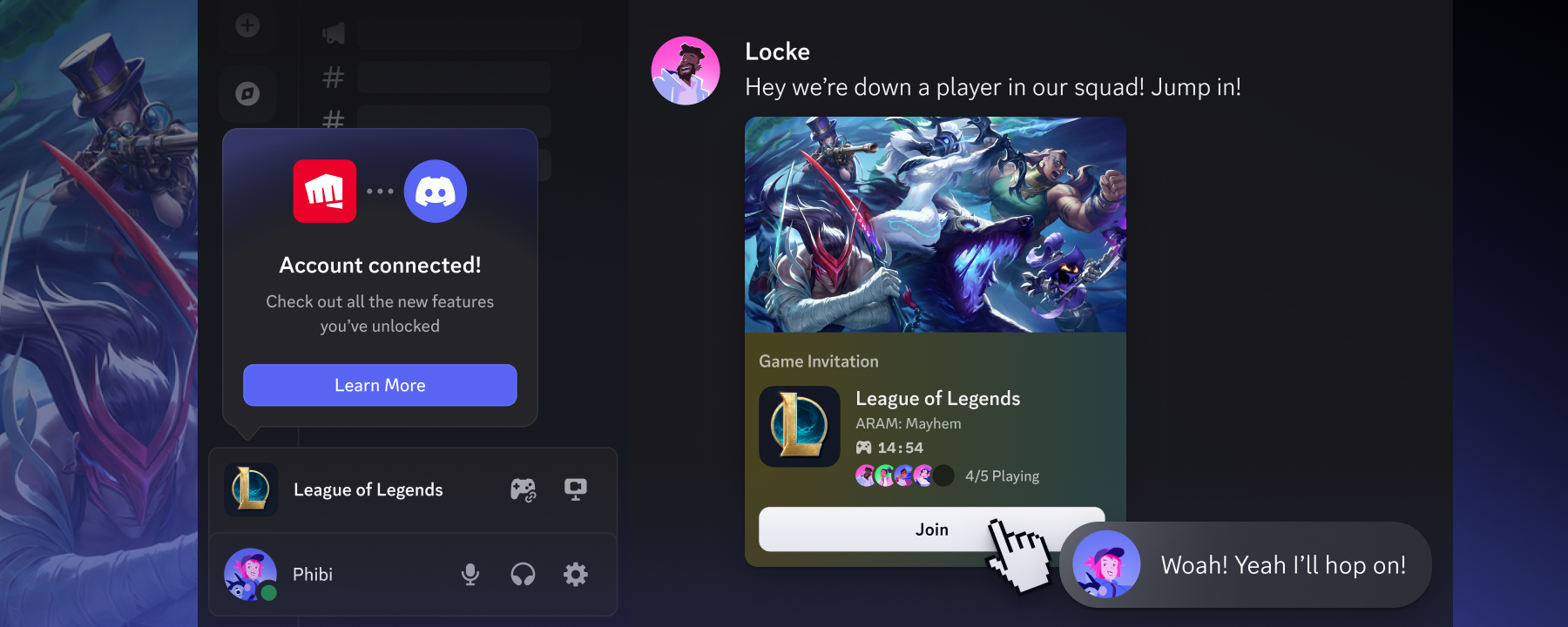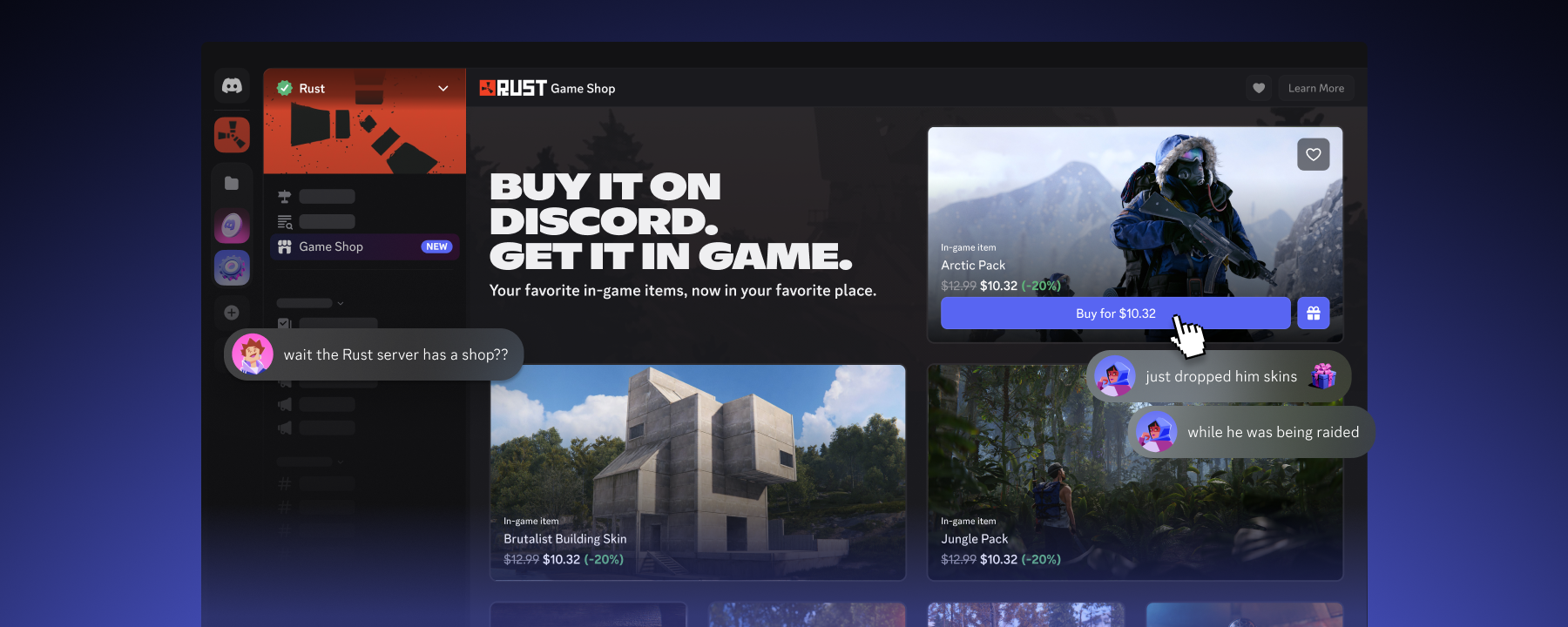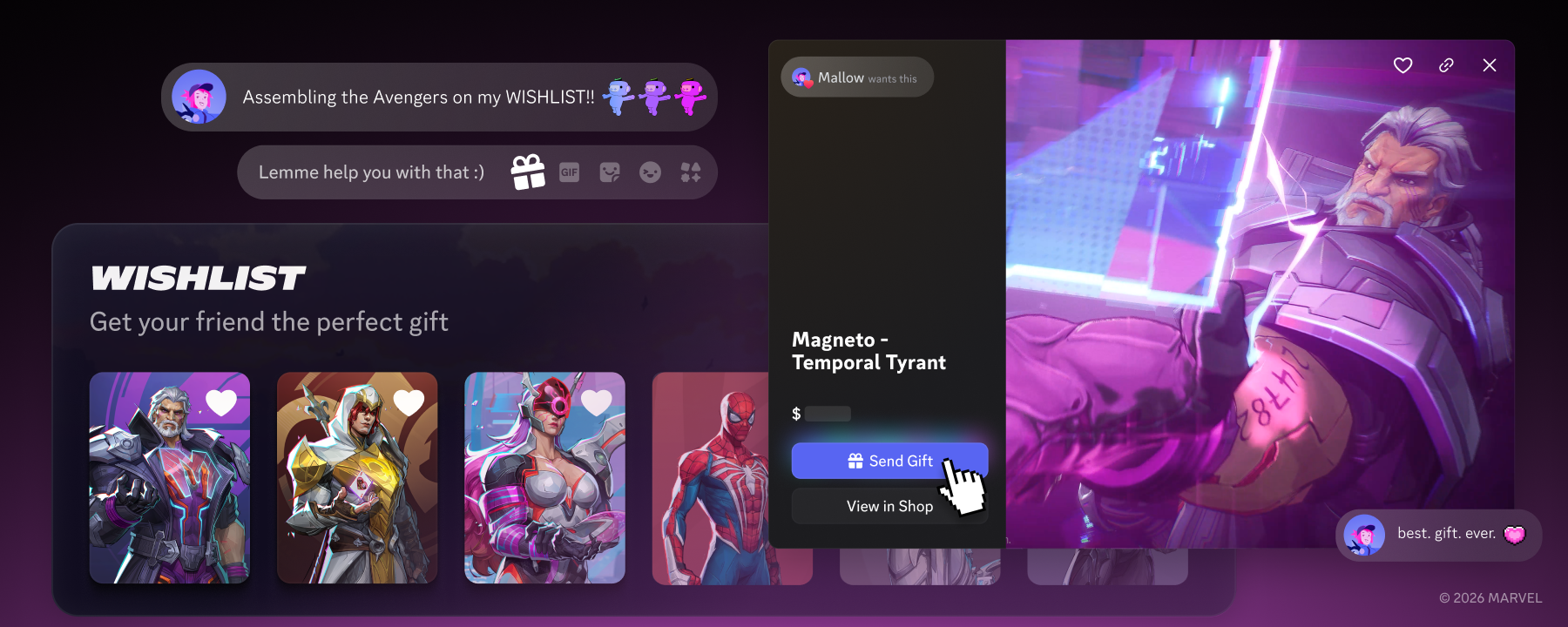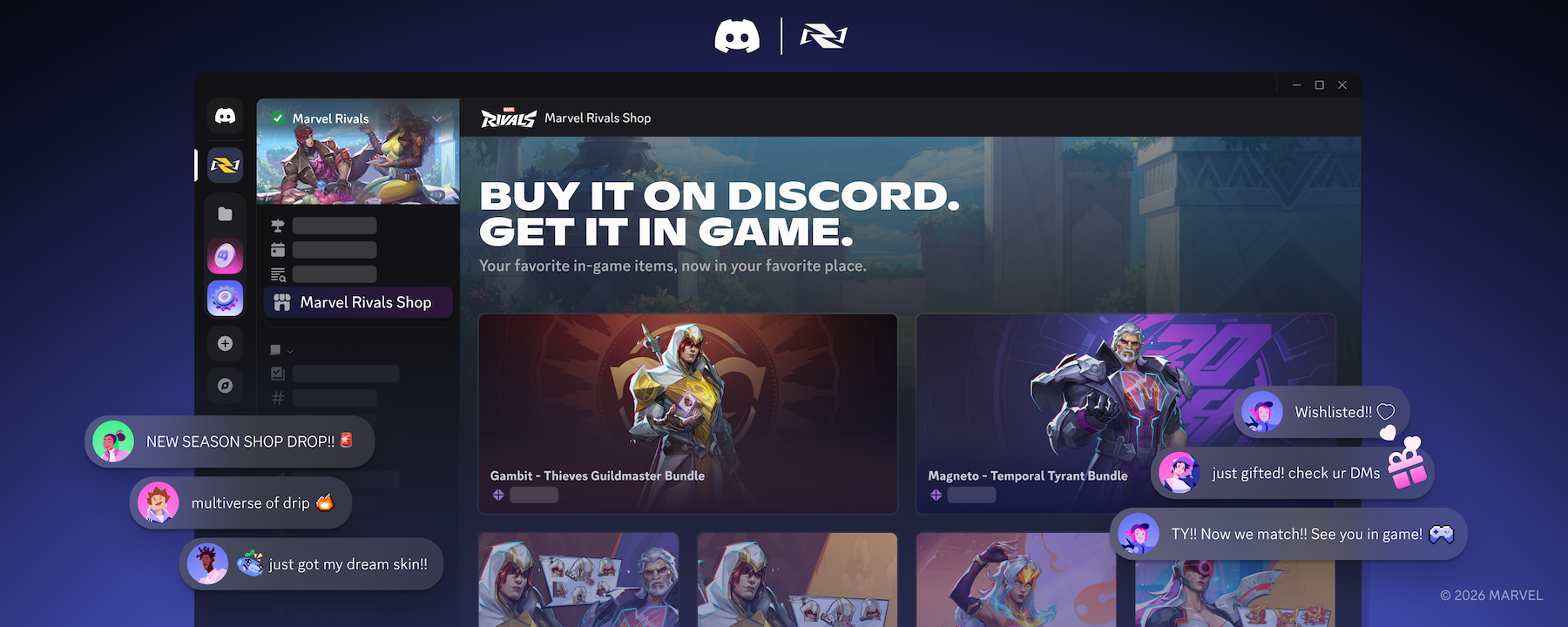

Clyde and Nelly against a dark, blurred background. Icons of crowns, trophies, stars, and other gaming-related objects float in the distance.

Discord Patch Notes: May 4, 2026

Welcome to Patch Notes! In this series, we comb through the newest changes in performance, reliability, responsiveness, usability, and general bug-squishing we’ve done to make Discord better. 

If you discover an issue of your own, check out our Bimonthly Bug Megathread on the community-run r/DiscordApp subreddit. Tell us what’s been bothering you, and our Engineering team will be more than happy to check it out. 

Those who love living on the edge can opt into the TestFlight version of Discord and try out the latest features before they release on iOS. Help us squish some pesky bugs! It’s like your uncle works at Discord. Find it at dis.gd/testflight

All fixes listed below have been committed and merged, but may still be rolling out to individual platforms at the time of this post. 

Highlights

  • We recently received and fixed a good amount of user reports for various small-but-pesky issues in server administration flows, which were likely quite annoying for those hitting them. The majority of these issues were related to permissions, user states,  and even interactions with systems like account safety features. The fixes are listed in a special Server Management & Moderation section of this edition of Patch Notes. Server administrators are critical for the health of Discord. If you’re an admin running into these types of issues, please report them to us in the megathread or any other means; we’re listening.
  • We made even more adjustments to our networking stack for Android video delivery and have improved video startup speed for Android users by almost 5% ( 🤓☝️4.89%). At this point, the average startup speed for someone’s video feed on Android is less than 600ms! 
  • We delivered another batch of organizational improvements to our desktop user settings, including merging the Appearance, Accessibility, Chat, Streamer Mode, and Advanced pages into just three pages: Appearance, Accessibility, and Developer. We've also upgraded the layout and phrasing of certain settings for clarity.
  • We now fetch Soundboard data when you join a voice channel rather than when you first open the Soundboard. This small adjustment to reduce load time when first accessing the Soundboard while in a call drove measurable improvements in sound effect usage. Isn’t it crazy how even just a tiny increase in loading speed can make people use the Soundboard more often?
  • Are you a Linux user? If so, are you sick of that lovely modal we made to tell you that there’s an update you need to go manually install? IF SO, boy do I have good news for you. We’ve ported our Rust-based updater to Linux, allowing Linux to update itself just like on Windows. Additionally, we now support .rpm and .pkg.tar.zst package formats for installation.

General

  • The backgrounds for the "GODLIKE!!" and "BEYOND GODLIKE!!" messages in the escalating “Copy Username” are no longer transparent. Although they have a green (instead of red) background now since they were the only red tooltips in our entire app.  I want you all to know that this bug got entered as low priority, and one of our engineers was like "absolutely not" and fixed it in under 17 hours. 
  • The Quick Switcher can now open invite links. If you paste an invite link into the Quick Switcher, it’ll join the server and navigate you to it. Quick Switcher fans, rejoice! If you’re not one… you should try it sometime. 
  • Fixed a crash on iOS that occurred when tapping a link in the bio of a user or app's profile.
  • Resolved an issue on Desktop where hovering over a user's name in an Active Now modal caused their status indicator to turn white.
  • Fixed an issue on iOS and Android where long nicknames displayed in search results would cut off the message timestamp.
  • Resolved a bug on Desktop where re-enabling “Sync Themes Across My Devices” would revert your theme back to the previously synced one instead of keeping your current selection.
  • Fixed an issue on Desktop where the delete buttons on recent avatars didn't appear when hovering over them, making the button tough to find.
  • Resolved a bug on Desktop where selecting “Copy Avatar Image Link” from a user's server profile copied their main profile’s avatar link instead of their per-server profile’s avatar link.
  • Resolved a bug on Desktop where the audio of the Server Boost marketing would keep playing after you clicked “Boost This Server” and moved into the purchase flow.
  • Fixed an issue on Desktop where the Inbox would crash when rapidly clearing many notifications.
  • Resolved a bug where the Nitro tenure reward badge on the Nitro tab wouldn't go away after clicking it.
  • Fixed a bug on Desktop where the GBP currency option in Subscription settings displayed a blank label next to “GBP -” instead of its full name.
  • Fixed an issue on Desktop where dismissing the “Join Discord's Admins Server” popup in Community settings would permanently hide the button to join, leaving eligible admins with no way to return and join later.
  • Fixed a bug on Desktop when using the app in French where typing the filter for Poll in French, “sondage,” would get split into the shorter “Son” search filter, with the stray “dage” remaining as a search query.  
  • Resolved an issue on Android where active search filters didn't appear blue to indicate they were actually active.
  • Fixed a bug on Desktop where pressing the ESC key on the Server Boost page while the payment window is open would instead close the Server Boost page behind the payment window.
  • Fixed a bug on Android where clearing the Pronouns field in your per-server profile would immediately repopulate the field using your main profile’s pronouns. Your main profile pronouns now appear as a proper placeholder, rather than autofilling the text field.
  • Resolved an issue on Desktop where clicking outside the Profile Editing modal in User Settings dismissed it without warning you about unsaved changes, like how clicking the X button does.
  • Fixed an issue on the mobile app where losing connection while loading search results in the Media, Pins, Files, or Links tabs could spam error messages and repeatedly retry the failed request.
  • Fixed an issue on Desktop where images with expired public links in the Inbox’s Unreads tab would fail to load inside the Inbox preview itself, forcing you to jump to the message in question in order to view the image.
  • Fixed a bug on iOS where copying someone’s username from their main profile would then switch your view back to a per-server profile.
  • The Custom Status editing modal on Desktop has been updated to display above someone’s full profile when opened from it, instead of replacing the modal.
  • Resolved a bug where friend request emails incorrectly displayed a “#0” discriminator next to the username. Discriminators feel like an era ago… 
  • Resolved a bug on Desktop where clicking the checkbox next to a friend's name to send them a Nitro trial didn't actually select them.
  • Fixed an issue on Desktop where the “Save Changes” bar in Profile Settings overlapped the Legacy Username Badge toggle, making it hard to click.
  • Resolved a bug on Desktop where the buttons on the “Connect Your Domain” screen in User Settings had incorrect spacing. They were either flush to the edge or squished together.
  • Resolved an issue on Desktop where the side padding on rows in your Friends List would collapse oddly as you hovered away from them.
  • Fixed a bug on Desktop where clicking the dropdown arrow in the Search Filters popup displayed “No items to show” instead of actually showing the options.
  • Resolved a bug on Android where tapping the “Search” button in a channel with only the default “in:#channel” filter wouldn't actually run the search. Now tapping “Search” does what it was always meant to do. 
  • Fixed an issue on Desktop where using cmd+Delete in the Search input field would clear the entire query instead of only deleting the text to the left of the cursor. TIL that is an actual keyboard shortcut. 
  • Resolved a bug on iOS where search filters couldn't be removed if you'd already typed additional content after adding them.
  • Fixed an issue on iOS where typing text into search and then adding a filter would instead wipe out any text you already typed.
  • Resolved an issue on Android where certain UI elements would retain their old background color after switching between Light and Dark themes.
  • Fixed a bug on Android where the Mutual Servers list in a user's profile would occasionally appear blank when opened, even if you did share some mutual servers. 
  • Resolved an issue on Desktop where clicking the “Flip” button in Emoji Studio didn't actually flip the emoji. Maybe it flipped so fast it was imperceivable… 
  • Fixed a bug on Desktop where an unnecessary horizontal scrollbar appeared in the Invite modal.
  • Resolved an issue on Desktop where using the Back or Forward navigation arrows while previewing a server you hadn't joined would result in a blank screen with a loading spinner.
  • Fixed a bug on iOS and Android where tapping “Report Event” would incorrectly open the reporting modal behind the event’s info modal.
  • Fixed an issue on Mobile where the “Activity” and “My Family” tabs in Family Center shared a scroll position, sometimes making the tab you switched to look empty if you scrolled around too much.
  • Fixed a bug on Android where Shop bundle previews weren’t centered correctly on foldables and other wide-screen devices.
  • Resolved a bug on Desktop where clicking the “Join” button on an Event Invite that someone shared did nothing when you were already at your server cap, instead of showing the intended server limit error.
  • Fixed an issue on iOS where the search box for adding members or roles to a channel's access list appeared at a tiny, unusable width.
  • Resolved a bug on Desktop where keyboard shortcuts like CMD-K for the Quick Switcher wouldn't trigger while the search bar had focus.
  • Resolved an issue on Mobile in Linked Role settings that displayed a text box that appeared editable when its requirement was disabled.
  • Fixed an issue on iOS where tapping a channel link to preview a server you weren't a member of would fail with a "You don't have access to this link" error on the second and subsequent attempts.
  • Fixed a bug on iOS and Android where certain system messages, like a Stage starting, appeared blank in search results. They’ll now show properly in search results. 
  • Resolved an issue on iPad where event banners were stretched and cropped, showing only the left portion of the event’s banner.
  • Fixed an issue on Desktop where manually-added games in Registered Games settings would flicker and reappear instead of being removed when deleted while detection was turned off.
  • Resolved an issue on Desktop where events in the For You section displayed stray exclamation marks in their text!!!!!! 
  • Fixed a bug on Desktop where the “Add Reaction” button was missing its border when using a custom theme, making it blend into the background.
  • Fixed a bug on Desktop where the window control buttons in the title bar had extra padding on the right on Linux. Our second monthly Linux fix; good job team. 
  • Fixed a bug on Android where navigating from a wishlisted item to Shop would incorrectly open the wishlist owner's profile instead.
  • On Desktop, clicking a role or emoji in a channel’s topic no longer incorrectly opens the Channel Topic modal.
  • Fixed a bug on Android where the poll icon overlapped the poster’s username in search results.
  • Fixed a bug on Desktop where an extra separator line appeared at the bottom of the emoji list in Server Settings.
  • Resolved an issue on Desktop where the in-game overlay would render at the wrong size after moving a game between monitors with different display scalings.
  • Fixed a bug on Desktop where opening Pins, or other menu actions, from a thread's Split View drop-down menu didn't do anything. Lots of things just not wanting to do stuff this time! 
  • Resolved a bug on Android where the color preview square in role settings didn't update to match the newly-selected color until you saved your changes.
  • Resolved an issue on Android where a Server Tag on a user's profile would use the app's theme color as its background instead of being transparent, causing it to clash with custom profile colors.
  • Fixed a bug on iOS where the editing preview for Display Name Styles and Nameplates showed your global Avatar Decoration instead of your per-server one.
  • Fixed a bug on Android where the chat preview was hidden when viewing the theme picker in landscape mode; the preview and selector now display side-by-side!
  • Fixed an issue on iOS where tapping "Invite a Friend" in a server that had a Vanity URL set could show a "Missing Permissions" error, even though vanity invite links are designed to always be available.
  • Resolved a bug on Desktop where clicking a server member's name from within a text channel would incorrectly display their main profile instead of their server profile until you clicked their avatar at least once.
  • Fixed an issue on Desktop where opening the profile of a Blocked or Ignored user would dim the client as if it were loading a profile but would fail to load it properly. 
  • Resolved a bug on Desktop where the tooltip above a slider's grabber, such as volume sliders, stayed in place instead of following the grabber while dragging.

Chat

  • Fixed a bug on iOS where switching into very busy channels, like Announcements for large servers, would stutter or completely drop all frames during the channel transition animation.
  • Resolved an issue on Desktop where selecting the “Forward” option for the “has:” search filter showed up as “Snapshot” in the Filters menu.
  • Fixed a bug on Desktop where the Copy, Cut, and Paste options in the chat input's right-click menu didn't do anything. When questioned, the three elements refused to comment on the situation.
  • Fixed an issue on iOS where the dismiss button on the new messages banner displayed a “+” icon instead of an “x.” Turns out that the rotated “+” sign wasn't quite pulling off its disguise.
  • Fixed a bug on Android where text typed into the search input would disappear under the text box instead of scrolling to stay visible.
  • Fixed a bug on Desktop where pressing Enter on the “Learn More” button for a custom role icon in search results did nothing, no matter how badly you wanted to learn more.
  • Resolved an issue on iOS where tapping a search result in DMs or group DMs didn't navigate to the message.
  • Resolved an issue on Desktop where mentions wouldn't render properly in the message preview while an attachment was still uploading.
  • Fixed an issue on Android where the “Load More Messages” button was unreadable in Light mode.
  • Resolved a bug on Desktop where the “Popular” and “Newly Added” badge text in the Emoji Picker appeared to be off-center.
  • Resolved a bug on Android where the floating action button (which is used to create DMs, start forum posts, and more) was not present. When questioned, it said “i highkey needed a vacation.”
  • Resolved an issue on iOS where audio from other apps wouldn't resume after a Discord voice message finished playing, and would get interrupted again when reopening Discord even if nothing was playing.
  • Resolved a bug on Desktop where using a message's right-click context menu action (like Reply or React) would steal focus from the chat input, leaving you unable to type without clicking back in. 
  • Resolved an issue on Android where in-app notifications wouldn't appear while the Media keyboard was open.
  • Fixed an issue on Desktop where messages within Threads sometimes didn't display the Thread on the message in chat, causing a misleading “Create Thread” option that would error out when used.
  • Fixed a bug on Desktop where selecting a suggestion from the spell checker wouldn't actually apply the correction to your message.
  • Resolved an issue on Desktop where the Super Reaction preview video in the Emoji Picker exposed a Picture-in-Picture option in its overflow menu.
  • Fixed a bug on iOS where the Threads tab would show a loading spinner indefinitely in channels where you don't have permission to view message history.
  • Resolved an issue on Desktop where right-clicking a user mention in a DM opened the message context menu instead of the user context menu.
  • Fixed a bug on iOS where tapping a notification could cause messages to render in the wrong order when returning to the app.
  • Resolved an issue on Desktop where the “New messages” bar text would overflow its container if you were using a higher zoom level.
  • Fixed an issue on Desktop where reply previews for messages containing in-line code showed excessive empty space before the attachment icon.
  • Fixed a bug on iOS where Markdown headings whose content started with a '#' character (like "# #hashtag") rendered as plain text instead of a heading.
  • Resolved an issue on iOS where selecting a chat in your DM list with someone that has a custom display name would cause the name's alignment to shift.
  • Fixed a bug on iOS where the avatar and spine (aka, the little line below an avatar that shows what message someone is replying to) were misaligned when the user being replied to had an emoji in their nickname.
  • Fixed a bug on iOS where viewing a channel containing messages with certain complex markdown patterns could cause the app to freeze or crash.
  • Fixed an issue where certain old system messages that had been pinned couldn't be unpinned. Now they’re all… has-pins. 
  • Resolved a bug on iOS where long-pressing a message that was still sending showed actions like Forward, Create Thread, Pin, and Bookmark, none of which could actually work on a message that hadn't been sent yet.
  • Fixed a bug on Android where auto-completing an @mention, role, or channel in a Forum post would delete a character of adjacent text and misplace your cursor.
  • Fixed an issue on Desktop where hovering over elements with tooltips, like the reactions bar or message timestamps, would clear your current text selection.
  • Fixed an issue on Desktop where the Emoji Picker could get cut off when editing a message in Forum posts.
  • Fixed a bug on Desktop where holding Shift while hovering over a message caused the Hold-Shift message actions to flicker and conflict with the default hover actions, making buttons like Reply hard to click.
  • Resolved an issue on Desktop where, when opened from the Threads menu, pressing Enter in the thread deletion confirmation pop-up didn't actually confirm the deletion.
  • Fixed a bug on iOS where mentions and channel links appeared desaturated in reply previews instead of using their proper highlight colors.
  • Fixed a bug on iOS where the selected category in the message reactions emoji bar wasn't clearly highlighted on the Midnight theme.
  • Fixed a bug on Desktop where the Mentions and Drafts sections in the Quick Switcher would sometimes fail to show up below your recent channels.
  • Resolved an issue on Desktop where the channel icon at the top of a chat appeared in the wrong color in Light mode.
  • Fixed a bug on Desktop where the emoji details modal would remain visible even after scrolling the emoji out of view in chat.
  • Fixed an issue on Desktop where the plain text file preview in chat looked broken at narrow widths and its language-select icon would shrink along with its container.
  • Resolved a bug on Desktop where using the /thread command to create a thread with a name longer than 100 characters would leave the chat input stuck in a disabled state until you switched channels. 
  • Fixed a bug on Android where the decorative circle in an empty forum channel's “Be the first to start the conversation!” state would overlap the channel list when swiping it open. First! 
  • Resolved an issue on Desktop where the Group DM’s name field let you type past the 100 character limit, only to silently refuse to save.
  • Resolved an issue on iOS where mentioning yourself in a Direct Message would send as plain text instead of a proper @mention.
  • Fixed an issue on iOS where tapping a message notification while you’re in the middle of sending someone a gift from their Wishlist would take you to the gift receiver’s profile instead of the message. Thank you to that generous gifter who also gifted us a lovely bug report. 
  • Fixed an issue on Desktop where the message input field would remain hidden after opening a Server Guide resource and then selecting one of the linked channels from the sidebar.
  • Resolved a bug on iOS where switching to a channel with cached messages could cause the chat to erratically jump to the new messages banner after animating in new messages.

Server Management and Moderation

Yes, you read that right… this month, we fixed so many things that benefit server moderators and admins that we gave it its own section! @Mods, rejoice! 

  • Fixed a bug on Desktop where the ESC button next to the Mod View header didn’t actually close Mod View — it was decorative. Now it does what it was always meant to do.
  • Resolved an issue on Desktop where the Mod View’s Server Activity panel showed a message count for blocked or ignored users but didn’t let you reveal their messages; the hidden messages banner now appears so you can toggle them into view.
  • Fixed a class of bugs on Desktop where the “Viewing Server as Role” banner and controls overlapped with various settings and elements that interfered with using the View as Role feature.
  • Fixed a bug on Desktop where server admins with the Manage Roles permission couldn’t view or edit the roles of a member who had blocked them if they attempted to do so by using the Members tab.
  • Fixed a bug on Desktop where users with a Role that only granted the “View Server Insights” permission would see the Server Insights page close itself immediately after opening it.
  • Resolved a bug where Managed Roles, such as those granted by Linked Accounts, couldn’t be added or removed in Server Onboarding.
  • Resolved an issue on Desktop where mentioning a role in the Channel Topic settings field displayed as “@unknown-role” instead of the actual role.
  • Fixed an issue on Android where the Administrator permission at the bottom of the @everyone role’s permissions list was cut off by the bottom navigation bar.
  • Resolved an issue on Desktop where the Close button overlapped the “Manage Members” tab in Role settings when Discord was set to Spanish, partially hiding the server’s member count.
  • Fixed a bug on Desktop where controls at the bottom of certain Server Settings pages, like Server Web Page and Invites, were difficult or impossible to click because the page couldn’t fully scroll to the end.
  • Fixed a bug on Desktop where clicking a member’s Server Tag in the Members list in Server Settings opened both the Server Tag’s profile and the user’s profile at the same time.
  • Resolved an issue on Desktop where the Nitro trial prompt would appear over the close button in Channel and Server Settings when using a narrow window.
  • Fixed an issue on Desktop where dismissing the “Join Discord’s Admins Server” popup in Community settings would permanently hide the button to join, leaving eligible admins with no way to return and join later.
  • Resolved an issue on Android where the last item in the Primary Language dropdown under Community Server Settings was cut off by the bottom navigation bar.
  • Fixed a bug on Android where the “Agree and Finish 🎉” button on the final screen of Server Onboarding appeared to be disabled even when it was actually active and totally tappable.
  • Fixed an issue on Android where answers to Server Onboarding customization questions didn’t darken when selected and left behind a black outline after being deselected.
  • Resolved a bug on Desktop where the Preview button in Server Subscriptions settings overlapped with the navigation tabs while using narrower window widths.
  • Fixed an issue on Desktop where clicking “Community Guidelines” in the Student Hub report flow redirected to the Stage channel guidelines instead of the Community Guidelines.
  • Fixed an issue on Desktop where the location buttons in the “Where is your event?” step of the Create Event flow were skipped over during keyboard navigation.
  • Fixed a bug on iOS where the “Edit” and “Delete” buttons appeared on the Emoji tab in Server Settings even when you didn’t have permission to manage them.
  • Fixed an issue on Desktop where the Emoji Studio incorrectly counted synced Twitch sub emojis towards your server’s custom emoji slots, sometimes blocking new emoji uploads entirely.
  • Fixed an issue on Desktop where adding a tag to a Forum channel silently failed if you were editing the Post Guidelines with unsaved changes.
  • Fixed a bug where adding or removing tags from a Thread in a Forum wasn’t recorded in the server’s Audit Log.
  • Resolved a bug on Android where editing only the emoji on a Forum tag wouldn’t reveal the “Save” button, leaving your changes stuck in limbo. ⁉️
  • Resolved an issue on iOS where the channel list for moving a member of a voice chat didn’t include voice channels the target member couldn’t see, preventing moderators with the Move Members permission from moving them into those channels.

Activities and Apps

  • Resolved an issue on Desktop where the Commands section of an App’s profile could display commands you didn't have permission to use.
  • Fixed a bug on iOS where tapping “Open App” on an App’s profile from the Direct Message list would instead close the App profile.
  • Resolved an issue on iOS where the “Back” button at the top of the app drawer was truncated when using larger text sizes.
  • Fixed a bug on iOS where tapping “View All Commands” on an app’s profile sent you back to the last visited channel instead of showing the app’s commands.
  • Resolved an issue on Desktop where the App Directory showed a Launch button for Activities that couldn't actually launch in that context, resulting in a silent failure when clicked.
  • Fixed a bug on iOS where the app authorization screen was misaligned toward the top-left corner on iPad in landscape mode.
  • Resolved an issue on Android where tapping the “Refresh” button on a connected account didn't actually refresh its metadata.
  • Fixed a bug on Desktop where the search bar in Discovery's Apps tab would visually overlap the header navigation items at higher zoom levels or narrower window sizes.
  • Resolved an issue on Desktop where hovering over a user's Activity in the Activity list on the top-right of a server showed their main profile avatar instead of their server-specific avatar.
  • Fixed a bug on Desktop where your Server Tag was missing next to your username in the interaction reference when a slash command failed, and corrected the spacing between the username and Server Tag so it matches reply messages.
  • Resolved an issue on Desktop where files uploaded via Apps or webhooks with spaces in their file names would download with underscores instead of spaces. Our_bad.

Audio/Video

  • Restored the Voice Activity notification setting, which had gone missing while the notifications themselves kept on going. 
  • Fixed a bug on Android where the Voice Input Sensitivity slider couldn't be dragged and could only be adjusted by tapping.
  • Resolved a bug on Desktop where tabbing to another user's voice channel status and pressing Enter didn't open the status popout.
  • Resolved an issue on Android where your microphone would silently stop transmitting in voice channels, leaving you looking connected while your friends heard nothing. For once, it wasn’t your mic being muted, it was us. 
  • Fixed a bug on Android where active voice channels would appear under the 'Unread Channels' section in Launchpad even when there were no unread messages. Active voice channels now have their own section.
  • Resolved an issue on Android where the Mute and Deafen buttons in the voice call notification didn't visually update their state when tapped while the app was backgrounded.
  • Fixed a bug on Desktop where stream spectators weren't shown in voice channels that had Soundboard disabled.
  • Fixed an issue on Desktop where voice channel invite embeds counted the inviter twice, showing “you and 2 others” when it should have said “you and 1 other.” Or… maybe there was someone behind you the whole time… 
  • Resolved a bug on Android where starting a call with a friend from the profile's friends list would leave the call screen hidden behind the friends list until you navigated back. 
  • Fixed an issue on Desktop where hovering over the facepile (the technical term for a group of participant avatars) popover in voice invite embeds would cause the popover to disappear before you could scroll through the participant list.
  • Fixed a bug on iOS where tapping a voice channel mention inside either a channel’s topic or the channel browser would open the voice channel sheet in the background, without closing the topic or browser. There’s only so many ways I can write this particular issue for multiple places… 
  • Resolved an issue on Desktop where the Push to Talk checkbox was missing from the Input Options menu next to the microphone icon.
  • Fixed a bug on Desktop where the Activity/Status line in a user's voice profile was cut off instead of truncating with an ellipsis (...).
  • Resolved an issue on Desktop where a long username in a video call tile would be squished up against the more options buttons, with no spacing between them.
  • Fixed a bug on Android where usernames in a voice call could appear transparent after tapping to show participant names.
  • Resolved an issue on Android where tapping “Watch Stream” on your own active stream from a second device would incorrectly display the screen sharing UI, making it look like you were streaming from your phone. Time to start your IRL Streamer career.

Media

  • Updated error messaging for attachment upload and message send failures to be more specific about what went wrong, instead of showing the same generic error for every case.
  • Fixed an issue on Android where the media viewer's video timeline displayed extra dots alongside the playback scrubber.
  • Fixed a bug on Android where embeds with multiple images would sometimes only display the first image after scrolling.
  • Resolved an issue on Desktop where quickly double-clicking on an image in the media viewer to zoom in would leave the image offset instead of zooming to the correct spot.
  • Fixed a bug on iOS where rotating your phone while viewing media opened from a channel's media tab would blank the screen and keep the layout stuck in portrait.
  • Resolved an issue where Reddit post embeds displayed a generic Reddit placeholder image instead of the actual image from the post.
  • Fixed a bug on Desktop where message text attached to an uploading file had no visual indicator, making it unclear whether the text would actually be sent along with the pending attachment upload.
  • Resolved an issue on Desktop where uploaded images in a Forum channel post draft would get wiped after opening and closing an existing post in the sidebar.
  • Fixed a bug on Desktop where uploading a very wide image and opening 'Modify Attachment' caused the scrollbar in the modal to render stretched and misaligned with the content.
  • Resolved an issue on Desktop where pressing Enter after editing a message with an attachment, such as a spoiler or alt text, inserted a new line instead of sending the message.
  • Fixed an issue with attachment uploading to now retry transient errors and refresh stale upload URLs on long desktop sessions, eliminating a class of silent "I can't send images, reinstalling fixes it for a day" failures.

Accessibility

  • Improved the contrast of link text throughout the app to meet accessibility standards, making links easier to read against the background.
  • Added a Quick Reaction option to the accessibility actions for messages on iOS, so screen reader users can now easily add a reaction to a message.
  • Improved accessibility of the voice sensitivity meter in Call Settings: screen readers now announce the meter's state instead of relying on color, and the help text no longer depends on sensory characteristics.
  • Added screen reader announcements when you reach the character limit in text fields, such as profile notes.
  • Resolved an issue on iOS and Android where screen reader users couldn't navigate to the "Edit Group" button in group chats.
  • Resolved a bug where screen readers didn't announce that a message was pinned.
  • Fixed an issue where screen readers announced the tab position twice (e.g. "Members, tab, 2 of 7, 2 of 7") when navigating on the Search screen.
  • Fixed an issue where the Custom Emoji icon in a server's More Options menu was incorrectly announced as a button by screen readers.
  • Fixed an issue on Desktop where avatars on profiles would still autoplay animated GIFs even when the “Don't autoplay GIFs” setting was turned off.
  • Resolved an issue on Desktop where the “Change Language” button on text attachment previews couldn't be reached via Keyboard Navigation.
  • Fixed an issue on Desktop where closing the “Invite to Voice” section via keyboard navigation would also unintentionally open the invite popup.
  • Resolved an issue on iOS where the banner in the Nitro “Choose your plan” drawer was skipped by screen readers. VoiceOver users should now hear the plan context.
  • Fixed a bug where the server image preview in the edit image modal was announced as “unlabeled” by screen readers.
  • Fixed an issue on Desktop where screen readers didn't announce the rotation angle when rotating an image while changing your avatar. They'll now read the new angle out loud.
  • Fixed an accessibility issue where the server image section header in the Create Server flow wasn't announced as a heading by screen readers.
  • Resolved a bug on Desktop where keyboard navigation in the Nitro gifting flow would skip over the monthly Nitro option, making it unreachable by keyboard.
  • Fixed an issue on iOS where tapping a Super Reaction with Reduced Motion enabled would only play the animation every other tap.
  • Resolved a bug where screen readers did not announce the “Added to your wishlist” confirmation in the Shop as a heading.
  • Fixed an issue on Desktop where the info icons explaining each field in the Game Server setup modal couldn't be reached via keyboard navigation.
  • Resolved a bug where the "Lock Thread" and "Open Thread" buttons in Thread Settings didn't update their label after being tapped, so screen readers wouldn't announce the new state.
  • Fixed an issue on iOS where VoiceOver would read content hidden behind spoiler overlays on embeds. Screen readers now properly announce only the spoiler until it's revealed.
  • Resolved a bug on iOS where the “Private Profile” text at the top of private profiles had poor contrast, making it hard to read.
  • Fixed an issue where headings on the gift acceptance and redemption confirmation screens weren't being announced as headings by screen readers.
  • Resolved an accessibility issue where the Share button in the “Gifts you purchased” section of Nitro Gifting was truncated at 200% zoom.
  • Fixed an issue on Desktop where the “X” close button on the user profile modal was partially unresponsive at certain zoom levels, specifically 110% and 150%.
  • Resolved a bug where the list of actions in the Block and Ignore confirmation sheets was read as one continuous blob by screen readers; each action is now individually focusable with its own label.
  • Fixed an issue where screen reader focus would land near the bottom of the page instead of at the top when navigating through the Report User flow.
  • Fixed an issue where screen readers didn't announce incoming calls, leaving screen reader users unaware of the new call notification.
  • Resolved an accessibility issue where the attachment bottom sheet in DMs was announced generically as “bottom sheet” by screen readers instead of having a descriptive label. Bottom text. 
  • Fixed a bug on iOS where VoiceOver did not announce heading text as headings in Server Settings role screens.
  • Resolved an issue on iOS where heading text in the Enable Community screens wasn't announced as a heading by VoiceOver.
  • Resolved a bug on Android where TalkBack's two-finger double-tap gesture didn't answer incoming calls.
  • Fixed an issue where screen readers would focus the Krisp "Learn More" link twice in Call Settings.
  • Resolved an issue on iOS where the Custom Color button in the role color picker wasn't properly announced by screen readers. VoiceOver now reads its name, role, and state correctly.
  • Improved the color contrast of the channel start icon on iOS and Android so it's more visible against its background.
  • Fixed an accessibility issue where screen reader users couldn't navigate through all elements in Friend Request Settings using swipe gestures.
  • Fixed a bug on Desktop where the keyboard focus ring on your profile avatar in the profile popout was noticeably off-center.
  • Fixed an issue on Desktop where the persistent “Boost This Server” section on the Server Boost page didn't show a focus ring when navigated to via keyboard.
  • Resolved a bug on Desktop where the "Boost This Server" button wouldn't appear when keyboard navigating through the perk cards on the new server boost page.
  • Fixed an accessibility issue where screen readers announced the gift name, type, and price as separate elements during Shop checkout. They're now grouped and announced together.
  • Resolved an issue where screen readers didn't announce the Heading text on the Ignore user bottom sheet as a heading.
  • Fixed a bug where the subtitle text on the Block and Ignore user action sheets wasn't announced as a heading by VoiceOver.
  • Resolved an issue where screen readers didn't announce a role for the checkboxes on the 'What are you reporting?' screen when reporting a user profile.
  • Fixed an issue where screen readers did not announce the permission items in Server Settings > Roles > Create Role as a list.
  • Resolved a bug where the Reorder button in Server Settings > Roles wasn't announced as a button by screen readers.
  • Fixed an issue on Desktop where keyboard drag-and-drop no longer worked for reordering channels and servers when using a screen reader.
  • Fixed an issue where screen readers announced the Slowmode cooldown slider's value as a percentage instead of the actual cooldown duration.
  • Resolved a bug where screen readers didn't announce the correct role or checked state for the checkboxes in the “Add members or roles” menu for channel permissions.
  • Fixed an accessibility issue where radio buttons in Settings weren't announced with the correct role by screen readers.
  • Fixed an issue on iOS where past dates in the Event Date Picker had poor contrast, making them hard to read.
  • Resolved an issue where the "Remove Icon" button in the Customize Group screen was missing a role.
  • Fixed a bug on Desktop where the keyboard focus ring in channel settings appeared as a thin line around the Emoji Picker and was missing entirely from the channel description's markdown formatting buttons.
  • Fixed an issue on Desktop where pressing Enter on a focused channel in the Inbox unread section didn't navigate to the channel.
  • Fixed an issue where screen readers wouldn't announce the confirmation message after changing a reaction emoji via double tap.
  • The Edit button in the double-tap-to-react menu now has a proper button role for screen readers.
  • Resolved a bug on Desktop where keyboard navigation in the event creation flow would get stuck when trying to select the 'Somewhere Else' option under “Where is your event?”.
  • Fixed an issue on Desktop where text-to-speech would read invalid role mentions as "deleted role" and skip unknown users and channels entirely; they're now correctly announced as "unknown role," "unknown user," and "unknown channel.”
  • Resolved an accessibility issue where the Thread name field in the thread creation flow wasn't marked as required.
  • Resolved a bug on Desktop where pressing Enter on the Back button during the app report flow would submit the report instead of navigating to the previous step.
  • Resolved an issue on Android where the slowmode slider track was nearly invisible when using a light theme.
  • Fixed a bug on Android where UI elements and text, including voice channel tags and DM previews, were cut off at smaller font sizes and at 75% zoom.
  • Resolved an issue on iOS and Android where slash command suggestions appeared squished together when using larger font sizes or zoom levels.
  • Fixed an issue on iOS where page titles, including the Set Status page, were truncated when using larger text sizes in accessibility settings.
  • Resolved a bug on Desktop where the Super Reactions toggle couldn't be activated by pressing Enter after tabbing to it. It now responds to both Enter and Space, as keyboard users would expect.
  • Fixed an issue on Desktop where keyboard navigation in the Forward To menu skipped over the channel checkboxes, making it impossible to forward a message without a mouse.
  • Fixed an issue where screen readers couldn't access the second Nitro tier card in the DM gifting carousel.
  • Resolved a bug where screen readers didn't announce the search results status when searching to add members or roles to a channel or role.

All relative measurements cited were performed internally with our own instrumentation and tooling.

… oh hey, you read everything! If you’re itching for the latest updates to Discord, you can find our previous Patch Notes articles here, or check out our archive of past Changelogs if you’re more into the fun stuff.

related articles